



philmcracken519
Members
-
Joined
-
Last visited
Everything posted by philmcracken519
-
This is a how to on how to create your own codes in Grammar Police:
-
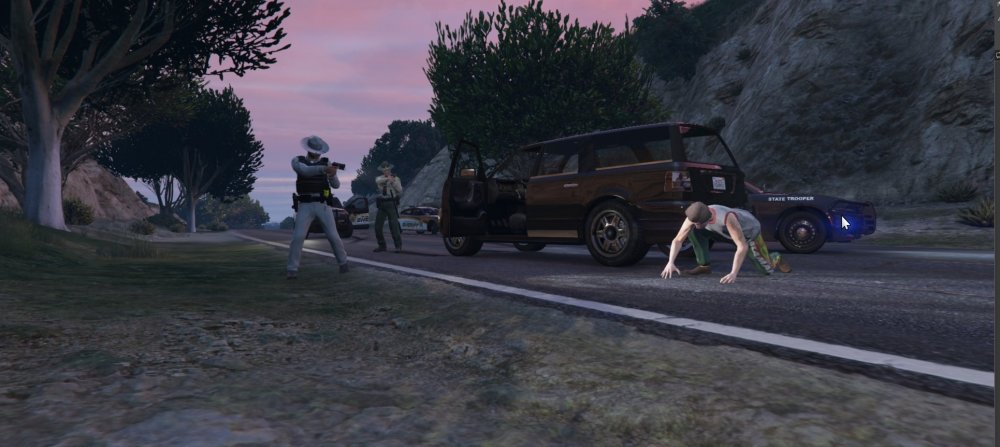
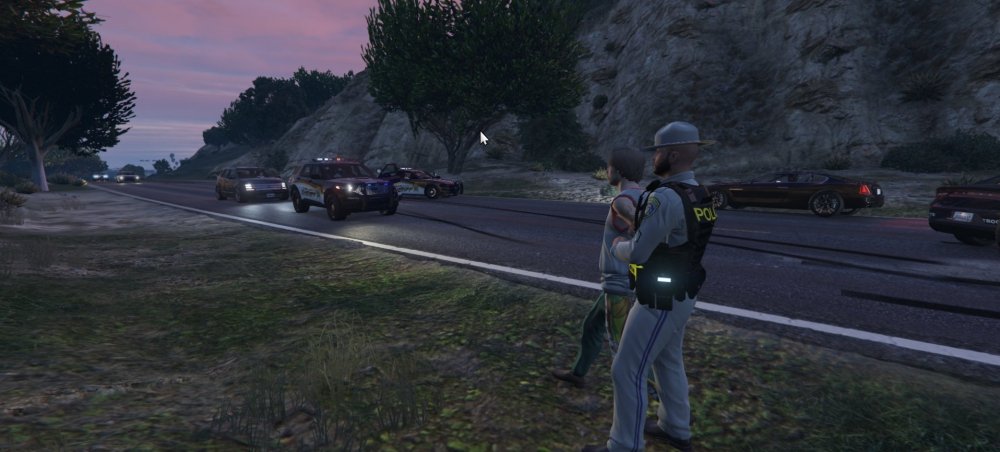
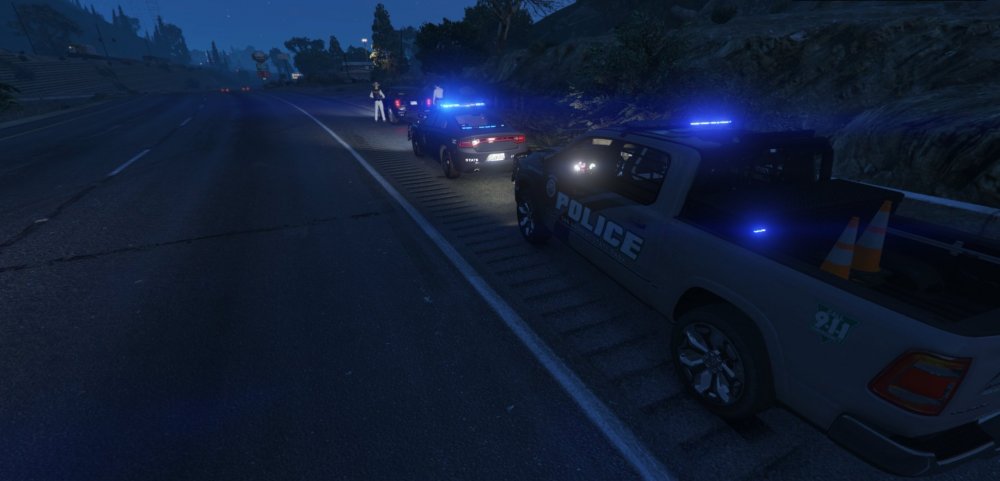
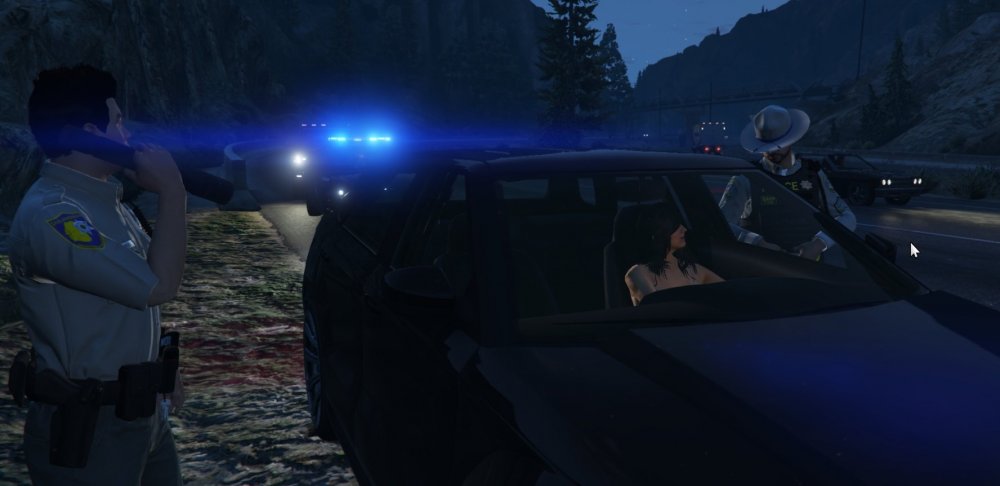
Busy night for SAHP. Assist on a pursuit from Los Santos Sheriffs and a felony trafficking of meth arrest based on a stop for speed.
-
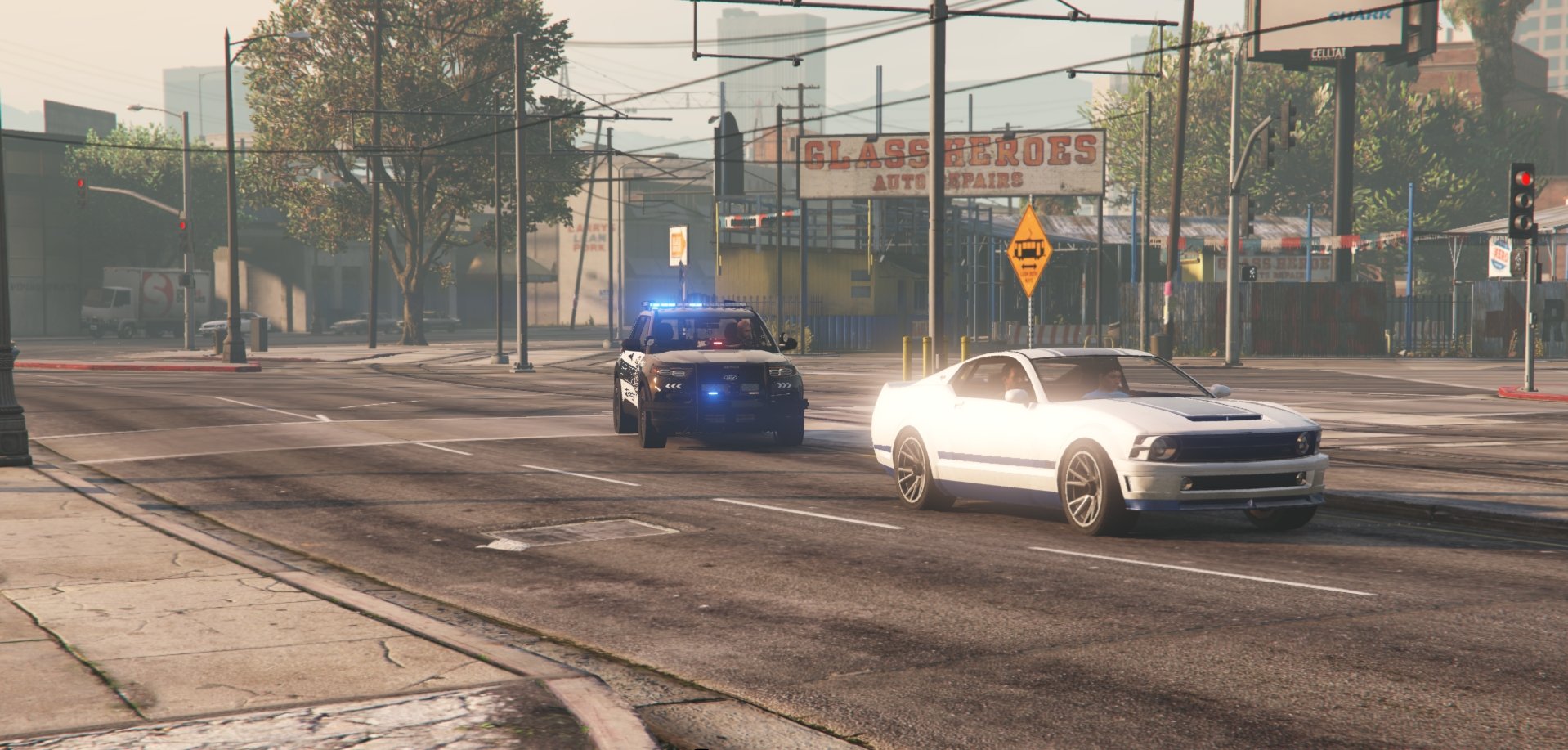
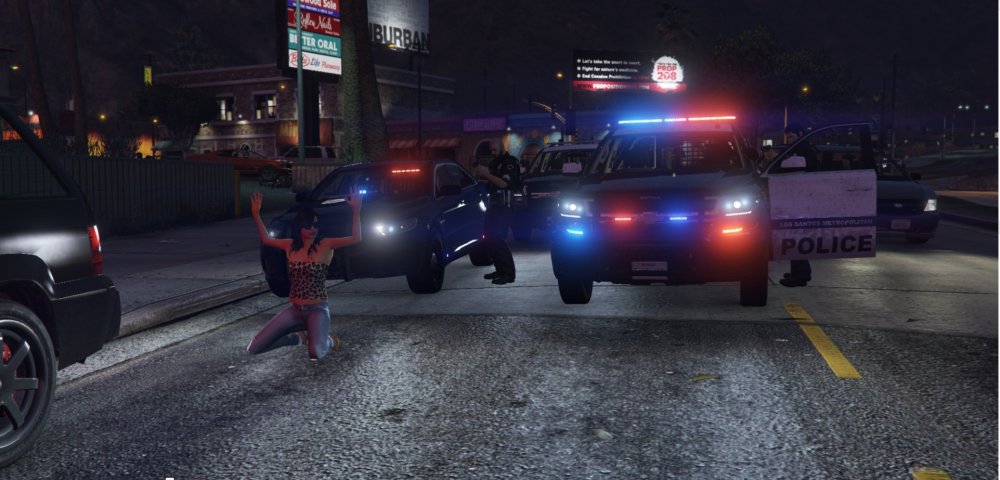
Felony stop on a reported stolen vehicle in Mirror Park.
-
Yeah a bunch of them in different call out packs. I just struggle with when you hit them in the head with the carbine and they don't die. Seems too far fetched for me.
-
Night. State/Highway Patrol Person with a gun/knife. Go in on high alert, ready for all outcomes rather than something routine where you might get lazy and let your guard down.
-
.thumb.png.6942023866a20fa14021ab9ce237a876.png) Have you tried just changing the handling id in the vehicles.meta to Gresley? That should help in the meantime...
Have you tried just changing the handling id in the vehicles.meta to Gresley? That should help in the meantime...- 19 comments
- 1 review
-
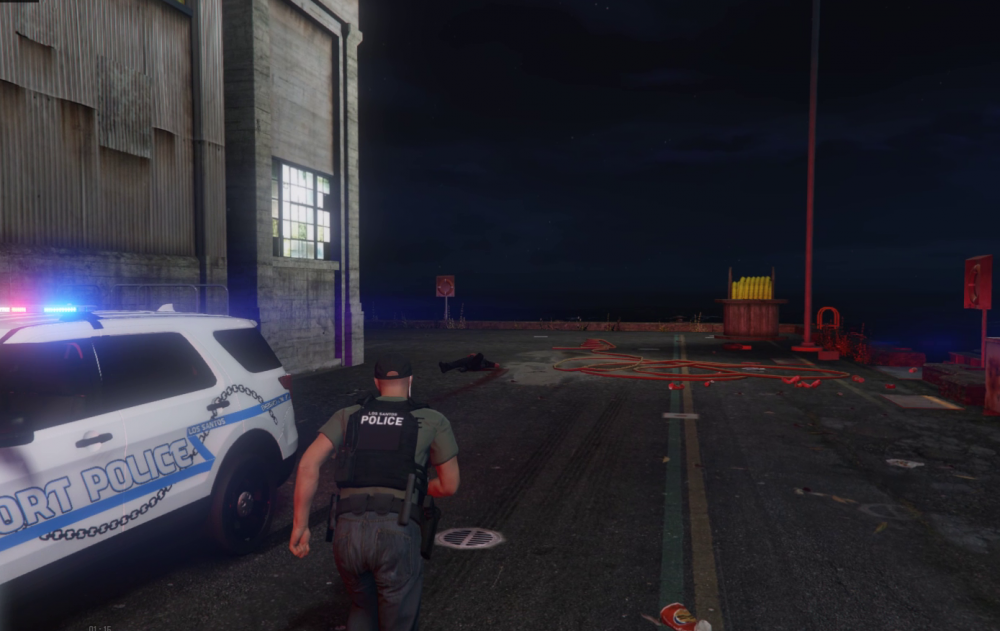
Backing up Los Santos Port Police on a 10-99
-
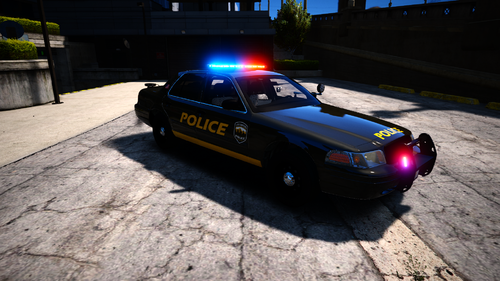 Now that this has been out a while, could you publish the templates? I like the cars and lighting, but I'd like to craft my own liveries. 🙂
 -
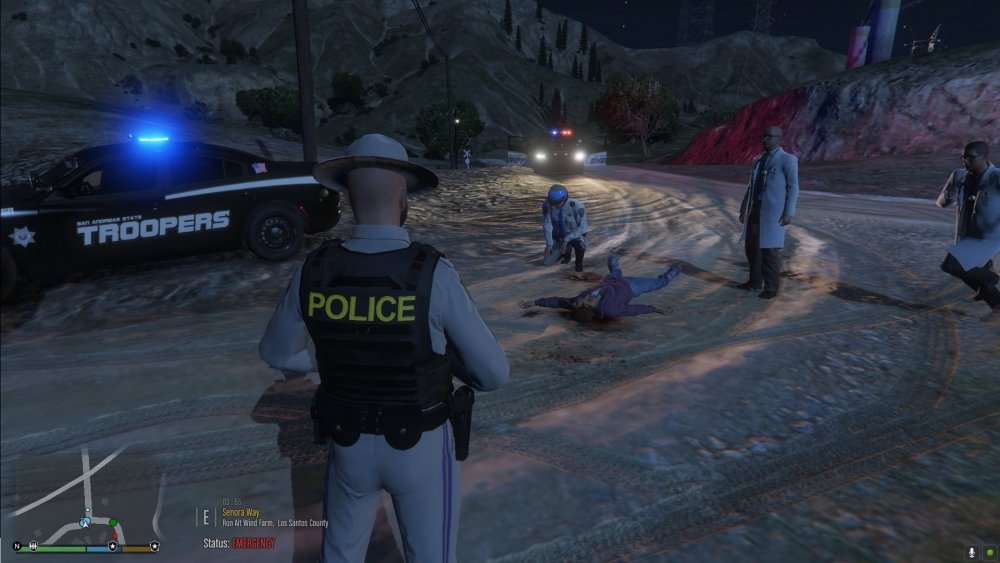
Coroner unit arriving at the scene of an OIS at Ron Alternates Wind Farm.
-
I use a bunch of his mods, my AV doesn't get upset with them.
-
I'm 46 and I'm playing every day. Up to now I've just been mixing people's models with other people's textures to get what I want. Last night I sat down and made my first texture after hours of fighting with it. But now I know I can and I'm going to start making more and we'll see happens!
-
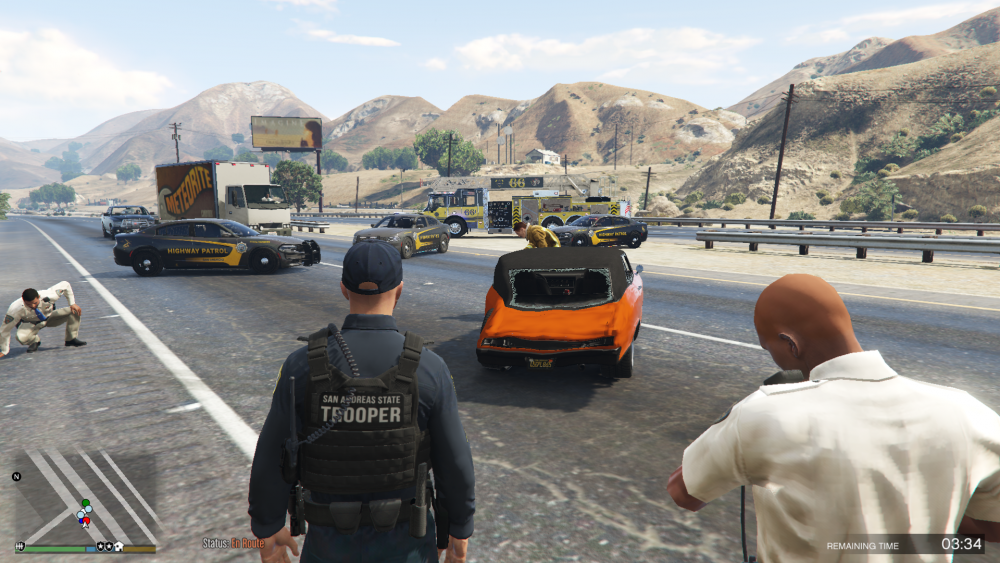
San Andreas Fire Rescue working an MVA with traffic control provided by SAHP.
 As crime continues to run rampant in South Los Santos, a simple call for drug activity turned the Rancho neighborhood into a warzone. An officer from the LSPD patrol division was dispatched to Carson Avenue for a report of drug dealing. When the officer arrived, the alleged drug dealer opened fire. The officer returned fire, took shelter and called for emergency backup. As backup arrived, members of the Ballas street gang joined in the fire fight, engaging members of LSPD, the San Andreas Highway Patrol and the LSPD SWAT unit in fire fight involving automatic assault weapons. The LSPD Public Information Officer has confirmed 10 members of the Ballas gang were killed in the firefight, including Devan Patterson, the man who initially ambushed the officer. One Balla member was wounded and taken to the hospital. The responding officer, Philip (Phil) McCracken was injured in the incident. He was treated at the scene by Los Santos Fire Rescue and is expected to make a full recovery. He is an eight year member of the LSPD, having previously been stationed in Vespucci & Rockford Hills before his current assignment in South Los Santos. He has been placed on administrative leave depending an internal review of the incident. No other officers were injured in the incident.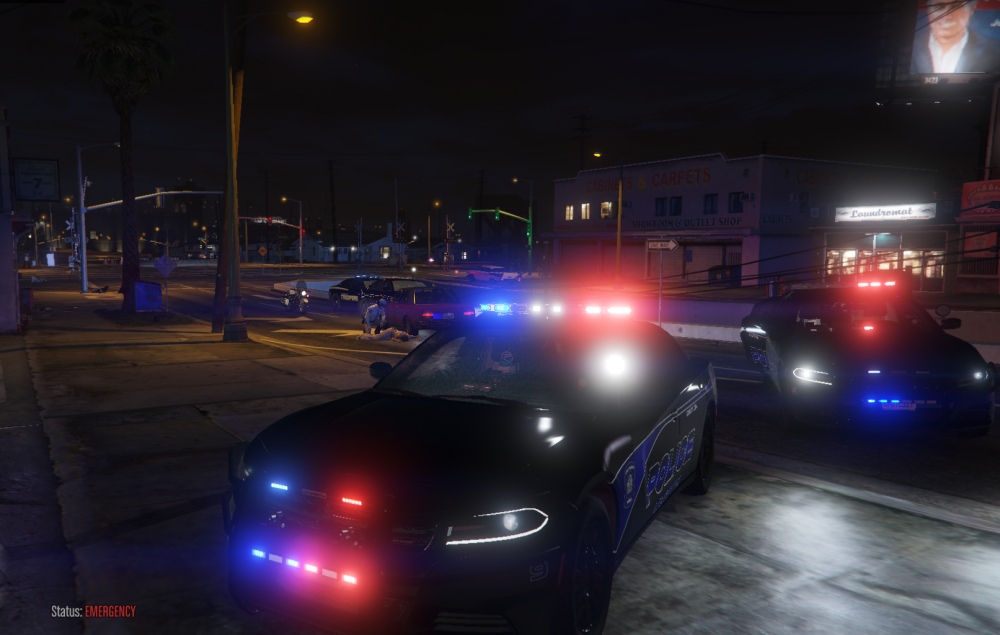
.thumb.png.2ab768efcbe65de23a7d11999ca83cb8.png) I love it, looks great. My ONLY ask would be 3 stage lighting. Other than that, don't touch it!
I love it, looks great. My ONLY ask would be 3 stage lighting. Other than that, don't touch it!- 46 comments
- 5 reviews
 I am on EUP 8.2 but this menu was crashing my game repeatedly as well. I removed it, made no other changes and I haven't had one crash.
- 631 comments
- 71 reviews
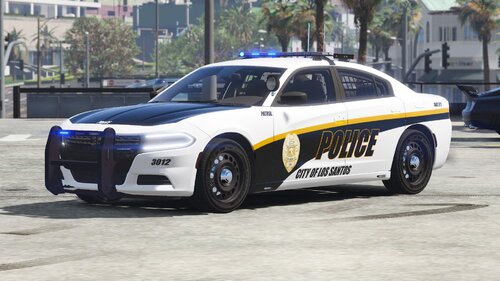 I tried to get the BCSO 2018 charger texture to line up on about 4 different Charger vehicles and they call came out with the rear end with an odd swoop and the text printed sideways on the hood. Which model 2018 Charger should I use?
- 14 comments
- 2 reviews




.thumb.png.6942023866a20fa14021ab9ce237a876.png)


.thumb.png.2ab768efcbe65de23a7d11999ca83cb8.png)
