
Timisekk
Members
-
Joined
-
Last visited
Everything posted by Timisekk
-
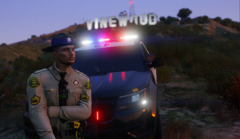
From the album: John Davis
-
This is John’s life
-
-
-
I just solve it, I didnt have NativeUI.
-
Hello, I wish that somebody will help me with my problem here. Everything started when I tried install interior. I installed it and start the game, right after that my game crashed in loading screen, so I removed the interior. I tried start my game again, but still same problem. I decided reinstall mods folder, still crashing. Then I started my game without mods folder, still crashing. Please somebody check my crash report. Thank you very much. Crash report.txt
-
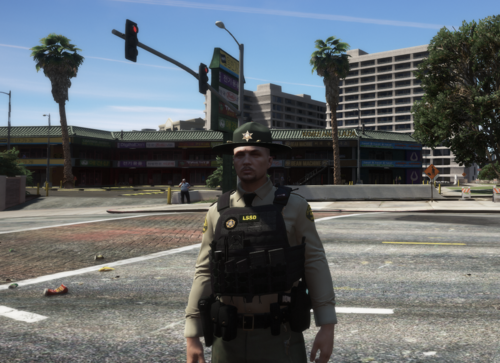 Los Santos Sheriff Department Vest. Model and original texture been used from this.
 -
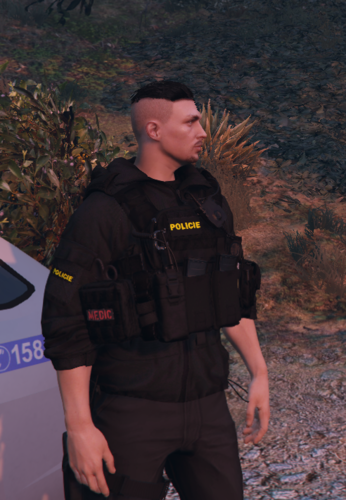 READ THE DISCRIPTION IN INSTALLATION FILE !!!!!!! --------------------------------------------------VESTS INSTALLATION---------------------------------------------- OPEN IV mods > update > x64 > dlcpacks > eup > dlc.rpf > x64 > eup_componentpeds.rpf > drag here. --------------------------------------------------JACKETS INSTALLATION---------------------------------------------- OPEN IV mods > update > x64 > dlcpacks > eup > dlc.rpf > x64 > eup_componentpeds.rpf > drag here For this retextures you need these mods.