Skip to content
View in the app

A better way to browse. Learn more.

LCPDFR.com

A full-screen app on your home screen with push notifications, badges and more.

To install this app on iOS and iPadOS
  1. Tap the Share icon in Safari
  2. Scroll the menu and tap Add to Home Screen.
  3. Tap Add in the top-right corner.
To install this app on Android
  1. Tap the 3-dot menu (⋮) in the top-right corner of the browser.
  2. Tap Add to Home screen or Install app.
  3. Confirm by tapping Install.

sheriffdeputytristen

Members
  • Joined

  • Last visited

Everything posted by sheriffdeputytristen

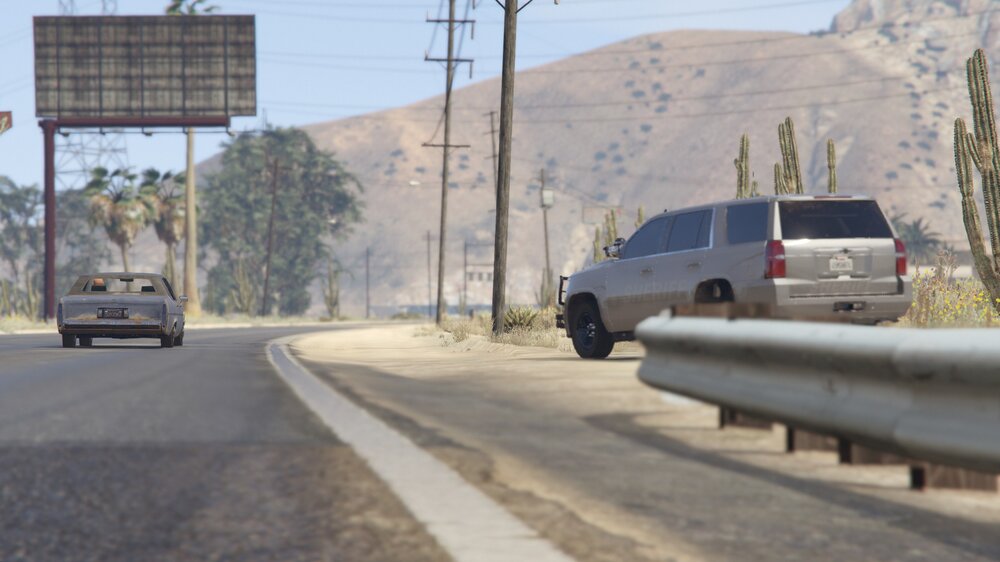
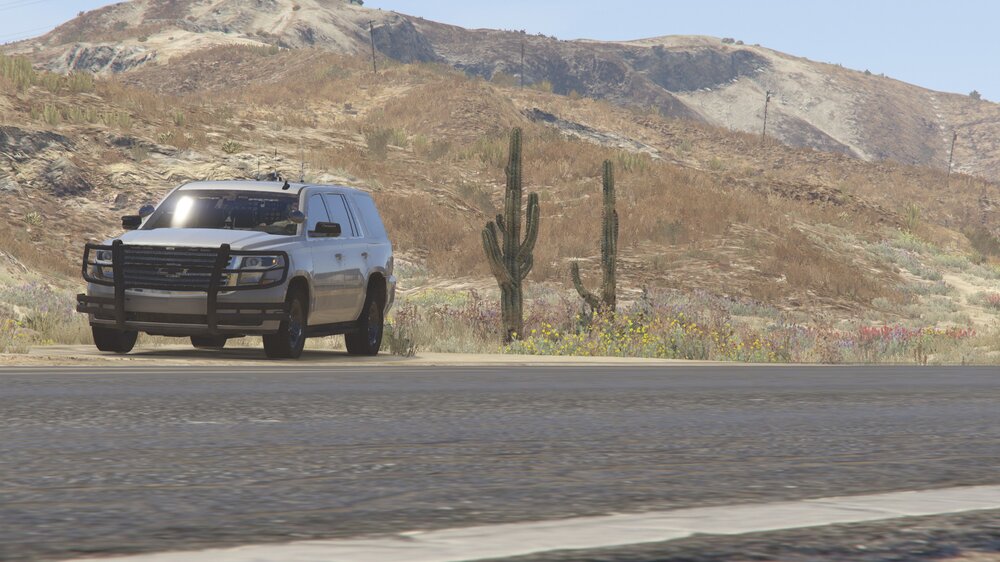
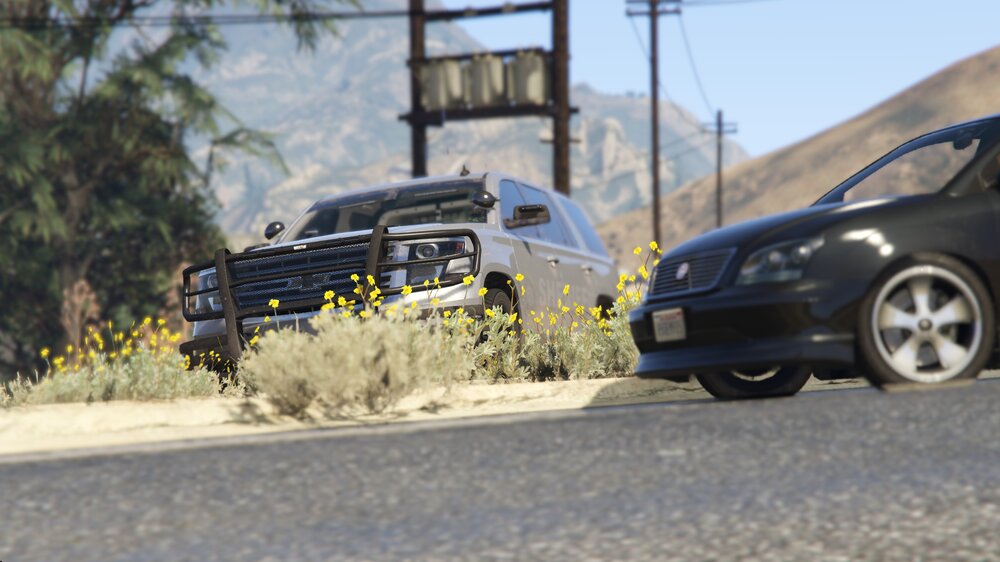
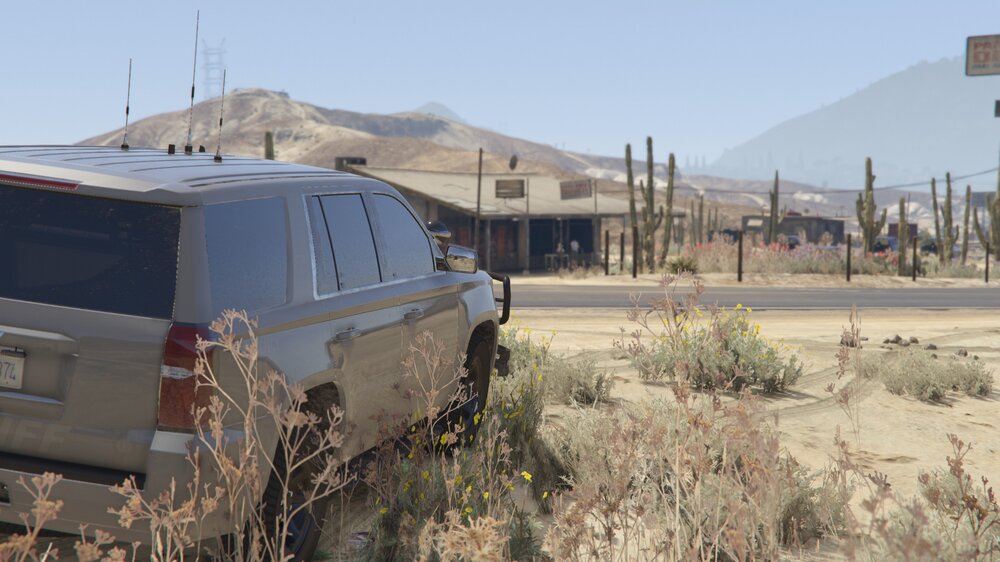
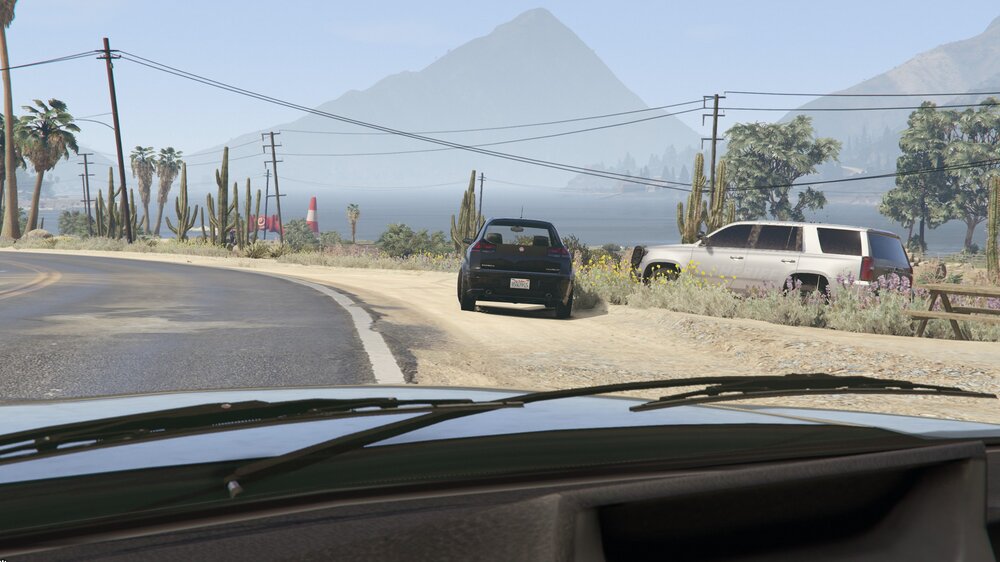
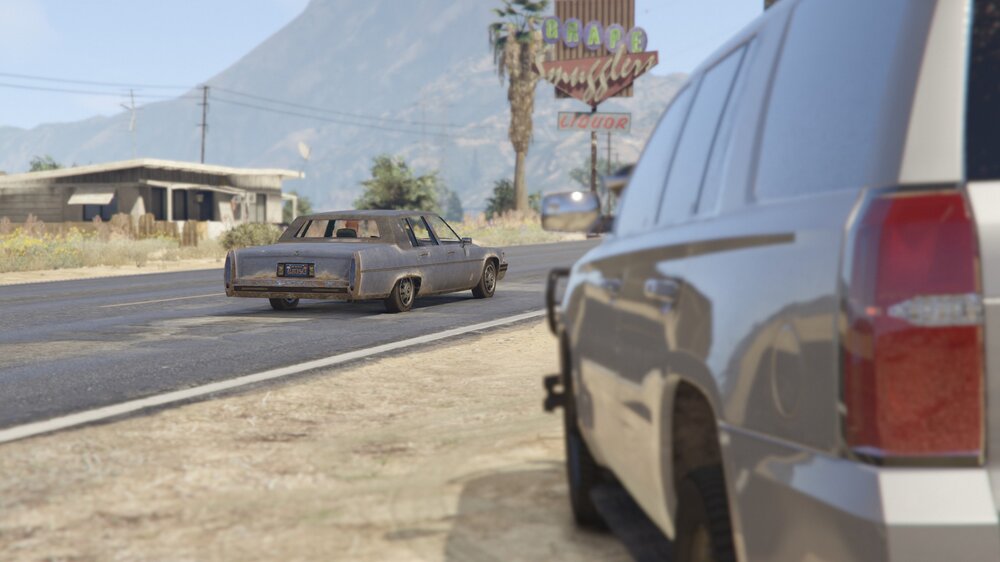
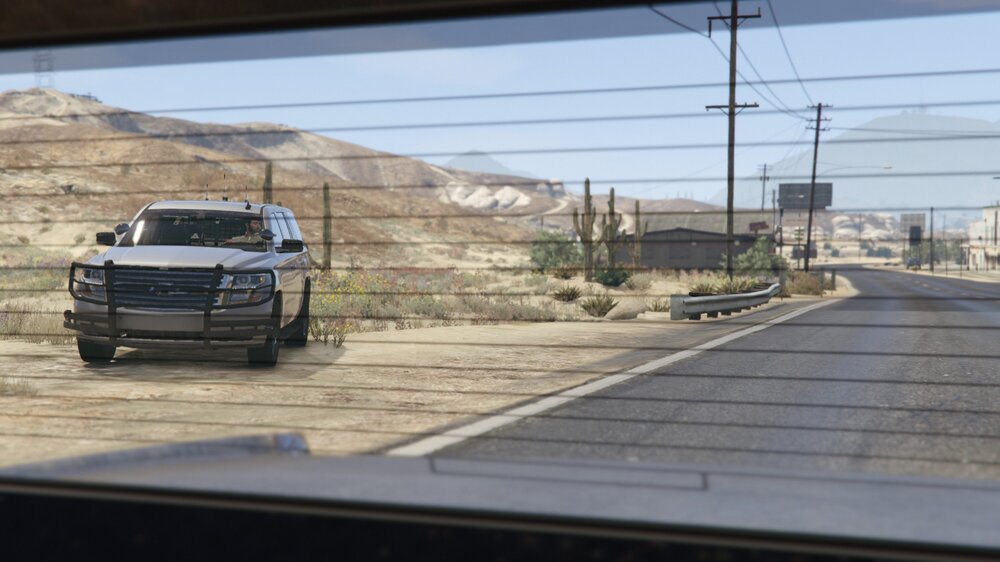
  1. Hi, since I can't post these images on r/lspdfr since I have less than 25 karma, I'll just post them here. My name is Tristen. I've been playing LSPDFR for awhile now and want to be a Sheriff's Deputy IRL. I'm currently 17 so I gotta wait a couple years till I'm 21 to join, which means I'll probably be doing even more LSPDFR stuff like some potential content creation and more in-game pictures but that's all besides the point. I'm open to criticism so please tell me what I could do better for my images. I use Steam to screenshot them so they are in .jpg form but hopefully I'll learn to utilize something better in my future of LSPDFR screenshots. Credits: Here's the vehicle pack I used:
Account

Navigation

Search

Search

Configure browser push notifications

Chrome (Android)
  1. Tap the lock icon next to the address bar.
  2. Tap Permissions → Notifications.
  3. Adjust your preference.
Chrome (Desktop)
  1. Click the padlock icon in the address bar.
  2. Select Site settings.
  3. Find Notifications and adjust your preference.