
CodeRedCustoms
Members
-
Joined
-
Last visited
Everything posted by CodeRedCustoms
-
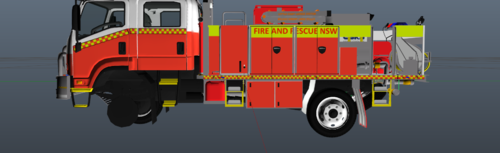 no it is not i just put limited effort into it i do apologise i will add a new version as soon as i can yep cheers when i fix it ill ping u just for ur satisfaction cheers for everyone to know i will re upload a new skin asap but the link provided for this is broken and ill keep this version up i dont mind if people with to leave critisim i can take it without cracking the shits no i have my SOT skin uploaded as well should u wish to look at it feel free ill update this asap
 -
this is a skin for MacGregors nsw RFS tanker skin credits must got to blue fleet productions model is not included a link will be provided to the exact model link my discord link https://discord.gg/qBdvjV5P65 skin rules cant be used to make ur own skin cant claim it as urs and u may not use any parts to put on ur skin at all
-
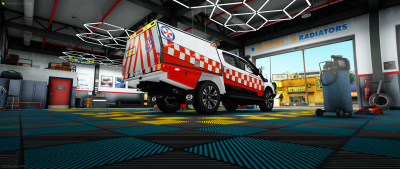 ill fix that up now this is the base model ill keep this in mind in the future sorry just download this and my current file and drag and drop into the wtd and save then drag ur files into the server then press play
 -
credits for the skin must go to bluefleet productions and model credits go to zac. do not claim this skin as urs and do not reuse parts of the skin for your own skin