Dr.FireDragon03
Members
-
Joined
-
Last visited
Everything posted by Dr.FireDragon03
-
i redownloaded it yesterday and used the latest one there wasi did this first and i only added gameconfig and [ELS] Thero's State Wide Services Pack (LEO, EMS, Fire, Plus More) 1.1 and i think i did it right but not sure. and then just redid Heap and Pack file Adjusters. could it be the car pack not installed correctly? or is it correct?
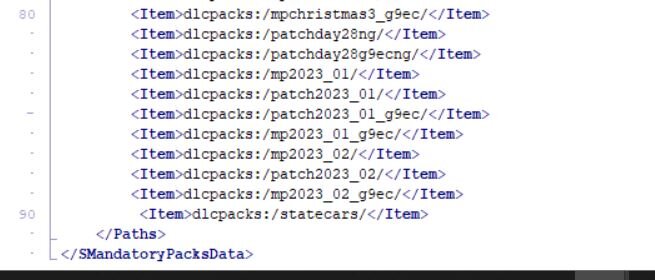
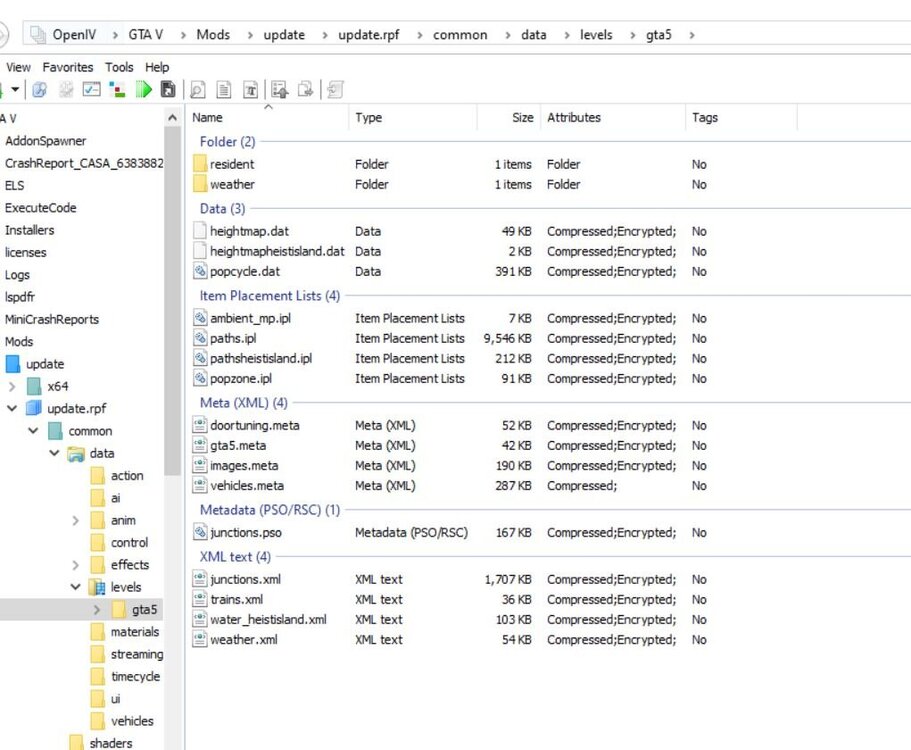
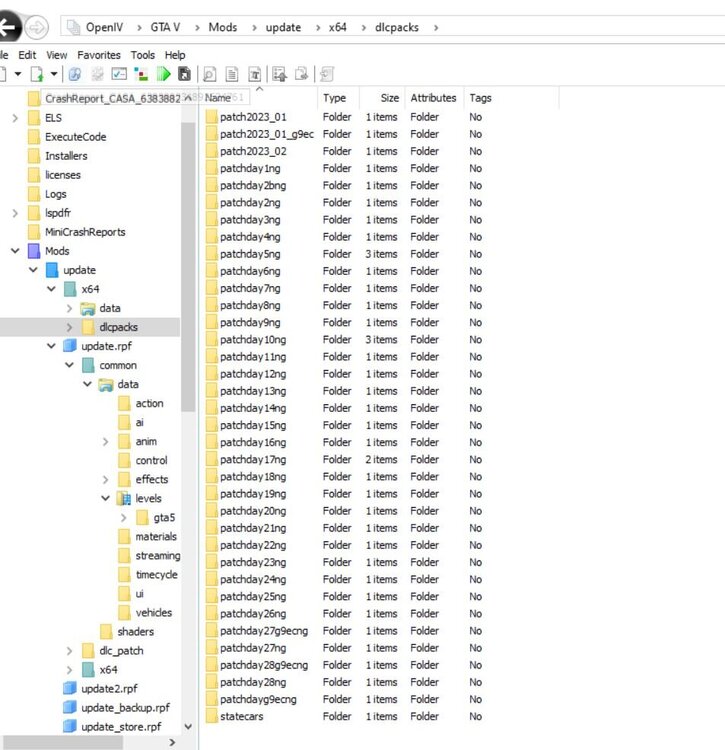
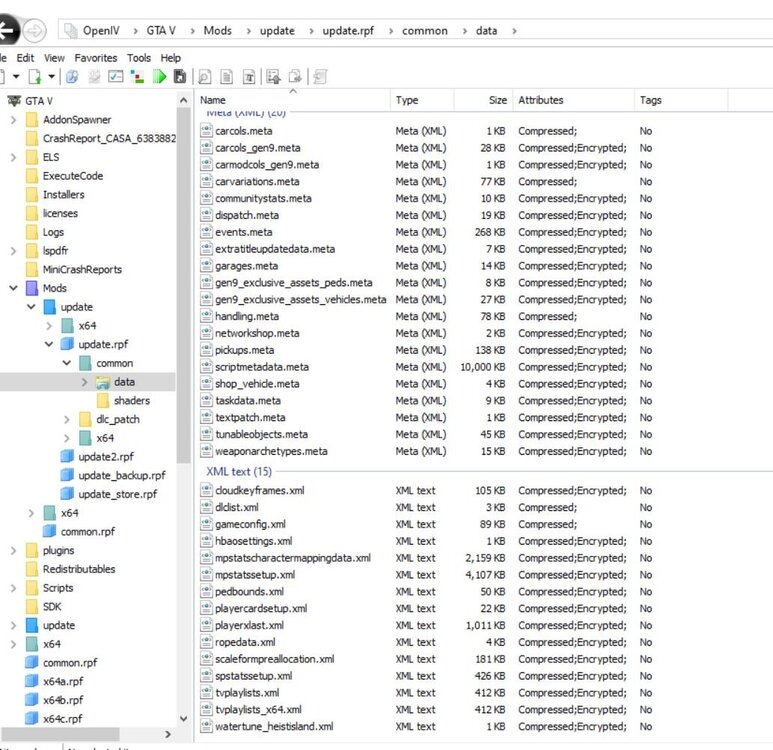 yesi just redownloaded them and added them but still crashed.RagePluginHook.log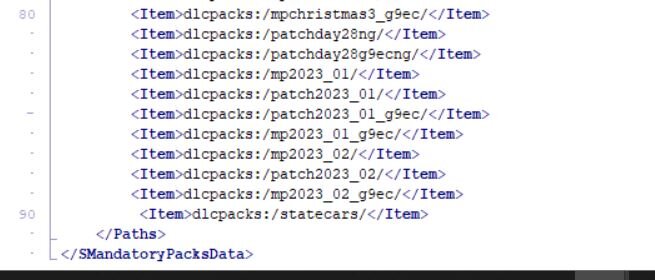
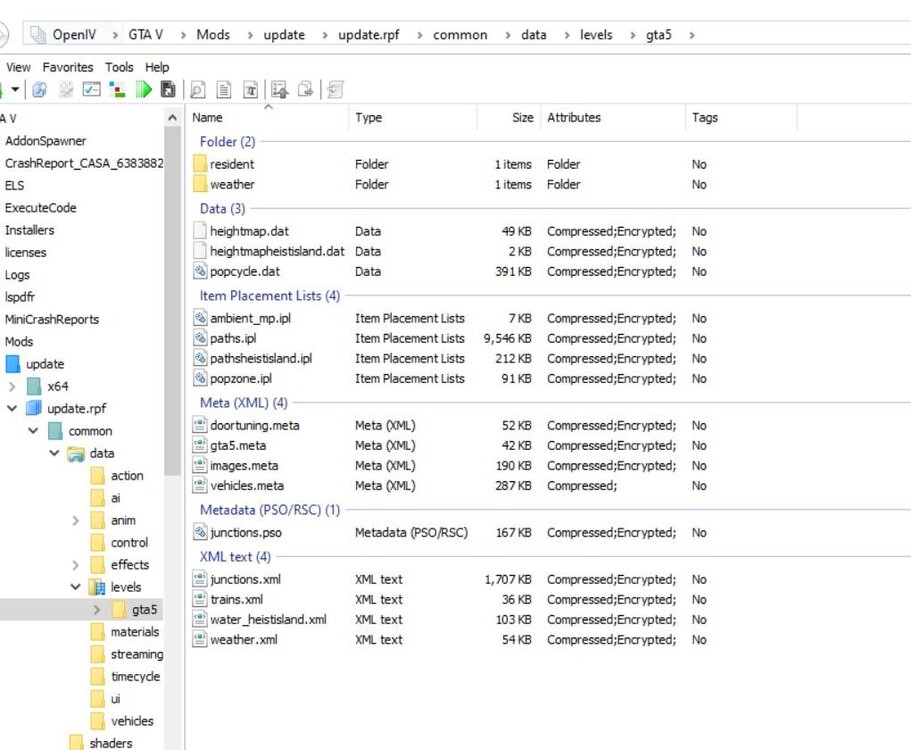
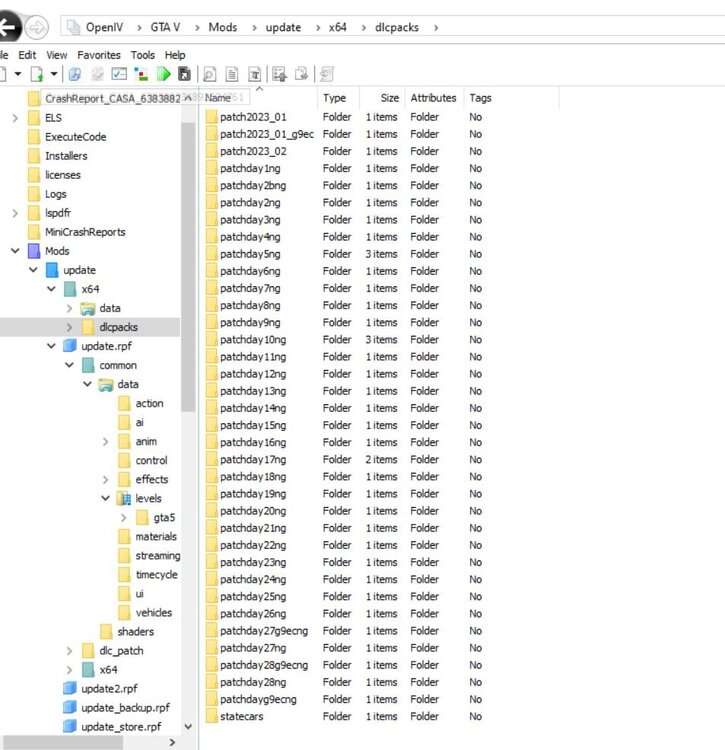
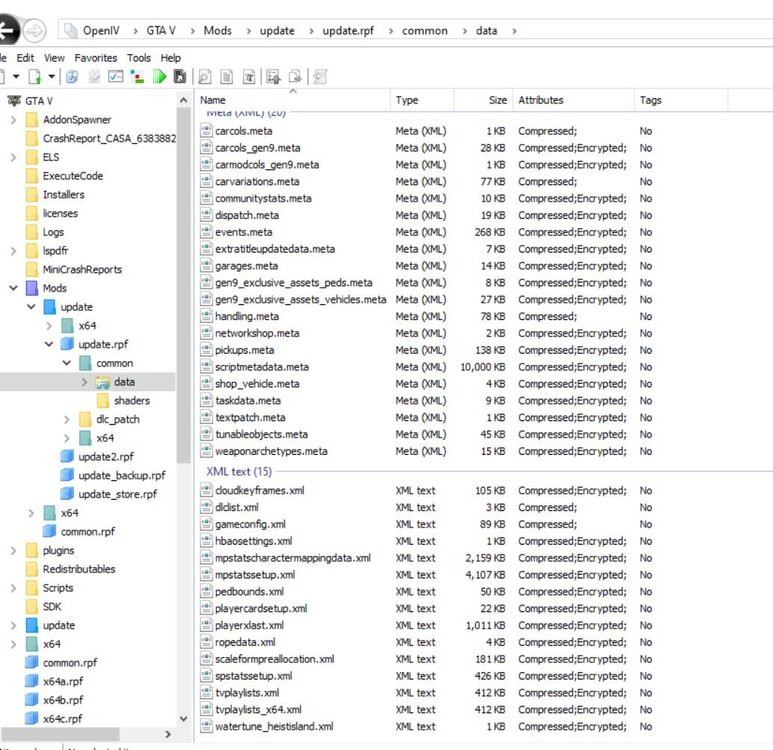 so it had to do with something in my mods folder so i redid my mods folder and all i put in it through Open IV was the new gameconfig and a this car pack Thero's ELS State Wide Pack v1.1 witch does not have in instructions so i think i got evreything done corectly. RagePluginHook.log
RagePluginHook_22122023_061832.logI just updated everything and now GTA its self is crashing as well as when loaded with RPH and LSPDFRGTA keeps Crashing And cant figure out why? This is What i getyou reminded me to redownload winrar thank youAll there is when i download ELS is a .rar file. What do i do or where can i get the whole download?I start up normally then as it finishes loading LSPDFR crashes and never loads up. But if i load without LSPDFR it loads fine until i try to load LSPDFR manually it crashes again and loads infinitely.
so it had to do with something in my mods folder so i redid my mods folder and all i put in it through Open IV was the new gameconfig and a this car pack Thero's ELS State Wide Pack v1.1 witch does not have in instructions so i think i got evreything done corectly. RagePluginHook.log
RagePluginHook_22122023_061832.logI just updated everything and now GTA its self is crashing as well as when loaded with RPH and LSPDFRGTA keeps Crashing And cant figure out why? This is What i getyou reminded me to redownload winrar thank youAll there is when i download ELS is a .rar file. What do i do or where can i get the whole download?I start up normally then as it finishes loading LSPDFR crashes and never loads up. But if i load without LSPDFR it loads fine until i try to load LSPDFR manually it crashes again and loads infinitely.