


Spaingler
Members
-
Joined
-
Last visited
Everything posted by Spaingler
-
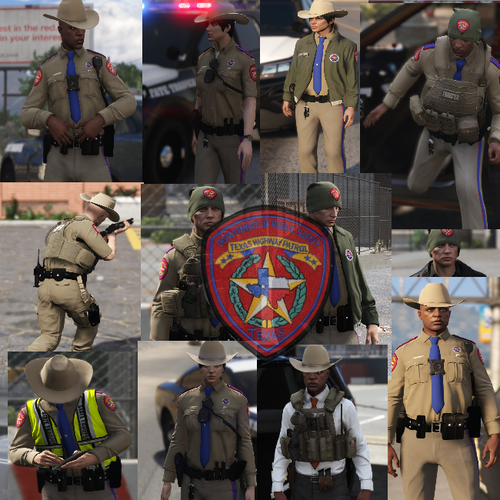 First off, how can I install this content correctly? Because I tried installing it and putting all the files in the recent patch notes on OpenIV - but when I go in game, I don't see any of the outfits in game, and yes I have EUP L&O and S&R but I don't see the outfits of Texas DPS on the EUP menu. I also remember before uninstalling this mod is that I thought there were a lot of outfits and it was very complicated to install, but I still installed it and was able to play LSPDFR with the Texas DPS outfits a year ago, and now there is barely any instructions that I don't know what to do, can someone help me with this issue?
- 25 comments
- 3 reviews

