TrooperHagler
Members
-
Joined
-
Last visited
Everything posted by TrooperHagler
-
Nevermind I got it working. Bad ELS file
-
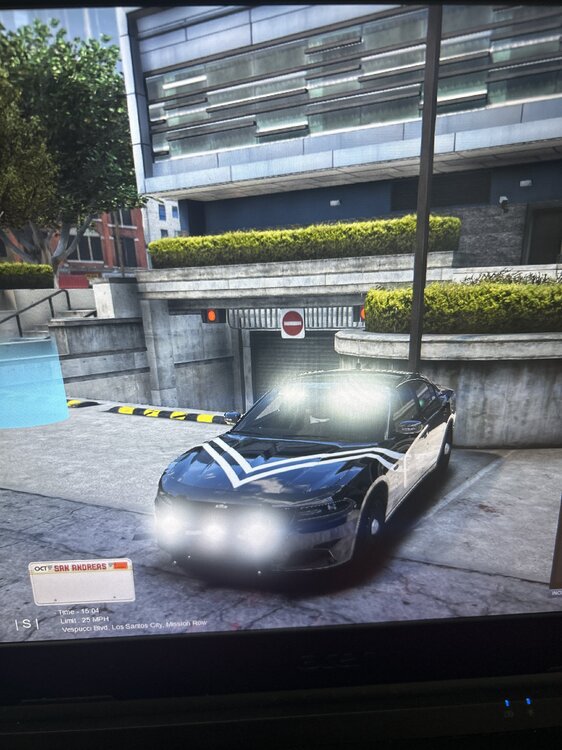
Any suggestions on how to fix my takedown lights? No matter what vehicle I put into the sheriff.yft file, the takedown lights won’t turn off. As soon as my character gets into the vehicle, the tdl turns on and won’t go off. I’ve tried turning them off with the controller/keyboard, looked at the els files, and re-downloaded els. Nothing has fixed the problem. Pls help🙃
-
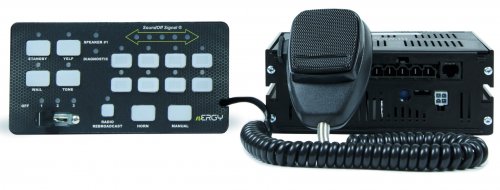 why not just get on a computer and redo everything, instead of making us do all the work... This is your upload, so fix it. What you're asking us to do, could potentially mess up our game. just find a computer dude
- 39 comments
- 1 review
-
-

- 1
-
-
-
have you fixed the files yet? one of my favorite sirens are in here but i cant use it until you fix it
- 39 comments
- 1 review
-
-
- 1
-
-
-
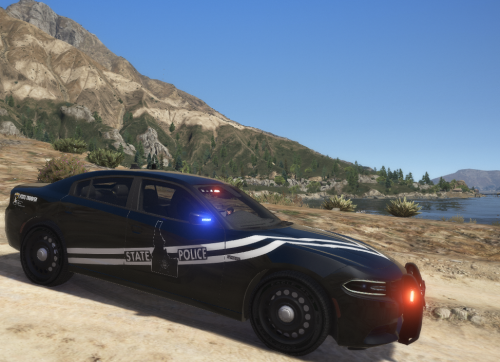 I cannot find an 2018 charger that will fit the png file. The ISP vinyl wrap/graphics are all messed up. The listed link does fit properly, has rear facing takedown lights.... send help lol
- 19 comments
- 6 reviews
-
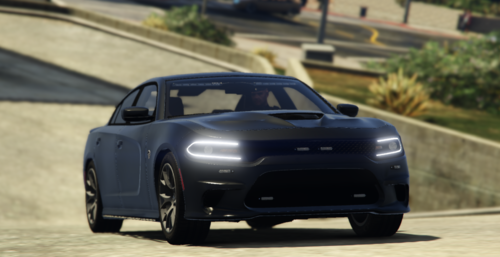 car is great! By chance, can you fix the takedown lights? they're facing backwards.
 -
-
-