LoneStoneSgt47
Members
-
Joined
-
Last visited
Everything posted by LoneStoneSgt47
-
Pretty straight forward, after only about 10 minutes of using LSPDFR, my game instantly crashes. Callouts/Plugins Installed : - Immersive Dispatch - Stop The Ped - United Callouts - Ultimate Backup - CompuLite RagePluginHook.log
-
Gotcha. Be back shortly with a update. Ran it for 6 minutes exactly, still crashed. RagePluginHook.logHere's the log again (updated) just in case you want to overlook it.
-
In response to your questions in order : 1) Game only crashes when LSPDFR is active/running. 2) No, I do not. / Yes I performed the operation of disabling mods folder. 3) Plugins Installed : - Basic Callouts (now removed) - CompuLite - Immersive Dispatch - Pursuit Pack - Rich Ambiance - StopThePed - TrafficEvents (now removed) - Ultimate Backup - United Callouts
-
Pretty much stumped at this point. (Already tried the renaming fix, to no avail.) Normally would be responding to a call or getting ready to wrap up one and the game would crash. Any help/ideas to fix the issue? RagePluginHook.log
-
Forgive me for the slowness, but how would I go about fixing the issue (as far as the "undo any changes" goes) because I don't have any flashlight installed.
-
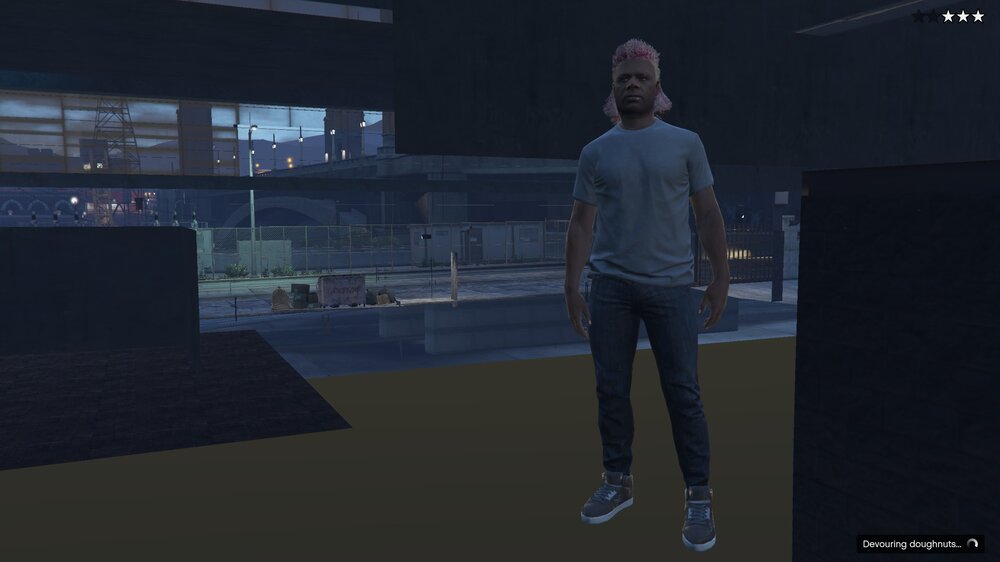
When I try to go on duty for the first time, the building never loads, and quite naturally I have to create a LSPDFR character. When I do this, and then try to go on duty, LSPDFR crashes. Also, police officers outside the station load in with green t-shirts and checkered shoes. Any help? Edit : RAGELog Added RagePluginHook.log