




Dalton9086
Members
-
Joined
-
Last visited
Everything posted by Dalton9086
-
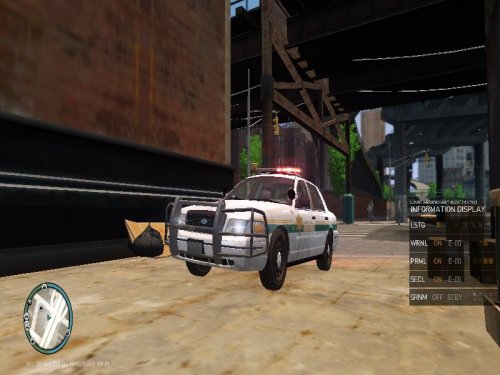 Don't focus on their negative comments! Some are just taking the gaming world to serious. Yes, there are a few things which could be done to improve it, however, for a new person starting out in the modding world you did alright. I think people dealt with this case wrongly, maybe constructive criticism would have been best solution compared to spaghetti idea of tackling a problem. Anyway good job mate!
- 36 comments
- 9 reviews
-
-

- 4
-
-
-
-
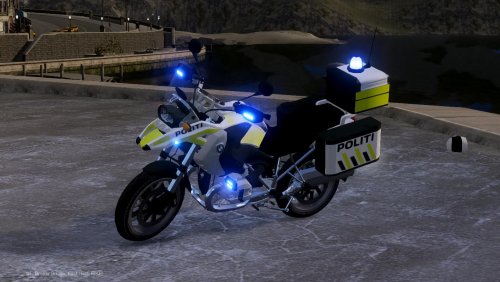 Amazing model bud, have you thought about releasing a civilian version.


