
Arrestedset6782
Members
-
Joined
-
Last visited
Everything posted by Arrestedset6782
-
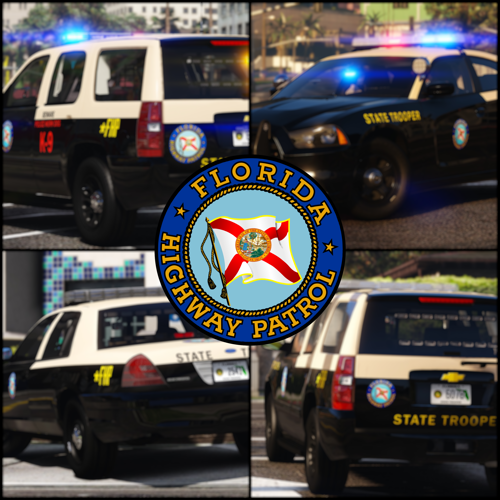 In the first 2 pictures, it shows an unmarked charger, which, by looking at the wheels and rear lightbar, I can only assume is FHP48, with the additional brake lights, but the model in-game doesn't have them. Is there something I need to enable for them to work?
- 300 comments
- 23 reviews
-
-

- 1
-
-
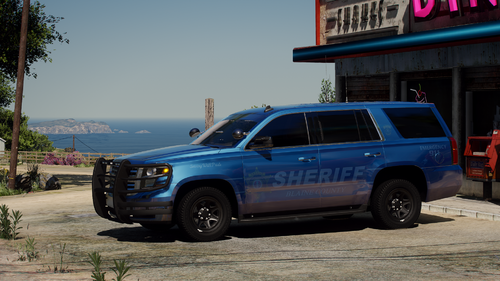 what did you use to edit the dlc.rpf? i love the f150s but i cant use them since none of the police features other than els work on them
- 77 comments
- 10 reviews
-