Maliksvc
Members
-
Joined
-
Last visited
Everything posted by Maliksvc
-
it worked thank you!
-
it cannot be opned as an administrator
-
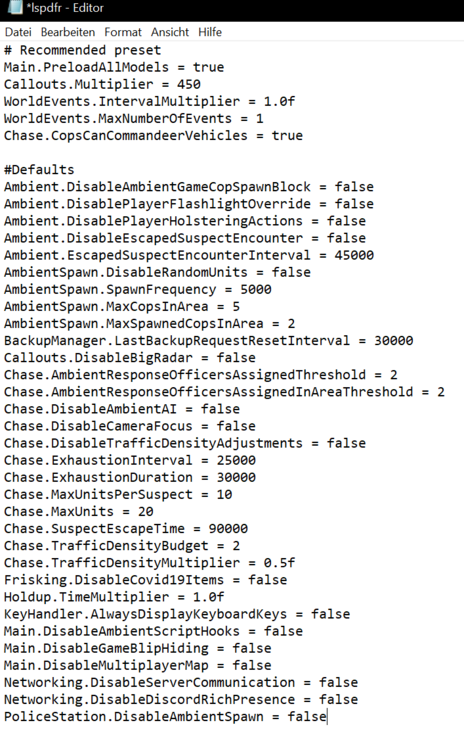
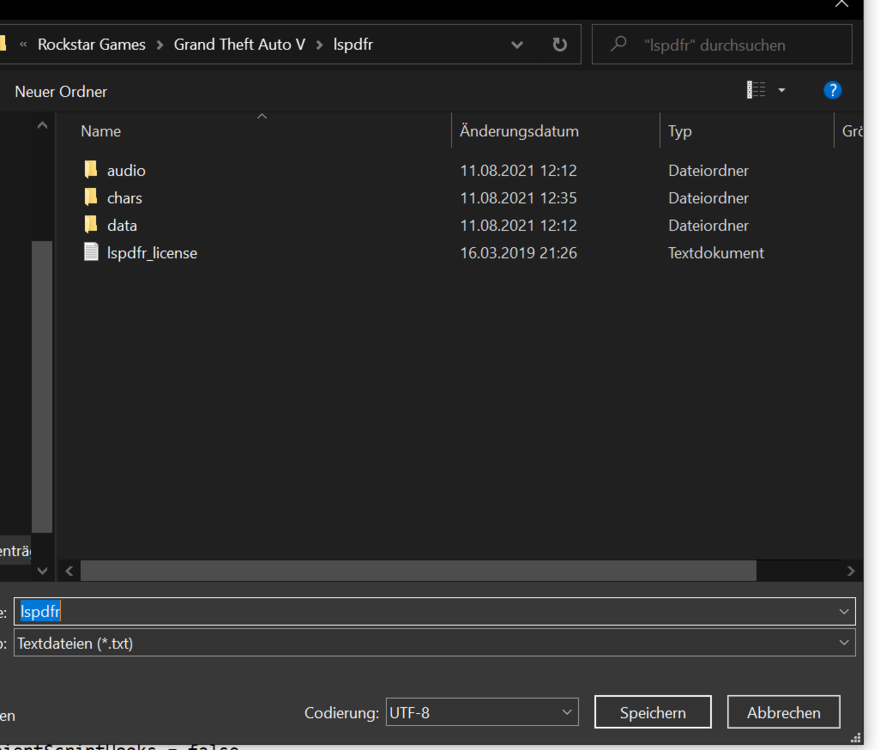
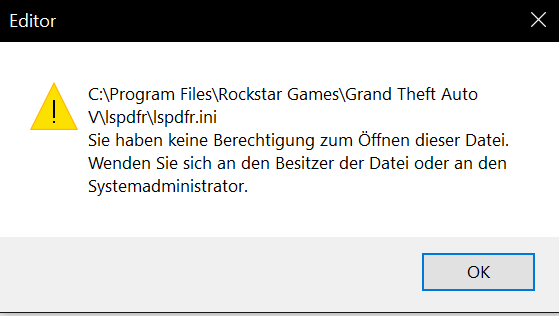
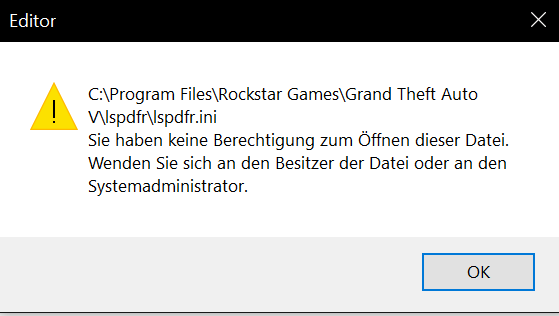
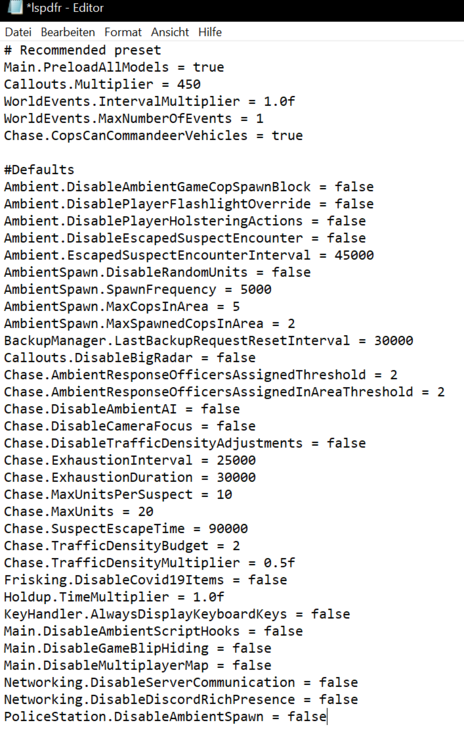
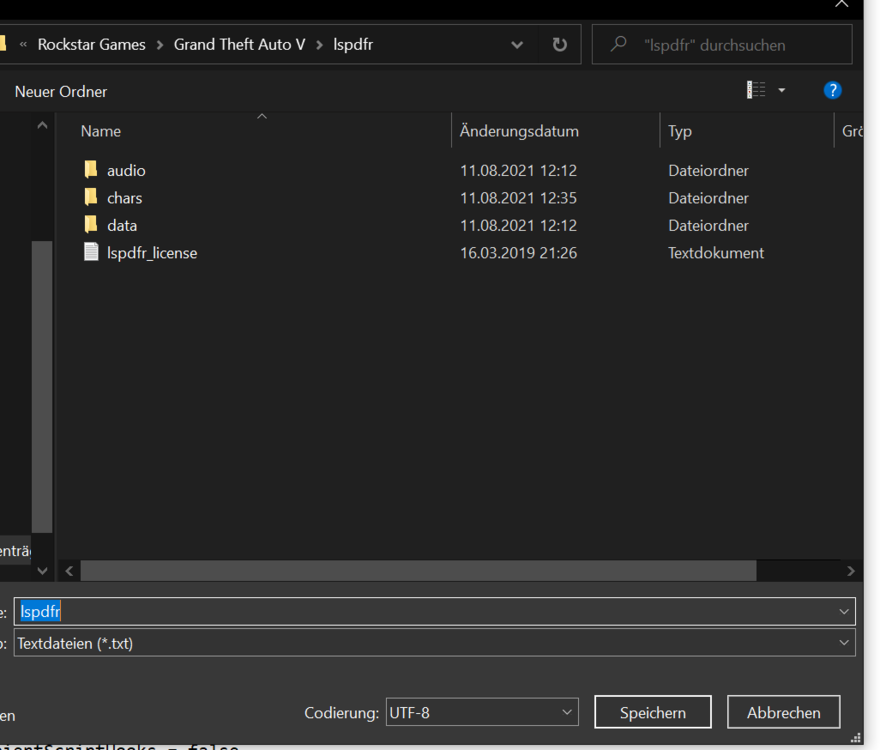
Hello, I downloaded lspdfr yesterday and everything works fine, only I rarely get call outs and have to wait a long time. Then I tried to put the callout.multiplier in the lspdfr file, but every time I want to save the file, it says that I don't have the rights for it? how can I put the value up and save it ????
-
Hallo, ich habe seid gestern lspdfr runtergeladen und alles klappt gut nur ich bekomme zu selten call outs und muss ständig lange warten. Dann habe ich versucht den callout.multiplier in den lspdfr datein hochzustellen, aber jedesmal wenn ich die datei speichern möchte steht dort das ich nicht die rechte dafür habe? wie kann ich den wert hochstellen und abspeichern????