



Platzly
Members
-
Joined
-
Last visited
Everything posted by Platzly
-
 Im still in the works of fixing the issue, im not that sure whats makeing it do that, thanks for your patience
 -
No it is not, let me l;ook into it, ill try to have it fixed by tonight, thank you for telling me
-
Hello i am back with another thing? i think, but anyways ive just put this togeter for fun, some parts are a little whonky but let me know if theres any bugs or issue, thanks for downloading : )
-
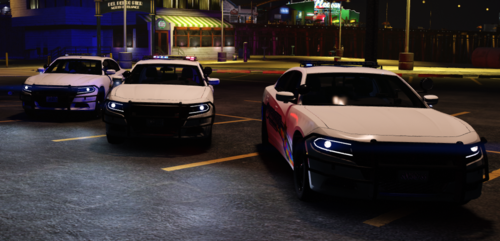
2018 charger im working on (car is maxs base and liverys by me
-
From the album: WIP (coming soon)
-
From the album: WIP (coming soon)
-
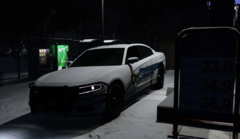
From the album: WIP (coming soon)
-
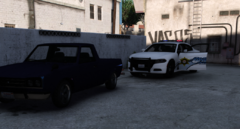
From the album: WIP (coming soon)
-
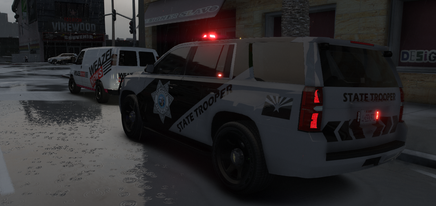 FOR NOW JUST PUT TINT TO "STOCK" OR "NONE" IT TINTS THE LIGHT BAR AND PARTION ON SPAWN I WILL LOOK INTO FIXING IT This a a Tahoe that was based off of Arizonas State troopers, Letme know if i missed any credits or if there is any issue, thank you for even considering on download this car DO NOT RIP OR CHANGE ANYTHING ON THIS CAR, FEEL FREE TO SUGGEST STUFF DISCORD-https://discord.gg/xA4fup9hHx
 -
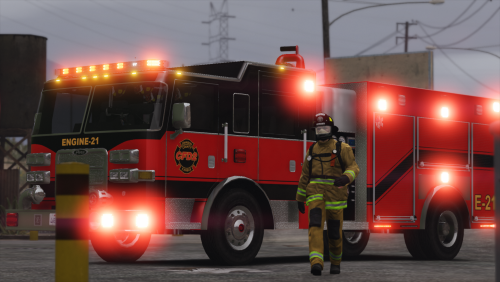 Bro, i fuckin love this, looks really nice good work
 -
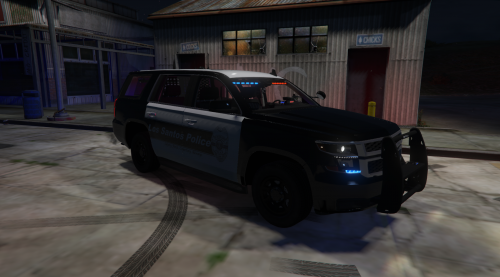 Well heres another pack, this pack has taken a long time to make, i know some cars have tos wierd issue texture wise, im gonna work on fixing them as they go. INSTALL ------------------------------------------------------------------------------------ PACK I USED https://www.lcpdfr.com/downloads/gta5mods/vehiclemodels/25892-els-lspd-legacy-pack/ -------------------------------------------------------------------------------------------------------------------------------------------------------------------- How to install you open OpenIV and going into your mods folder, Then Locate the LegacyPack, Then Go into the ytd files in openiv and the search up in them "Sign" they will look something like this (chgr_sign_1). Then hit Replace and the add the one from the Los Santos PD Texture Pack, Go into Textures and then and then click onto the corasponding File Name (Some may be slightly diffrent) LSPD1 ((NON SLICK FOLDER)CVPI_SIGN_1) LSPD2 ((NON SLICK FOLDER)Chrg_SIGN_1) LSPD3 ((NON SLICK FOLDER)LIVERY_CHRG_SIGN_1) LSPD4 ((NON SLICK FOLDER)TAU_SIGN_1) LSPD5 ((NON SLICK FOLDER)TAHOE_SIGN_1) LSPD6 ((NON SLICK FOLDER)EXP_SIGN_1) LSPD7 ((NON SLICK FOLDER)TAHOEPPV_SIGN_1) LSPD8 ((NON SLICK FOLDER)THER_SIGN_1) LSPD9 ((NON SLICK FOLDER)20EXP_SIGN_1) LSPD11 ((SLICK FOLDER)CVPI_SIGN_1) LSPD12 ((SLICK FOLDER)Chrg_SIGN_1) LSPD13 ((SLICK FOLDER)LIVERY_CHRG_SIGN_1) LSPD14 ((SLICK FOLDER)TAU_SIGN_1) LSPD15 ((SLICK FOLDER)TAHOE_SIGN_1) LSPD16 ((SLICK FOLDER)EXP_SIGN_1) LSPD17 ((SLICK FOLDER)TAHOEPPV_SIGN_1) LSPD18 ((SLICK FOLDER)THER_SIGN_1) DO NOY USE IS BROKE IDK WHY IT JUST IS THE DEV IG JUST RELESED IT THAT WAY IDK) LSPD19 ((SLICK FOLDER)20EXP_SIGN_1) ------------------------------------------------------------------------------------------------------------------------------------------------------------------------------------------------------------------ Credit Textures: Platzly (Me) Cars: Ripple ---------------------------------------------------------------------------------------------------------------------------------------------------------------------------------------------------------- I honestly want to know if you hate this or like it, or what i could change, and also what liverys i should do next, and also tell me car pack that you whould like to see me make textures for just dm me in lspdfr or on discord DISCORD LINK IF YOU WANT IDK(https://discord.gg/5WXqNcn7pJ)
 -
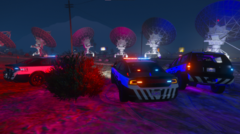 Also dont mind my shit graphics even tho im useing NVE
 -
-
My Unrelesed LSPD livery pack that uses @Ripple's Legacy Pack Witch is amazing ngl
-
-
-
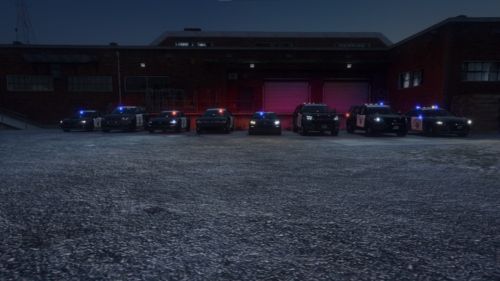 Goddamn this has 10x more views and download then i thought it whould, But im working on the pd pack hopefully it will be done soo i think it will be a 7-10 car livery pack but each car has slicktop aka supervisor cars withch will have a livery that say supervisor on it. and afther that i will rework this pack because some cars are very scuffed lol,
 -
So, Im proably not gonna get this next pack out for a little bit because i have been dealing with school but i plain on working on this all nigh, So with that said all ill say is my next pack is PD
-
-
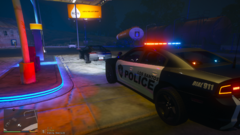
From the album: Preview (still have alot to do to just this one car)
Last one i think lol -
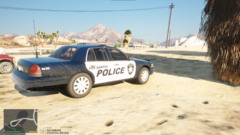 Yea.... i just did it first out of all the livery's just to get it out of the way i actually just got done with the 14 charger
 -
From the album: Preview (still have alot to do to just this one car)
-
Thank man, im shocked how good these turned out for my first pack
-
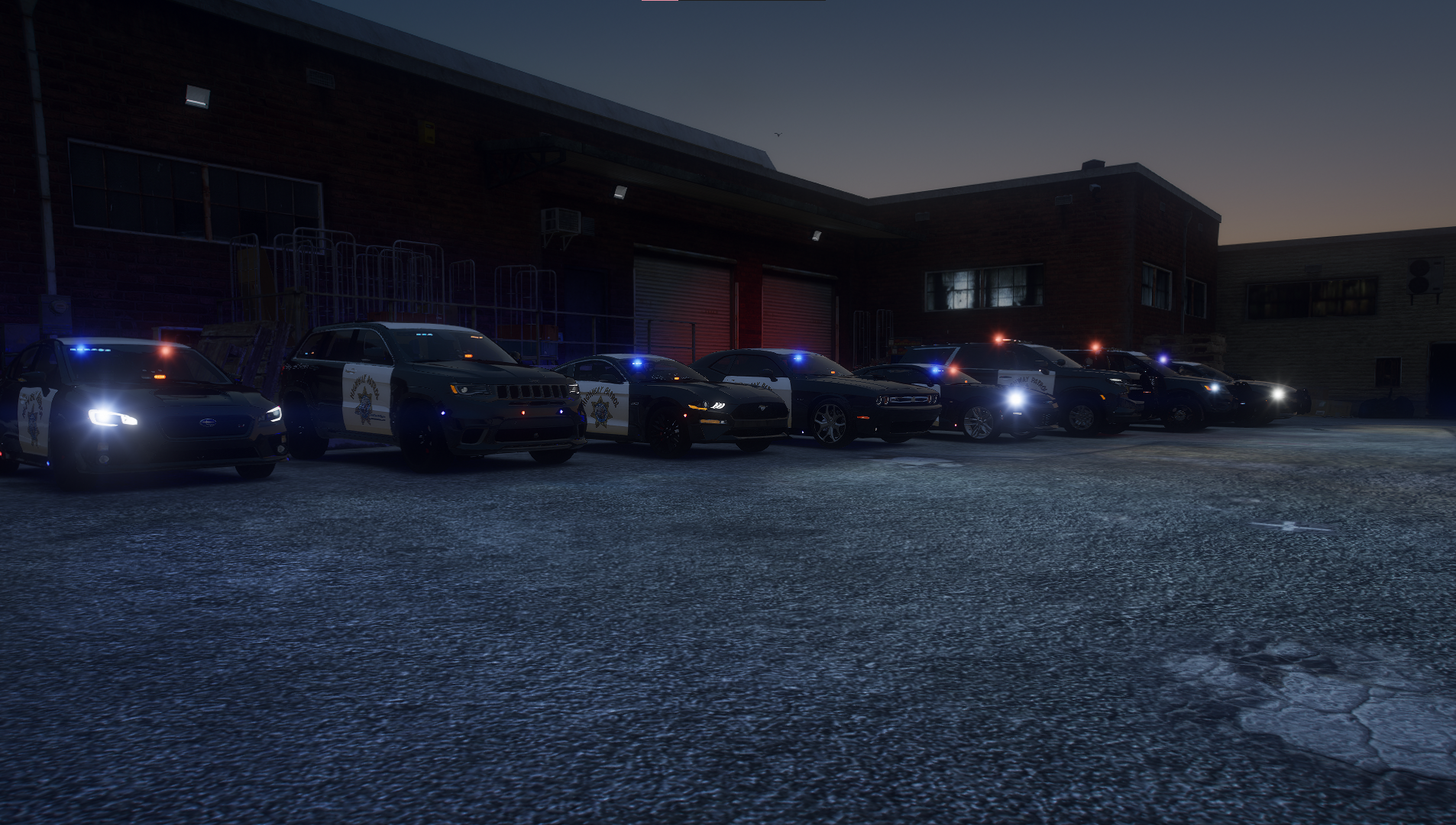
Hello this is my first upload and it is of livery's i made i made these for me but decided to put them here ---------------------------------------------------------------------------------------------------------------- Cars in photos is some cars from BlueGhost Umarked pack Heres the link The cars i used was trackp,wrxp,mustp,camp and chap It a awesome pack even if you dont use my liverys i suggest you go use this pack ------------------------------------------------------------------------------------------------------------------ The other cars i used was from Arrexx LSPD Pack heres the link i used 18charger,fpiu and tahoe I DID NOT MAKE LIVERYS FOR THE UNMARKED --------------------------------------------------------------------------------------------------------------------- Ok now How you install this you go to Mods/Update/x64/dlcpacks/pack your useing/ then right click the cars .ytf with edit mode on in openiv and Search up sign and the repalce the one that goes Thecaryourchangin_sign_1 and then boot up the game and if it dosent work the just put something in the comments --------------------------------------------------------------------------------------------------------------------- And heres my discord if anyone wants to join https://discord.gg/fhDYFDZxVN



