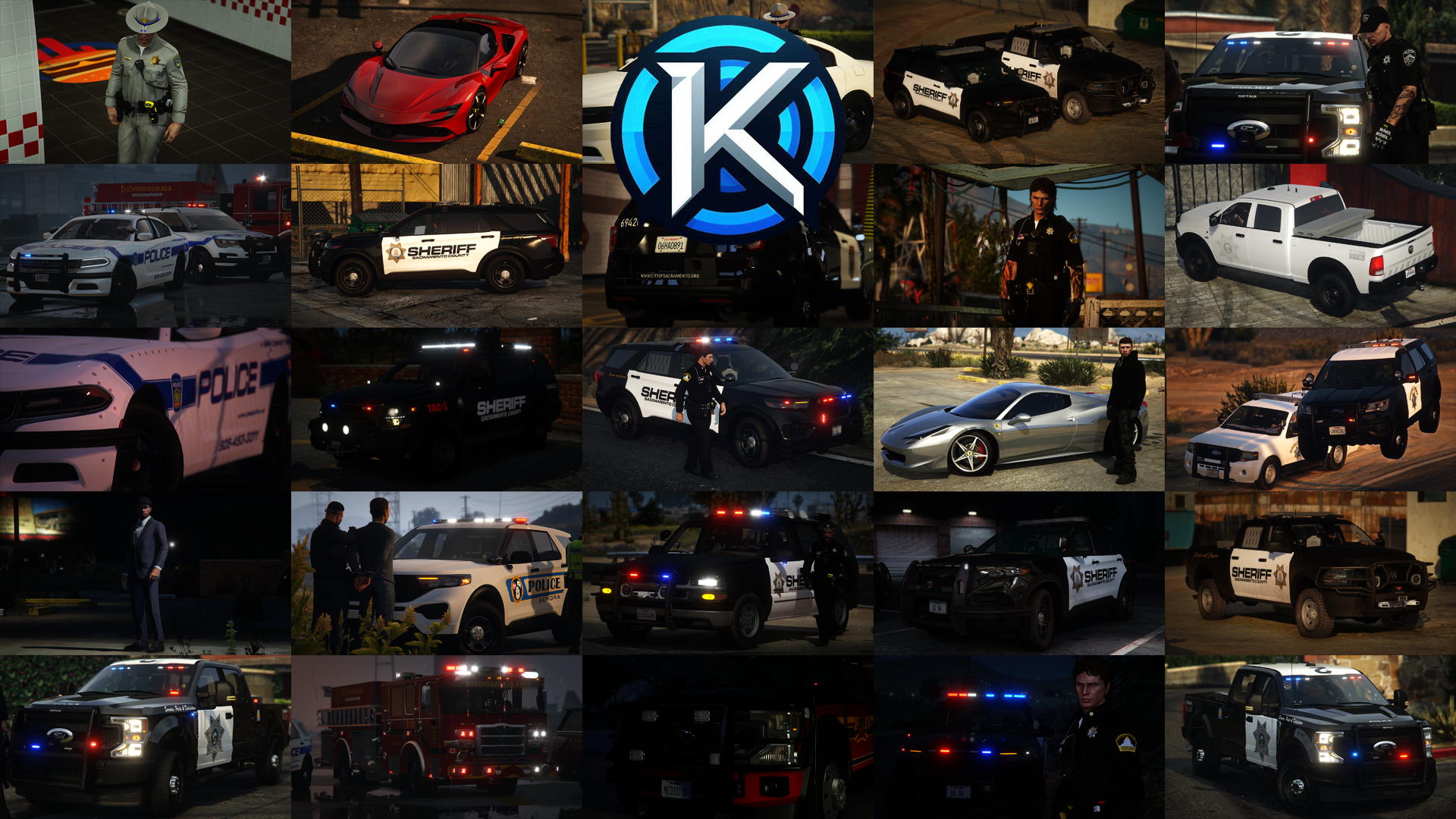
Kreations' FiveM Development First started with an idea to create cheap/free EUP that everyone can use in their own servers. This idea was brought to mind ItsKouprey. He decided to start to make the EUP and post the pictures everywhere. The files were lost and he lost confidence to restart. The project was delayed 2 years until he started the discord with Blue Justice and had the courage to keep going and have a positive attitude. ItsKouprey thought this would also be a great idea for him to save up for a newer and faster computer and to finally be able show great pictures and videos for everyone to see. He wanted the FiveM community not to pay so much money for EUP that you can make by yourself and are able to get off a free website for example: LSPDFR, GTATopMods. Kreations' guarantees 100% customer satisfactory, from prior personal experience. Kreations' was built with a purpose and that purpose is to make the FiveM community happy and proud of what everyone can achieve. ItsKouprey started and is still currently on a bad laptop, nothing held him back from what he has achieved to this point on. He is super proud to how far he has already came with his friends, and family. I couldn't have done it without any of you. Thank you for believing in me.
Sincerely,
Kreations' (ItsKouprey)