


OriiGiiN
Members
-
Joined
-
Last visited
Everything posted by OriiGiiN
-
 I can for sure! Do you have a specific pack or model in mind?
 -
 yeah it has been leaked on a certain site that I will not mention since we don't do that. I do not know why, I just know it is leaked
 -
I can send one but it is not a legit source, like a leak
-
 brooo make a full pack and i will supply the liveries. let's do this
 -
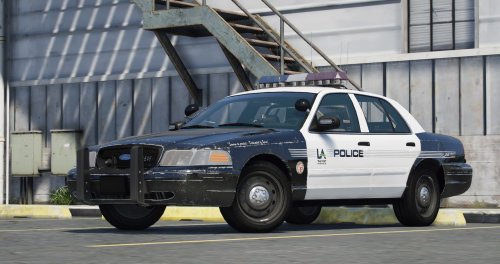 That natural deterioration of the paint is fucking sweet. I would like to know how you do that!
- 8 comments
- 1 review
-
-

- 2
-
-
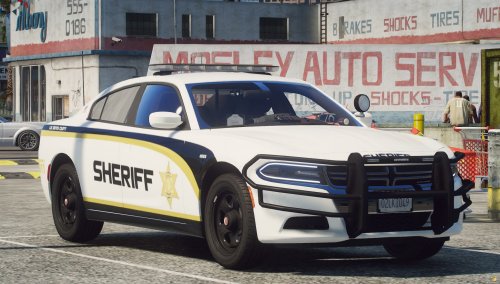 You don't see LSCS very often and if you do, it is for the real-life counterpart. Nice job!
 -
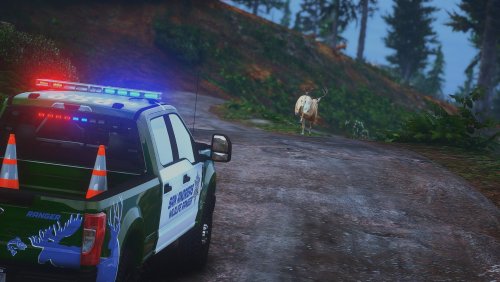 This is off-beat from what I normally do and am not very creative. I just thought this was a little bit interesting so I just decided I was going to upload it anyways! Have fun with it! Please do not reupload without my permission. I am not liable for anything that happens to your PC or game. Installation path should be something along the lines of: OIV > GTAV > mods > update > x64 > dlcpacks > gwf250pack > dlc.rpf > x64 > levels > gta5 > vehicles > vehicles.rpf Installation: 1 - Turn on edit mode on OpenIV 2 - Once F250 is installed, click any of the 4 .ytd files you would like to install the livery under 3 - Search for "sign" 4 - Livery file name should be "f250_sign_1" so that it can be replaced 5 - Click "replace" 6 - Find your livery where ever you decided to save it 7 - Hit "save" 8 - Boot up game and enjoy!
 -
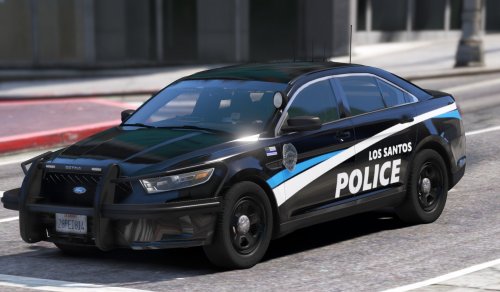 literally the one place i did not look. thank you
 -
not sure if i am drunk, but i can not seem to find templates?
-
I will see what I can do!
-
Do you have a pack in mind? Are you a dev for a FiveM server? If so and you would like to send templates to me, go for it!
-
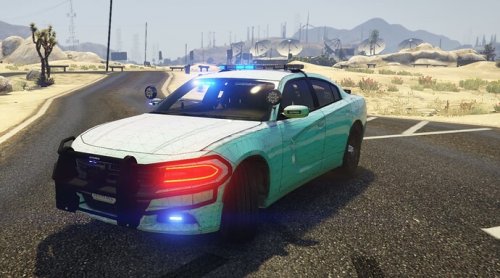 I recommend using sharex for pictures. it is super helpful
 -
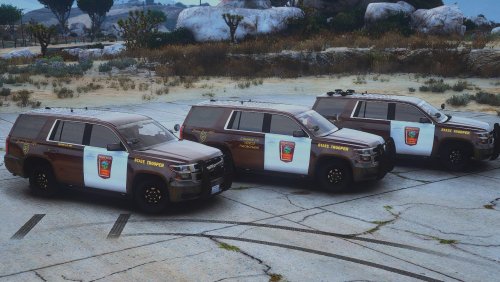
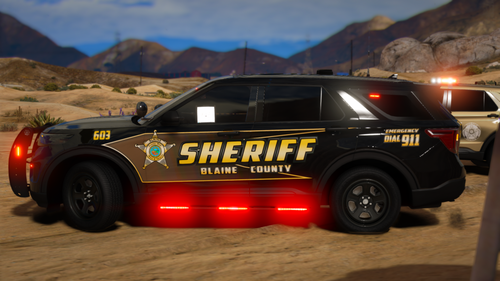
This is a pack that I have teased before on my profile. Some of the vehicles were kind of difficult to deal with, but I tried my best. The color of the cars I tried to get as close to the real-life counterparts as possible. Here is the pack: Please do not reupload without my permission. I am not liable for anything that happens to your PC or game. Installation path should be something along the lines of: OIV > GTAV > mods > update > x64 > dlcpacks > bcso > dlc.rpf > x64 > levels > vehicles.rpf
-
-
Just sneak peeks of up and coming liveries for everyone!
-
-
-
 Update: It has been almost a month since I touched these liveries and have decided that I will remake them. At least the ones that I did have done and more. These liveries will be for the linked pack:
 -
-
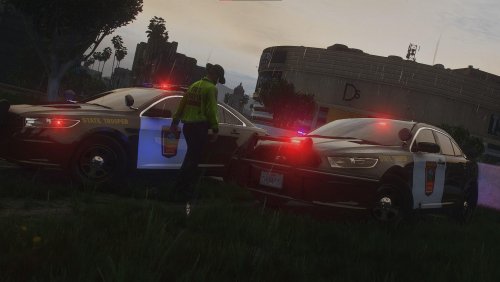 I would also like to add, the license plate did not work for some odd reason. I have had this issue on other vehicles so if you have a fix, please let me know and I would be happy to fix it!
 -
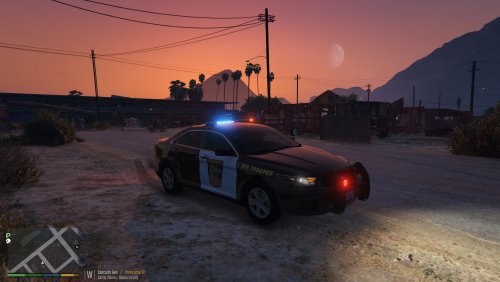
Here is another Minnesota State Patrol Livery, this time for a FPIS that was requested to me. It would have been out a bit sooner, but there were a couple things that I could not get fixed. I will not spoil what is not fixed for the fact that it may dictate your view of the livery. Some things are meant to be a mystery! Shoutout Kvang23 for your recommendation! Please do not reupload without my permission. I am not liable for anything that happens to your PC or game. Installation: 1 - Turn on edit mode on OpenIV 2 - Once FPIS is installed, click "dcpd.ytd" 3 - Search for "sign" 4 - Click "dcpd+hi.ytd" 5 - Search for "sign" 6 - Repeat for dcpd2 if you would like the slicktop variant instead 7 - Livery file name should be "fpis_sign_1" so that it can be replaced 8 - Click "replace" 9 - Find your livery where ever you decided to save it 10 - Hit "save" 11 - Boot up game and enjoy! Installation path should be something along the lines of: OIV > GTAV > mods > update > x64 > dlcpacks > dcpd_fpis > dlc.rpf > x64 > levels > gta5 > vehicles > vehicles.rpf If there is a pack and or vehicle that you want me to make a MSP livery for, please link it here and I will do my best to get around to it as they only take a couple hours (more or less) to make. I do take extreme pride in my liveries with details. Please give me criticism for my future projects.
-
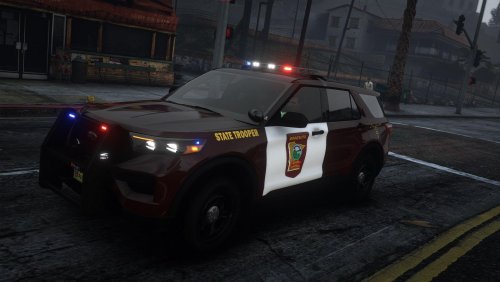 Sure Can!
 -
-
-
 Is there a way you can add the license plates to all the templates? While the plates are on the 2016 FPIU, the back one does not work as it should
- 200 comments
- 16 reviews
-



