


Jamacian O'nelli
Members
-
Joined
-
Last visited
Everything posted by Jamacian O'nelli
-
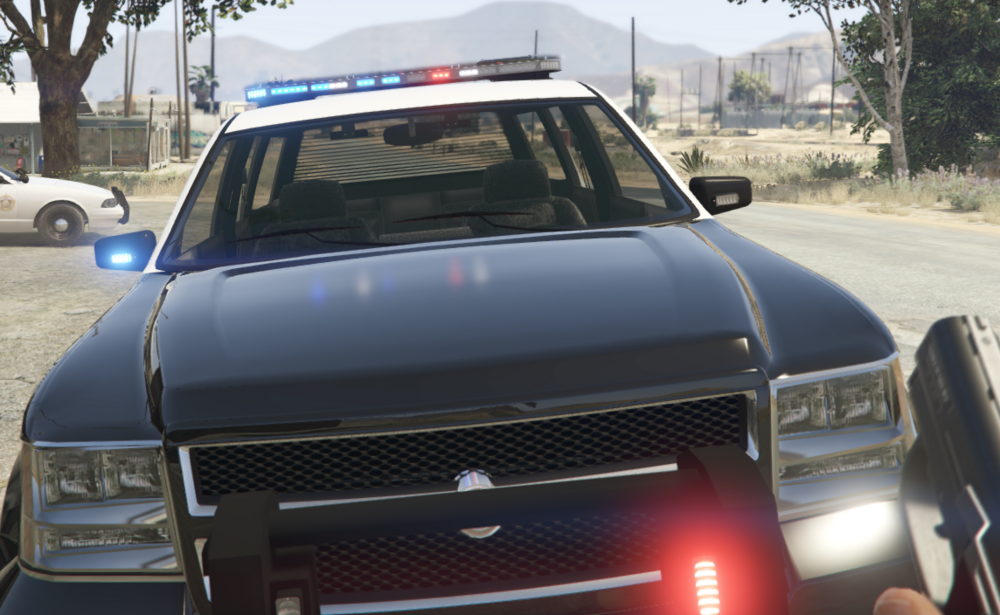
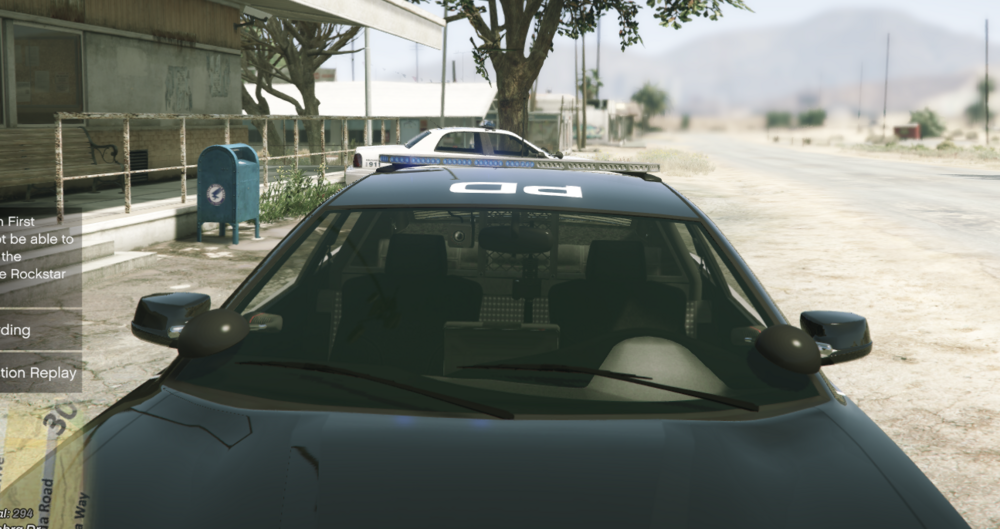
Hello, I just wanted to reach out and see if anybody can help me with a specific problem I have. Currently, the Non-ELS cars I have loaded into GTA 5 are showing different emergency light brightness and I have no clue why. I have checked tint, my visualsettings file, and it happens between the same carpacks. Any suggestions are welcome.
-
-
 Seems like the issue was it wasn't exactly named to the DLC File, I just changed it and it worked. Here it is if anyone is too lazy to do it <Item>dlcpacks:/BCSOSEDVehicleFiles/</Item>
- 266 comments
- 15 reviews
-
-

- 1
-


