Skip to content
View in the app

A better way to browse. Learn more.

LCPDFR.com

A full-screen app on your home screen with push notifications, badges and more.

To install this app on iOS and iPadOS
  1. Tap the Share icon in Safari
  2. Scroll the menu and tap Add to Home Screen.
  3. Tap Add in the top-right corner.
To install this app on Android
  1. Tap the 3-dot menu (⋮) in the top-right corner of the browser.
  2. Tap Add to Home screen or Install app.
  3. Confirm by tapping Install.

Mailboy06

Members
  • Joined

  • Last visited

About Me

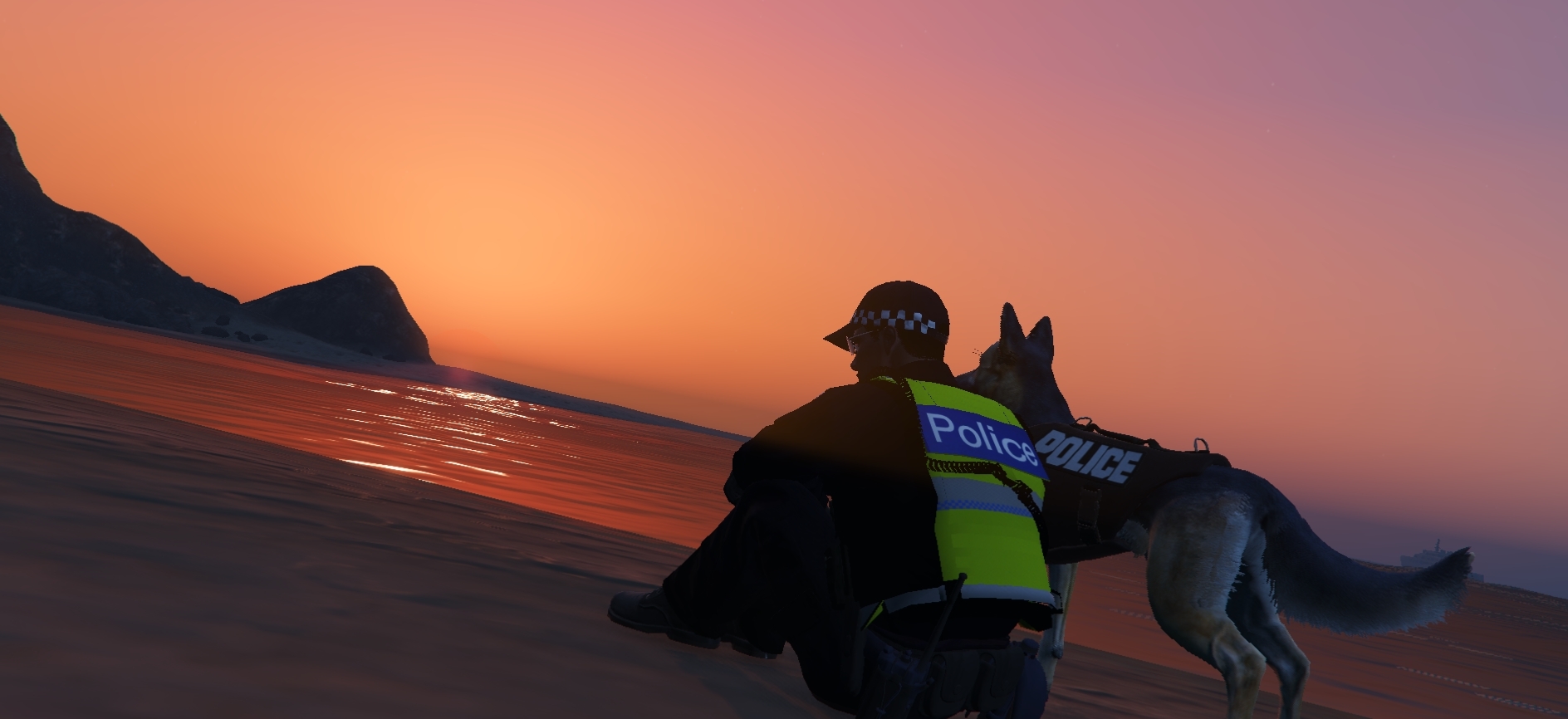
Hey guys, I'm Mailboy also know as Mailbox to those that know the inside joke. I am the owner of J & M Modifications along Side Jayfang12345. I have been making skins for about 3 months now. The skins range from a Police motor bike to the breast cancer awareness Lifesaver 30 helicopter. Thanks for coming and supporting us on our journey here at J & M Modifications.
You can join our discord with the following link https://discord.gg/g8BHVqAqfF

Account

Navigation

Search

Search

Configure browser push notifications

Chrome (Android)
  1. Tap the lock icon next to the address bar.
  2. Tap Permissions → Notifications.
  3. Adjust your preference.
Chrome (Desktop)
  1. Click the padlock icon in the address bar.
  2. Select Site settings.
  3. Find Notifications and adjust your preference.