


BQ Gaming
Members
-
Joined
-
Last visited
Everything posted by BQ Gaming
-
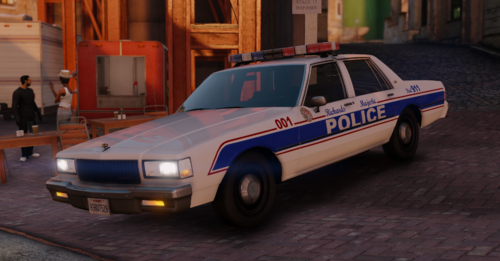 Sounds good, hopefully you are able to cause the mod looks lovely. I've heard CarFace's Diplomat over on gta5-mods is unlocked, as well as his other models there, if you ever get back into it.
 -
Hey, it looks great, but I think you may have not done the collisions properly. It might be some kind of hierarchy issue. The body itself has no collisions, but the wheels, bumper and lightbar do. I've installed plenty of stuff like this before and I don't necessarily see something that would be causing such an issue in the coding from the transfer, so that makes me think it must be something with the model itself. It's still a very nice car and would love to see a diplomat or some other 80s car with this lightbar if that's ever a future consideration.
-
I did a brief look through when LSPDFR crashed when I accepted a callout. The problem with LCPP and LSPDFR is that there aren't any zones listed to spawn vehicles, so any callout requiring a unit to spawn will cause a termination. Just need to find out the zonebinds and put it in the regions files. Hoping a solution comes soon.
-
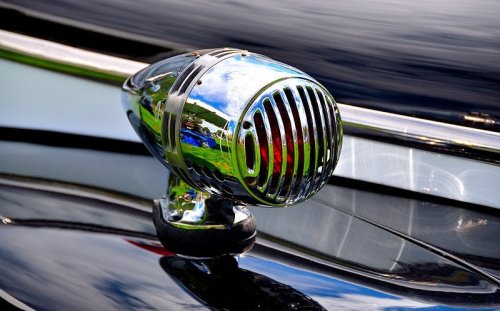 nice job, I had a friend who was going to try it but there was something weird with the files and he deemed it not worth the effort to fix it. Sounds really good though. Where did you get that Tornado police car? I've been looking for one everywhere that doesn't have the weird red light in the middle of the hood that's half the size of the car.
 -
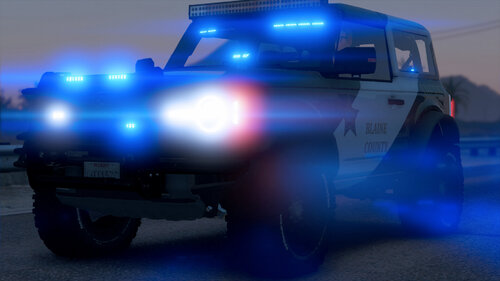 Looks good, finally a 2 door version
 -
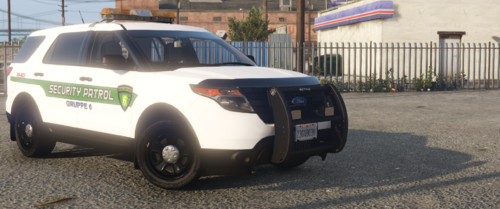 Looks nice in the photos, been trying to get it to work with LML, if anyone figures out how I'd appreciate letting me know, I've tried making an Install.XML but I think I am making it wrong. It's nice to see a bit of a retro G6 vehicle, even if its an older but still modern car with a retro lightbar. It's certainly unique. If you don't mind requests, do you think you could make an 80s Caprice or 80s Impala Gruppe Sech's vehicle with that lightbar?
 -
 Ah, ok, thanks. Looking forward to it
 -
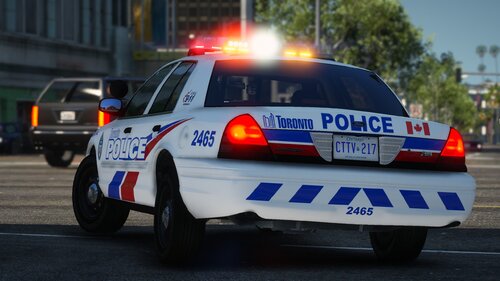
Haven't downloaded it yet, but is that the new Federal Signal Lightbar that TPS is now using? The one with LED rotators on the outside and LED Strobes on the inside? Love those, just wish they would make an all LED rotator lightbar like the old Federal Signal Aerodynic's, I'm debating on petitioning my city to use those LED Rotator/Strobe bars since the current lightbars and light patterns they use are absolutely blinding and force you to look away, which is hardly safe. Pack looks nice in the photo's, gonna try and install it later today.
-
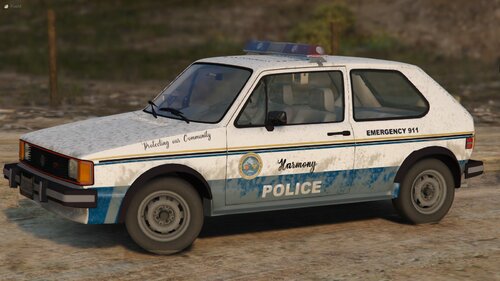 Great mod, nice to see something that is completely original, unique but not totally out there crazy. Reminds me of this video I saw of an interview from the 1980s where a Police Chief patrolled his town in a yellow VW Rabbit. Couple things though 1. It's a bit top heavy when turning left. It's subtle, but turn hard enough and it goes right over 2. It floats in water. I took it in a pursuit into the canals in LS and it just started floating down the river and I couldn't stop cause the wheels weren't touching the ground 3. sirens don't work, although this might also be because I installed it in single player. Emergency lights function fine and look cool. I think the first can be fixed by adjusting the center of gravity or whatever it is called in the game. Don't know how to fix the second though.

