


Saboteur 0201
Members
-
Joined
-
Last visited
Everything posted by Saboteur 0201
-
Everytime I call for backup the units are stuck, they spawn but they do not move further, neither do they get out if I go towards them. I've noticed this does not happen when I request for state patrol or air support. I'm guessing its because I did not update/change those vehicle packs. This also happens with units patrolling around the city, they're stuck in their place.
-
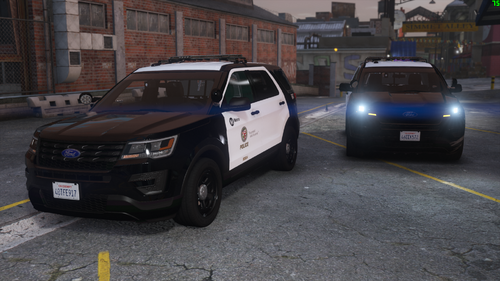 Not good, When I replaced the 'dcl' file, all my existing vehicle packs were gone. Fucking hate it, all hard work gone in just a click. I don't understand why was he lazy to just provide the car files 'like the `.yt` and stuff like those'. I hate you dude. Literally man.....
- 68 comments
- 6 reviews

