


Dravira
Members
-
Joined
-
Last visited
Everything posted by Dravira
-
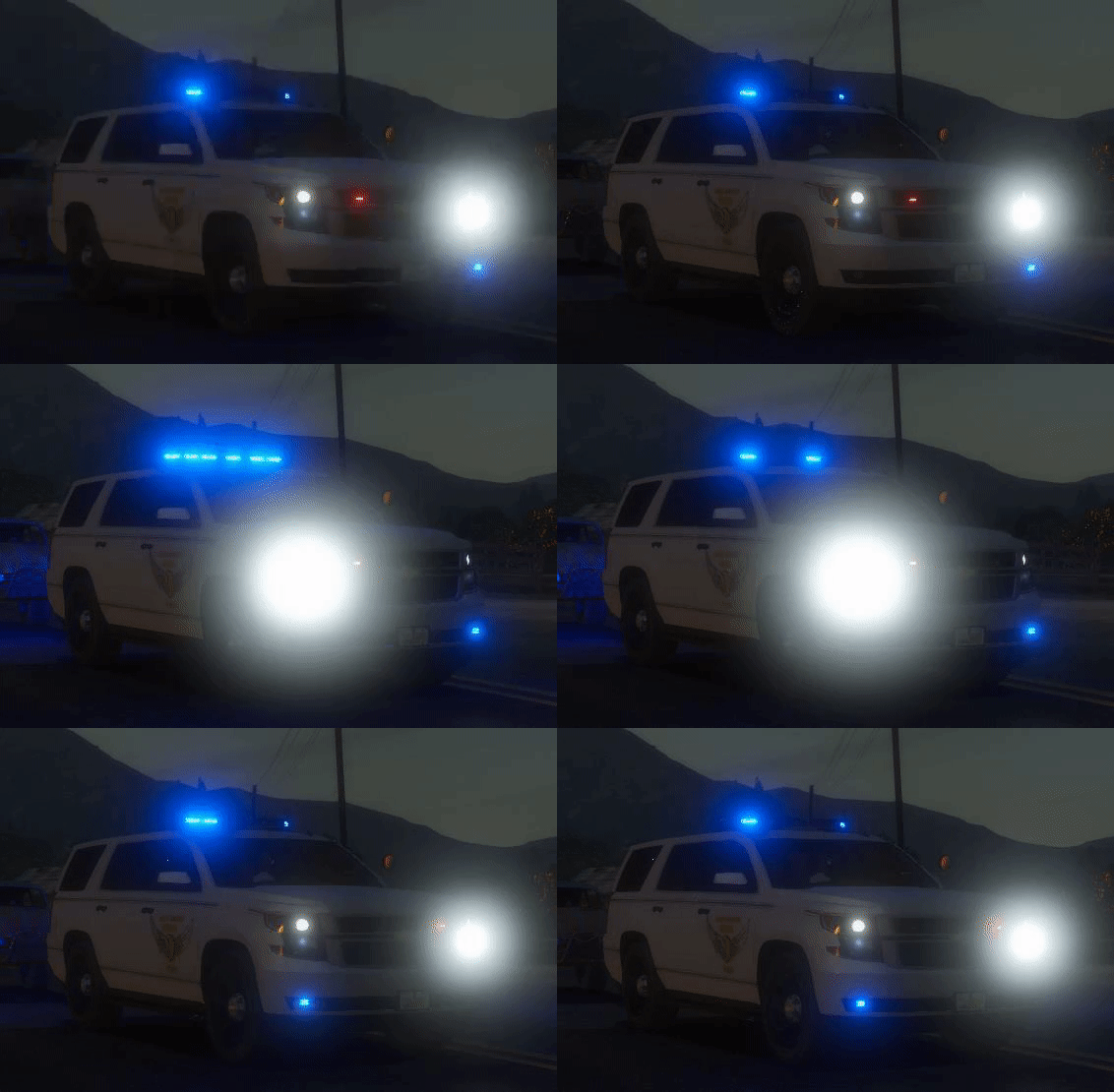 these are incredibly accurate, only thing is with the new model tahoe and especially one of the explorers i think its the older one if you walk up to them you can see the polygons on the models itself almost like they didn't render or something they aren't smooth edges. not sure if thats happening for everyone or if its just me. otherwise the other cars work fine
- 41 comments
- 3 reviews
-
I am not sure if this is the correct thread if not I am sorry but awhile back we had the non els version of the ohio state highway patrol pack floating around but it seems to have disappeared entirely from earth. Does anyone still have the NON Els pack of them? or know where I can obtain them? I have been looking for weeks to no relief
