.jpg.e6c965287e1e927c7ccf4a3b12302f2e.jpg)
VC Halls
Members
-
Joined
-
Last visited
Everything posted by VC Halls
-
-
Make sure OpenIV.asi is installed
-
-
Thank you but I've got like 15 callouts packs, including those 2 😂😂
-
🤣🤣
-
-
 can you make an add on vehicle pack for fort zancudo??
 -
why
-
-
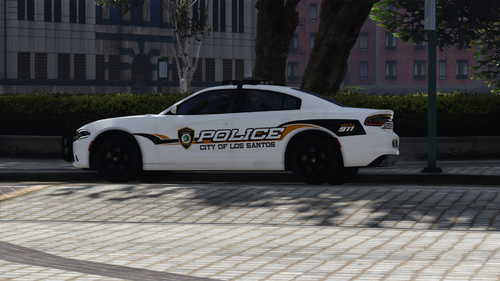 If you just want to install it to play lspdfr, go to \Vehicle Files\valor18chgr\stream. Change the names to: police, police and police_hi. In OpenIV, go to Grand Theft Auto V\mods\x64e.rpf\levels\gta5\vehicles.rpf\ and drop the 3 files you renamed
- 3 comments
- 1 review
.thumb.jpg.4c71224234164ec9a8c22b8f5a35e28b.jpg)