
Incog
Members
-
Joined
-
Last visited
Everything posted by Incog
-
I have reinstalled RPH, reinstalling LSPDFR, reinstalling GTA and Rage wont open. I'll double click it, it'll do the little blue circle thing, and nothing. I installed a old version of RPH and it opened fine (minus the unsupported notif) I could select what plugins loaded, the timeout threshold, etc. on the old install. Then I reinstalled the up to date version and it still wouldn't open. The only way I've been able to open RPH is unplugging my ethernet cable. Any ideas?
-
-
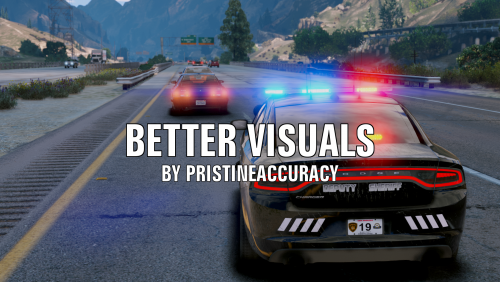 This mod does require that your Shaders and Post FX must be on high or above. This is sound in the game settings and graphics.
- 51 comments
- 17 reviews
-
 For those of you wondering , the 8th vehicle pack listed in the description has the wrong title. you want "MTL Fire Truck (Improved model)" for the fire tuck
- 73 comments
- 1 review
-
No. Many vehicle are in here just because they have uniforms and dont spawn at all like DPPD or RHPD. Id recommend getting LSPD, LSSD, SAHP, & NOOSE.
- 73 comments
- 1 review
-
They are all available still to download off the GTA5-MODS.com website. You'll just have to look them up.
- 73 comments
- 1 review
-
For some reason not all of my DLS car have the same siren or some only have wail and yelp and not all 3. For Example: 11john11's LSSD pack for the Alamo it was the 3 proper siren I want to use but the LSSD Coquette was the rumbler wail or uses the base game yelp. And 11John11's LSPD pack for the retro Stainer it will only have wail and yelp. etc. The siren I'm using is bakerxgooty's LAPD NYPD Fed. Sig. SS2000 Smart Siren | FiveM Ready | Studio Recorded 3.0
-
 Anyone know what visual lighting pack did Ripple use to take these photos? ELS looks great! Keep up the great work! Ripple never failed to impress me.
- 95 comments
- 24 reviews
-
 Didnt work for me for some reason if someone could help me.