caar
Members
-
Joined
-
Last visited
Everything posted by caar
-
 Try to see if the issue is still with GTA 5 base cops. You can do it by getting wanted level without loading LSPDFR.
 -
That is probably an issue with your agency.xml or inventory.xml. Shouldn't be this mod. Please check there. If it continues to happen you can attach me the agency and inventory xml files.
-
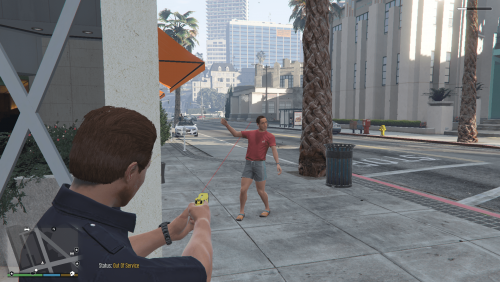
BETTER WEAPON EXPERIENCE This mod aims to improve the weapon experience in GTA 5, especially LSPDFR. The various changes are -Freemode characters now use NPC tactical and cover animations. -Stealth mode is now usable -Pistols and combat pistols shoot faster -Stunguns are non lethal INSTALLATION The .zip file has two folders, one with the auto installer (.oiv package) and the files necessary for a manual install Auto Install Open the .oiv package with OpenIV. The select mods folder to install. Manual Install Start OpenIV Place damages.meta in GTA5\mods\update\update.rpf\common\data\action Place weaponsanimations.meta and weapons.meta in GTA5\mods\update\update.rpf\common\data\ai THANKS Thank you for opening or downloading this file Thanks to the LSPDFR team for the creation of this website and awesome mod\ Thanks to Rocktar North for creating GTA 5