




JaxOutlaw
Members
-
Joined
-
Last visited
Everything posted by JaxOutlaw
-
install Pool Manager it tells you what's making your game crash
-
If you have EUPFR Basic you can make outfits for your peds https://www.lcpdfr.com/downloads/gta5mods/misc/37621-eup-outfit-converter/ Copy the one that’s on the LSPDFR side and paste it in the customs folder for lspd
-
For some reason when I installed this, I’ve been losing road textures and some tree textures and missing traffic stop lights, does anyone know how to fix this? And when I’m a mile from a other it’s like yellowish but when I get closer it’s back to normal I’m a mile from a other road*
-
Never mine don't respond , I just change the light format names to led
-
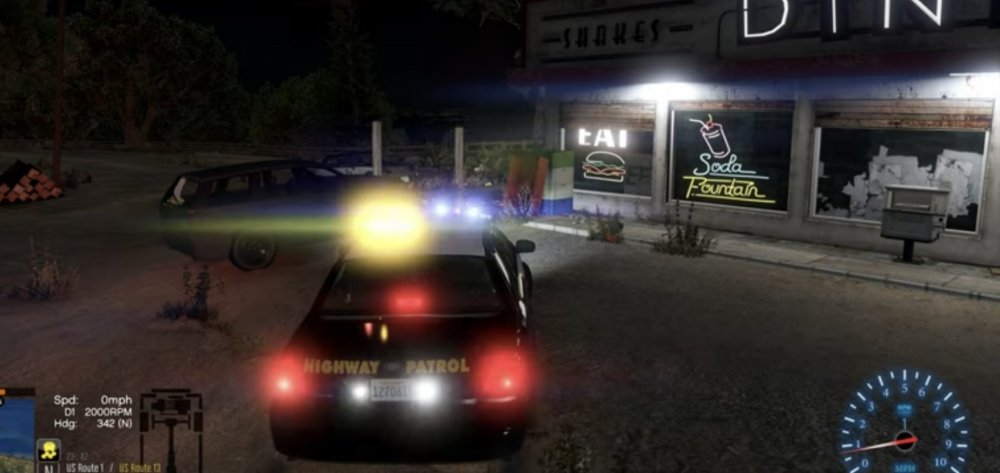
How do I do turn on stage 3 and the yellow light bar at the same, I’ve edited my vehicles XML file, if it’s the ELS file what do I have to add or change in it? @unitedOrange66
-
okay I just reinstalled it 10 min ago it works fine now thanks
-
So I have a LAPD siren installed to my game, but for some reason when im using my police3 and policeold1 cars, when im about to pull over someone the yelp is still the lspd siren sound, all my other cars sirens work perfectly
-
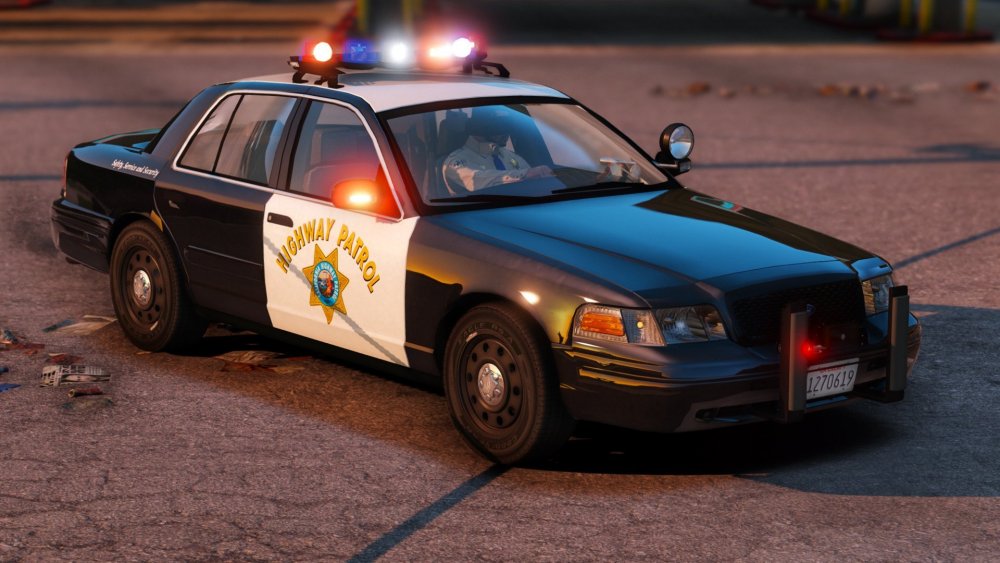
How do I make the lights rotate on this car?
-
Never mine I fixed it, I just deleted a couple of vehicle addon packs that I don't use anymore, thanks tho
-
How many backup units should request when i get the heavily armed terrorist attack callout, because after i kill him my game crashes no beeps before it crashes
-




