


Revoust
Members
-
Joined
-
Last visited
Everything posted by Revoust
-
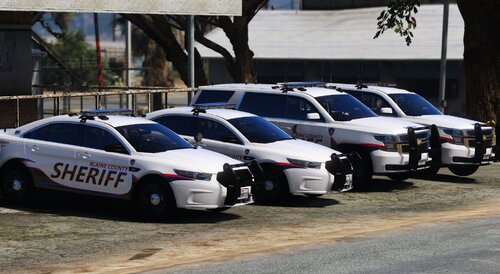 If I'm not mistaken, it's missing the line to put in the dlclist.xml which might be why a lot of people aren't seeing it in-game. The ReadMe is, from what I can tell, only for the replace version and not the addon version. I was able to put the line in the dlclist correctly and everything works fine. Great pack, just needs that one line added in the ReadMe
 -
.thumb.png.0f633c266c78663e9f9ed23b343d7f33.png) would really love to download these liveries but unfortunately there's no readme provided and i cannot seem to find the correct file path
would really love to download these liveries but unfortunately there's no readme provided and i cannot seem to find the correct file path

.thumb.png.0f633c266c78663e9f9ed23b343d7f33.png)