Hello to all ,
Mature guy gamer from North of England , spend over 12-14 hours per day per week on GTA5.
Currently own all businesses , buzzard heli , 2 boats, vehicle warehouse fully stocked awaiting sale again...if anyone looking for a new motor haha (joke)
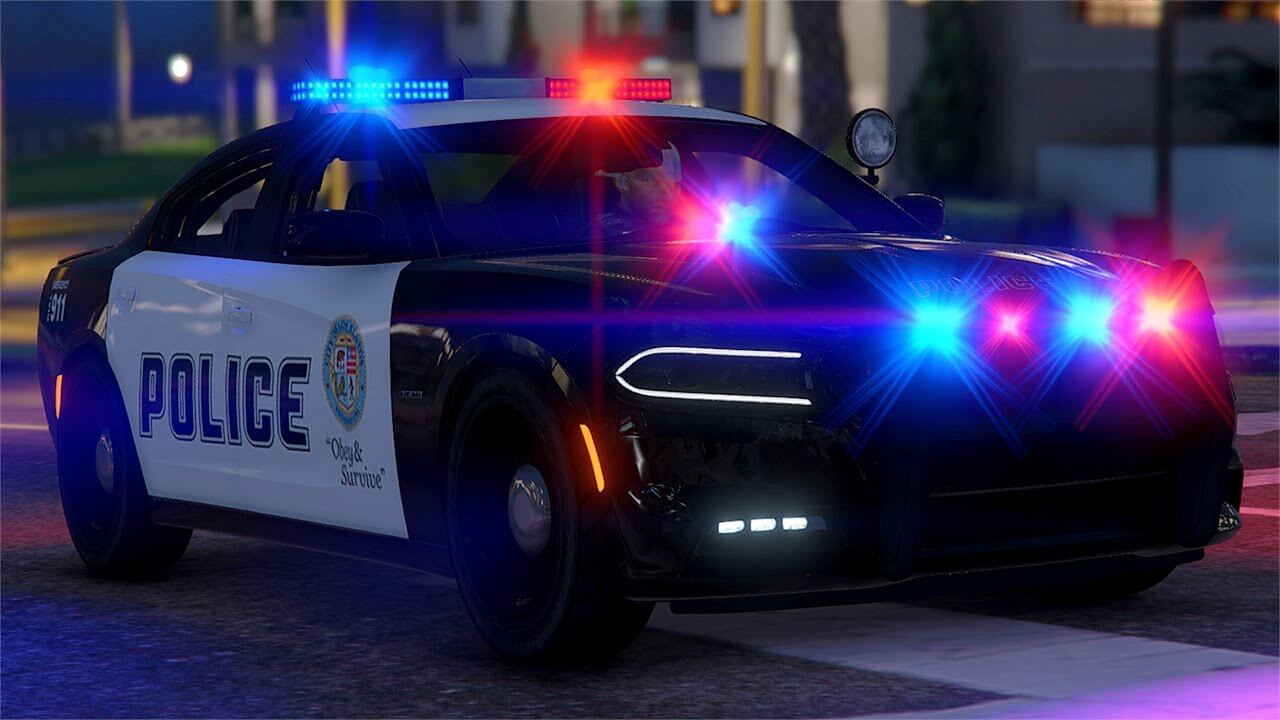
I have created many custom outfits and designed myself , police , EMS , SWAT, Fire, Detective undercover,. Own police m/cycle custom , 6 customised police cars and 2 Unmarked police cars.
(Tip Alert) During playing mission "Time to get Away" if looking for some easy mod cars , try Grove Street, Davis gang area. During mission it is possible to steal fully mod Peyote , Mamba, and Buccaneer and Tornado cars with no gang members or cops to chase and kill you. Help yourself to what you wish ha ha.
These cars will sell current price at LS Autos from $7.000 - $12.000 each car. They come various colours, green ,purple, yellow ,.
The purple Tornado looks really neat and good for cruising LS streets.
Look forward to reading and chatting with all members....including any ladies if you a GTA Gamer.
Would like to share ideas , thoughts, tips and meet new people make some new game friends....I am very open friendly and respectful , so dont be afraid.... I ain't gonna shoot ya (Ha Ha)
BT1