
Sketchyman
-
Joined
-
Last visited
Everything posted by Sketchyman
-
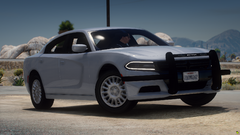
From the album: FiveM Photos
-
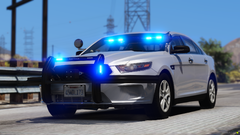
From the album: FiveM Photos
-
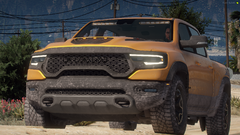
From the album: FiveM Photos
-
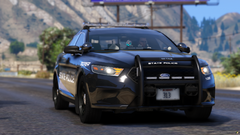
From the album: FiveM Photos
-
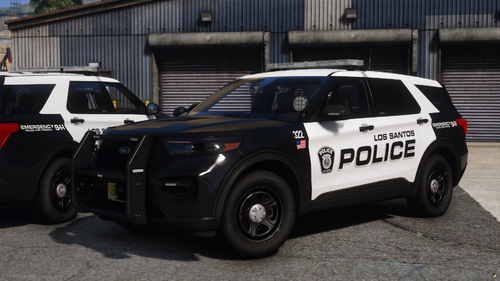 Fantastic livery pack to add to your server or LSPDFR, all the liveries are 4k which is also a nice feature. Definitely recommend grabbing this pack, it looks really good in-game.
 -
Make Visuals Great Again, Natural Vision Remastered, or QuantV (Old Version, New one is paid) would probably be my first picks. MVGA- https://www.ausgamer.net/mods/file/30-make-visuals-great-again/ NVR- On Razed's Discord QuantV 2.1.4- https://www.gtainside.com/en/gta5/mods/119996-quantv-2-1-4/ (Old Version of QuantV, new version is on his patreon). You could use ENB if wanted, but that would bring down your framerate quite a bit. You could also use Reshade which has better FPS, (for me), but I just don't really like it all that much. Hope I was helpful! (You can use MVGA & NVR for FiveM if you were interested in that).
-
From the album: Random Photos I took
-
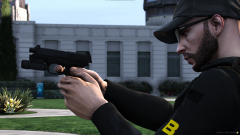
From the album: Random Photos I took
-
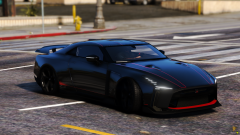
From the album: Random Photos I took
-
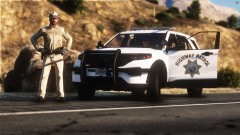
From the album: Random Photos I took
-
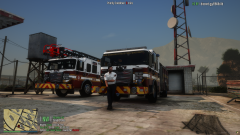
From the album: FiveM Photos
© sketchyman
-
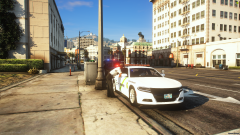
From the album: FiveM Photos
© sketchyman
-
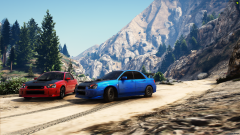
From the album: FiveM Photos
© sketchyman
-
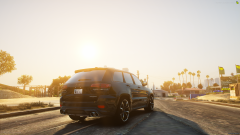
From the album: FiveM Photos
© sketchyman
-
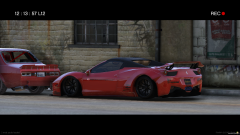
From the album: FiveM Photos
© sketchyman
-
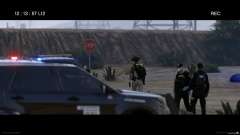
From the album: FiveM Photos
© sketchyman
-
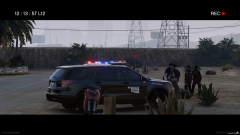
From the album: FiveM Photos
© sketchyman
-
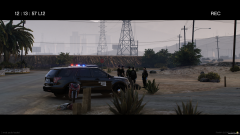
From the album: FiveM Photos
© sketchyman
-
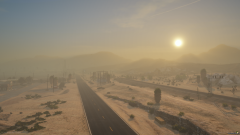
From the album: FiveM Photos
© sketchyman
-
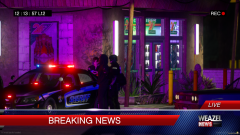
From the album: FiveM Photos
© sketchyman
-
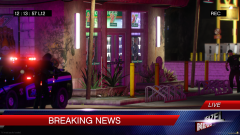
From the album: FiveM Photos
© sketchyman
-
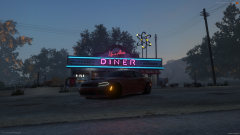
From the album: FiveM Photos
© sketchyman