


Clover Modzz
Members
-
Joined
-
Last visited
Everything posted by Clover Modzz
-
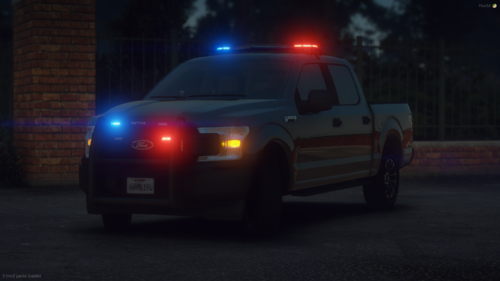 I started this project near the beginning of June after purchasing some awesome dev models. I ended up losing interest recently due to small imperfections. The plan was to do 10 vehicles and release it in my discord, but after noticing the imperfections, I decided that it would be better for a public release. I plan to do some small fixes to some of the vehicles sometime in September. School is coming so this is a banger way to start the school year! Extra 12 is the Extra the changes the lighting pattern The last 2 modkits in every vehicle but the 2013 explorer turn on and off the Grill and rear visor lights. The rambar and wraps and antennas are all under modkits as well. On the 2013 Explorer the Rear visor is a Extra. The Vehicles in it are, 2011 Vic, 2013 FPIU, 2014 Charger, 2016 FPIU, 2018 Charger and a 2018 F150 Join my Discord!!! https://discord.gg/suXkakyNec A special thanks to all the people in the credits!!!
- 12 comments
- 2 reviews
-
-

-

- 5
-
-
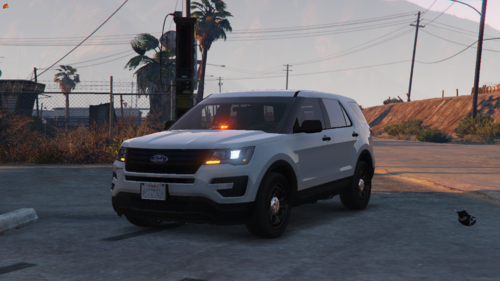 This vehicle does not have much lighting to it. It is met to be minimal. It is a type of vehicle that is not too flashy. The Whelen Dominator in back is a little big. But non the less its an alright vehicle. I do not plan to update this much, if at all. If you want to see my next projects, join my discord! https://discord.gg/8sAVSjsSVQ It is the best way to get a hold of me if needed.

