


.jpg.7ad53e7da3a0e91204e3f8a95044b4d4.jpg)
sgtjem
Members
-
Joined
-
Last visited
Everything posted by sgtjem
-
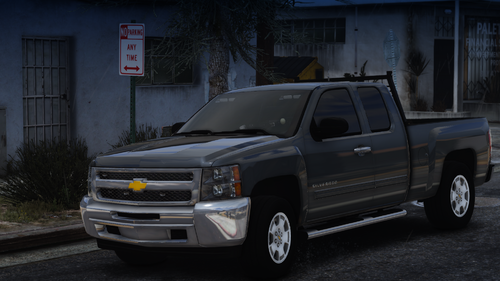 Looks great and everything works fine. Very nice
 -
-
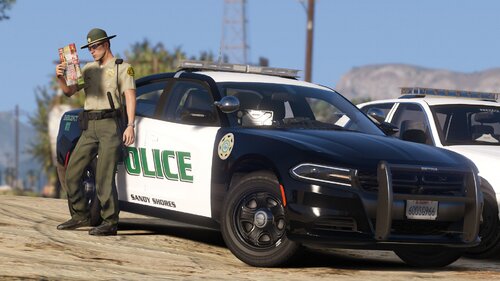 You should make some Imperial County Sheriff based liveries.
 -
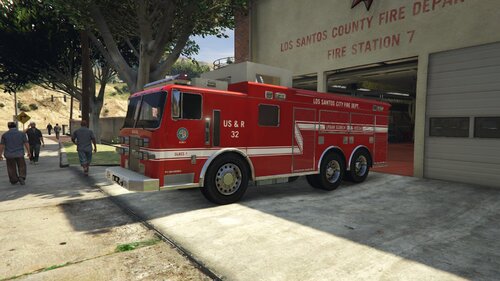 Do you by chance know when your 70s LAFD style engine is gonna be released? I saw some pictures of it and it looked great. good job on the heavy rescue truck, looks awesome
 -
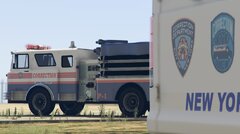 where can I get this Mack Engine
 -
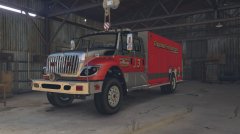 do you think we can get a release date
.thumb.jpg.55e26c43a06b6a2594fba95d41109681.jpg)

