


Skeetermcg
Members
-
Joined
-
Last visited
Everything posted by Skeetermcg
-
-
 I can't join your discord it says unable to accept invite. Sorry if I posted something I wasn't supposed to I got hacked
- 294 comments
- 29 reviews
-
-
-
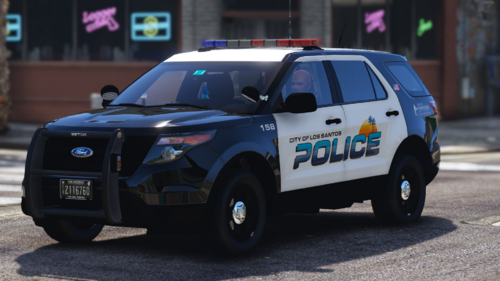 Fugitive is what I use and it works good I love it
 -
I'm having the same problem with ultimate backup and I'm not using menyoo trainer. I'm using simple trainer I try to call for a ambulance and it says the same thing
-
 I tried to install the DLC and it says added OIV file and it's not showing up I had to make a folder and name RM LSPD pack and I put the code in the dlclist
- 114 comments
- 9 reviews
-
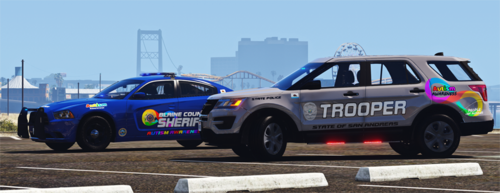 I can use the fpiu but not the charger and I got really excited about this pack and when I spawned the car it crashed my game I was hoping to use both
- 9 comments
- 1 review


.thumb.png.2ab768efcbe65de23a7d11999ca83cb8.png)
