


Ithaca Development
Members
-
Joined
-
Last visited
Everything posted by Ithaca Development
-
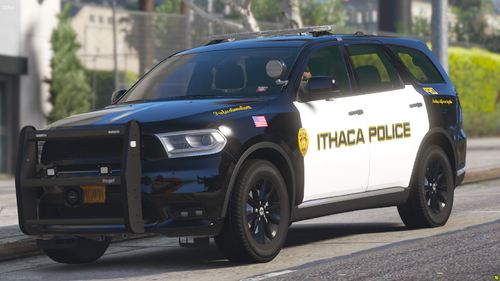 Hi please download the v1 zip and then drag the ytds from the v2 zip into the folder.
 -
It is in this file it is the durango template.
-
Ithaca pd doesn't have a marked slicktop Durango or a slicktop anything except for one ghosted charger
-
I didn't make the livery, but which text is crooked? This the car irl
-
.thumb.png.723ef485a12d7f6f2c196b5384e36783.png) Does this fit Georgiemoon's Durango?
Does this fit Georgiemoon's Durango? -
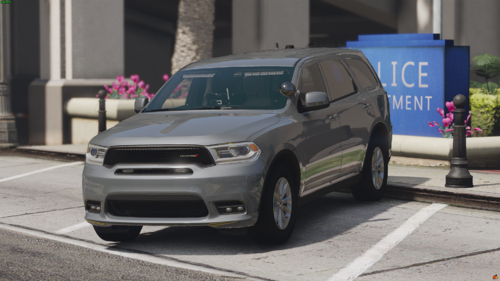 can you make a version with the front facing blue lights changed to red
 -
yeah i have a charger coming next
-
Its a irl car from new york that's why it is red in the front
-
I have made a very close replica to the irl Durango used by the Ithaca Police Department. Interior will be added soon! It has Whelen pioneer Nano 6 LEDs on the ram bar for scene lighting!
-
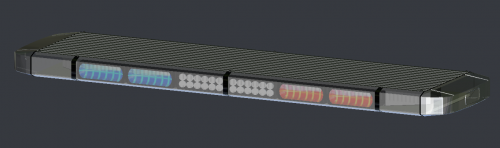 hey you need to go in an make sure your lightbar isnt using default material anywhere i just spent a good hour doing it for myself some of your stuff uses it
 -
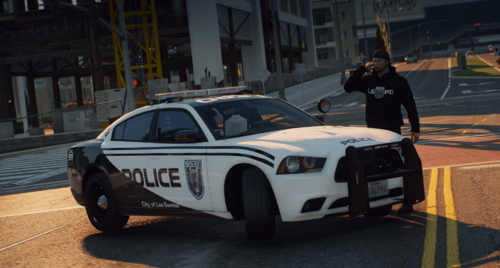 awesome use it in my server with your eip

.thumb.png.723ef485a12d7f6f2c196b5384e36783.png)


