
ThatGuyJonathan
Members
-
Joined
-
Last visited
Everything posted by ThatGuyJonathan
-
 He's already elaborated on this in the description Q&A.
 -
 Nice script, The only suggestion i have is to make sure it's in a folder that way people aren't having to make their own, That way it can be just a drag and drop.
 -
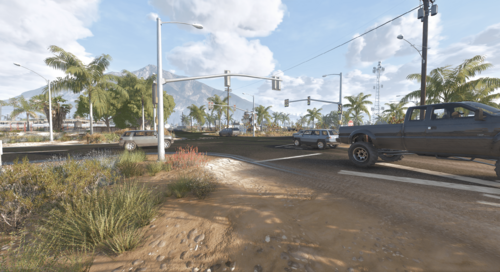 I can confirm that your traffic lights between the yellow jack & route 13 crashes the game. Removing your files fixed my issue so I would find a fix for it.
 -
 Is this available for FiveM yet?