


raccoonx16
Members
-
Joined
-
Last visited
Everything posted by raccoonx16
-
I have some DLC vehicles installed in my game but I want to know which patchday number (eg. patchday22) do I install it in. The most recent patchday for me is patchday 25, I've also tried to install it in patchday 20 within my openiv but my modded cars are still not there. Each time I click on police2 or FBI or pranger it just spawns one of my DLC cars. Does anyone know what to do?
-
I've been playing lspdfr for some time now but did a clean install and want to play it again. But Rage wont start up and i cant even enter the game. It always shows a second window saying "steam not responding" and after waiting for it to load, another window appears saying "windows cannot access specified device, path or file. I've tried restarting my computer as well as freshly installing everything 4 times already and still the same problem
-
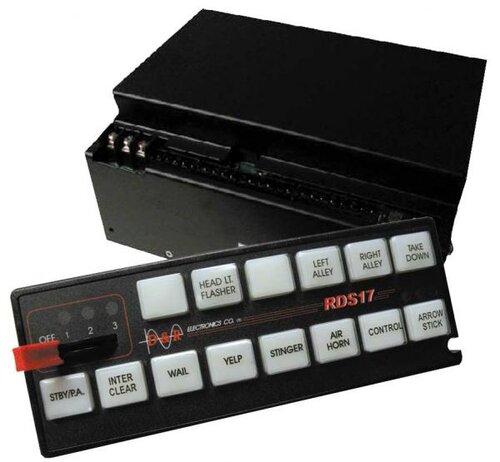 Upload a tutorial on how to install? The way i usually install sirens does not work.
- 33 comments
- 3 reviews
-
So I pretty much want like a crusier for each department (Sherrif, HWY Patrol, City patrol, etc). Do i just install the liveries for it or do i need multiple police cars?
-
Hey yall, I was just wondering how i can have multiple police cars of different styles/textures within my game. When I add new files containing a new police car texture, it overlaps and the other patrol cars i had before disappear and get replaced with the new one. Any solutions?
