Charmander
Members
-
Joined
-
Last visited
Everything posted by Charmander
-
I downloaded and replaced the plug in even though I did not edit the last one. I will post back when the dialogues are not showing again.
-
I checked, None of the xml files show <Zones> </Zone> I don't understand this situation, it is also affecting my other plugins that involve communicating with eye witnesses.
-
Edit Bump: I thought updating the native Rage UI fixed the issue but it is happening again. I can not see what the peds are typing......
-
Edit: I think i fixed it. I was not on the latest version of RageNativeUi 1.7 I will respond back here if it doesn't work again. So far I am able to communicate with the peds.
-
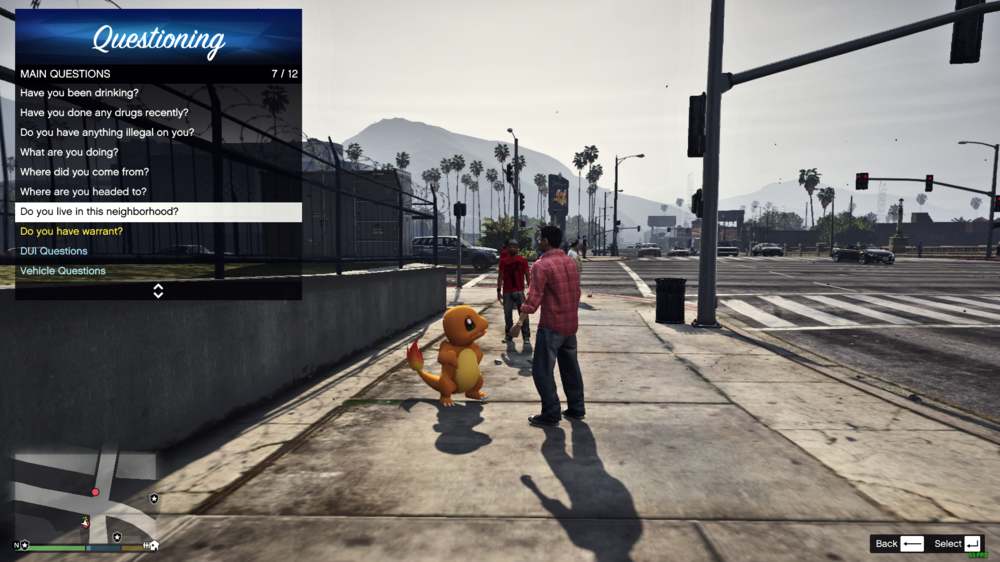
Bump, Still trying to figure this out. Can not question peds at all since I can not see their answers. Yes I changed my characters ped to Charmander and Yes I tried questioning suspects in my original Police Model.
-
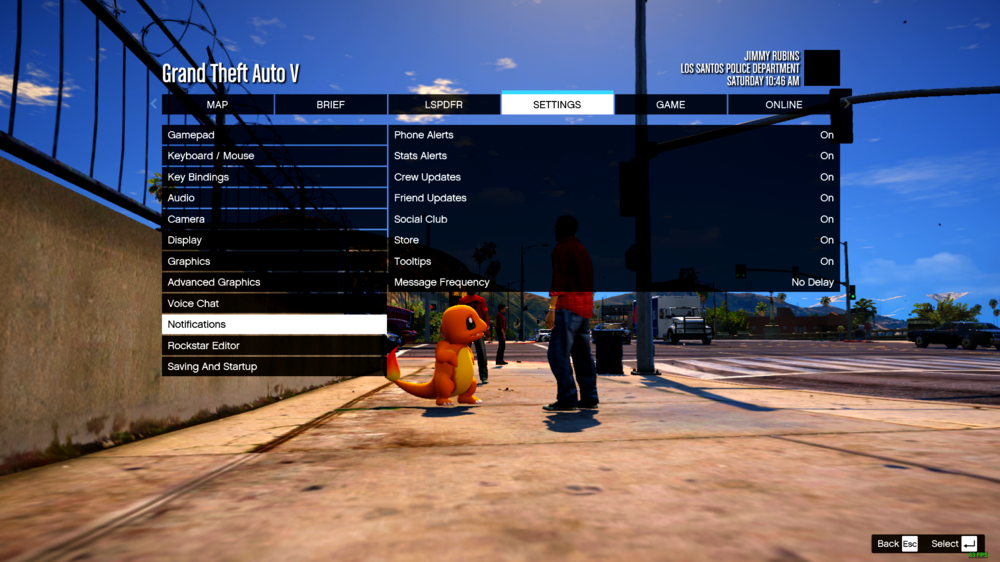
The dialogue might only work 5% of the time when questioning peds which gets annoying. I hear the audio sound of them responding but I do not see their conversation messages. Yes I have all Notifications enabled. All Notifications are enabled.