onerafi
Members
-
Joined
-
Last visited
Everything posted by onerafi
-
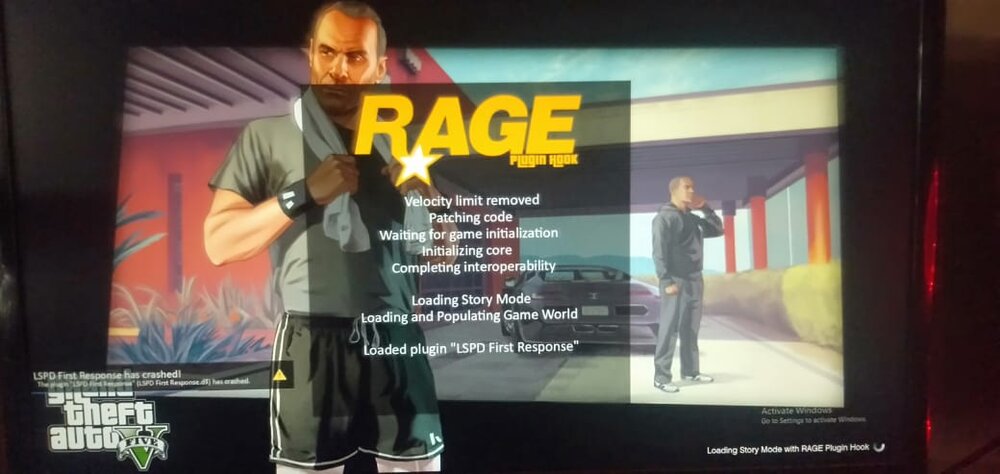
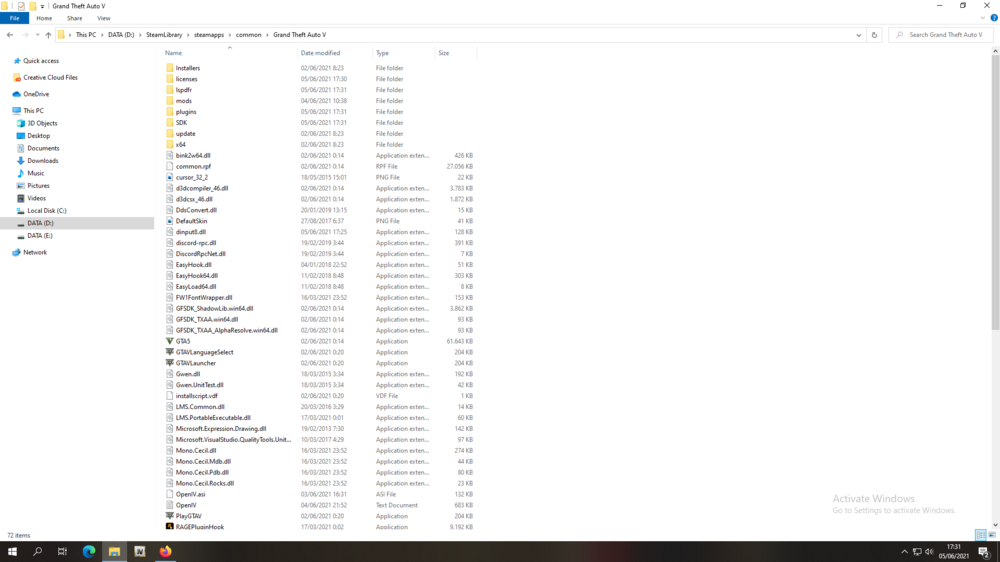
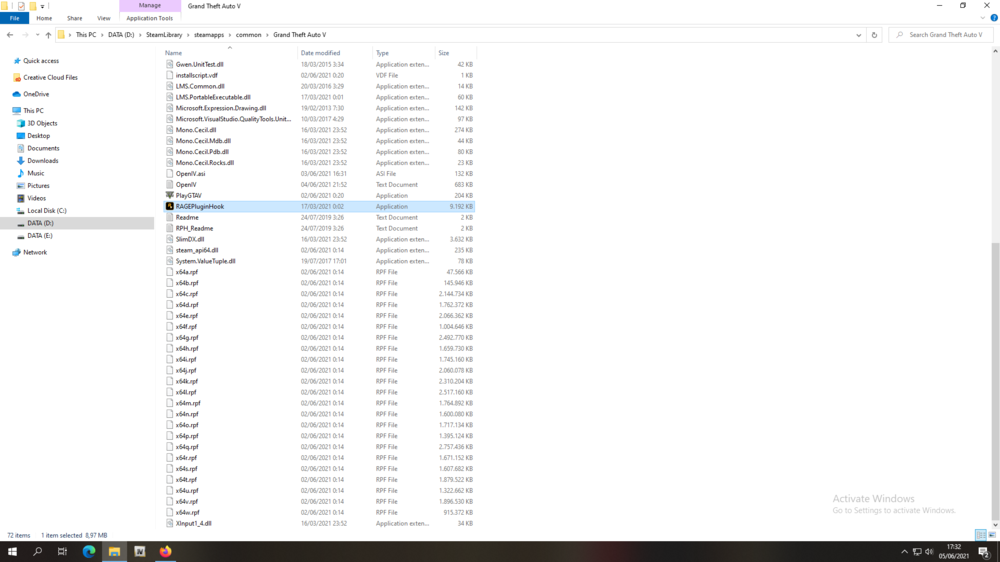
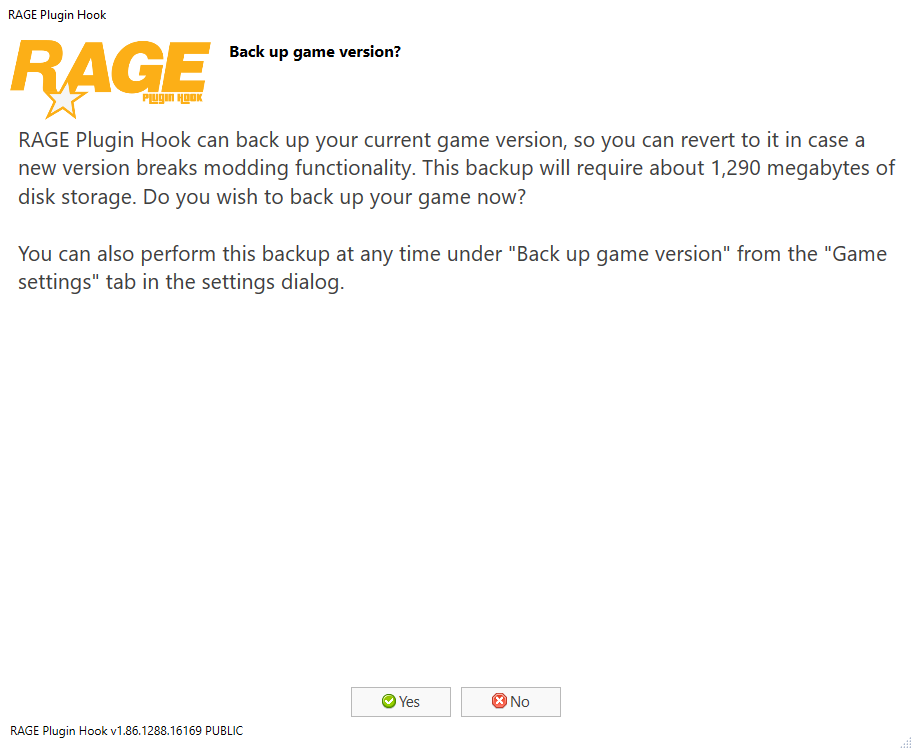
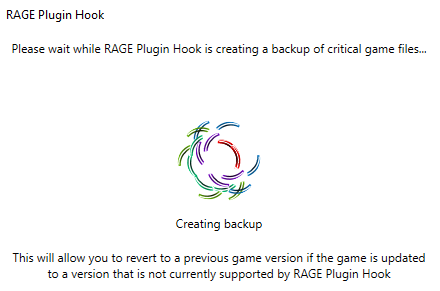
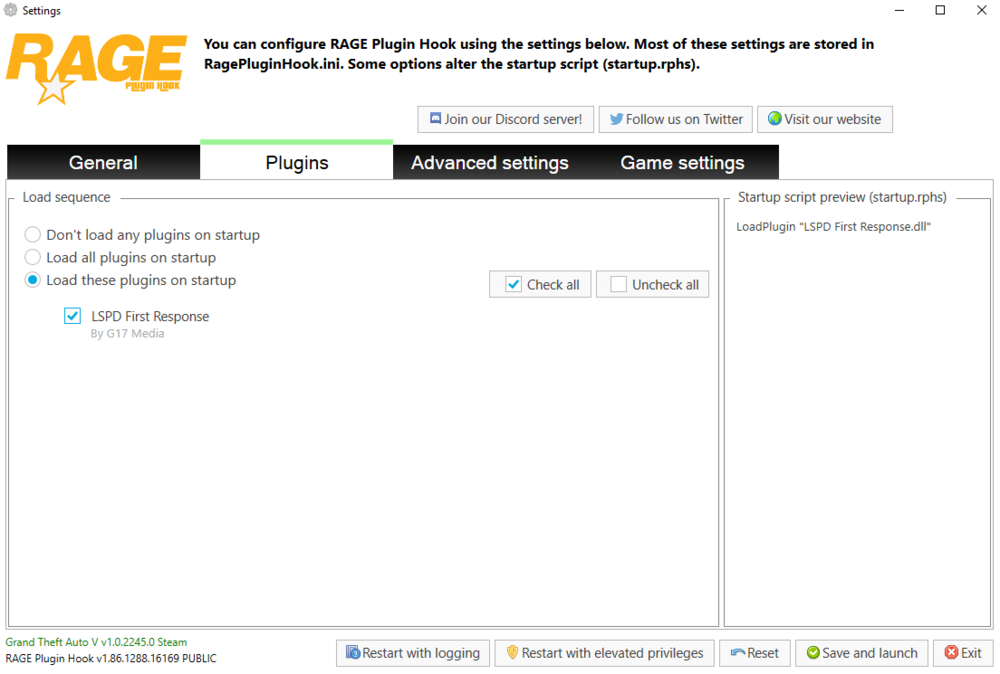
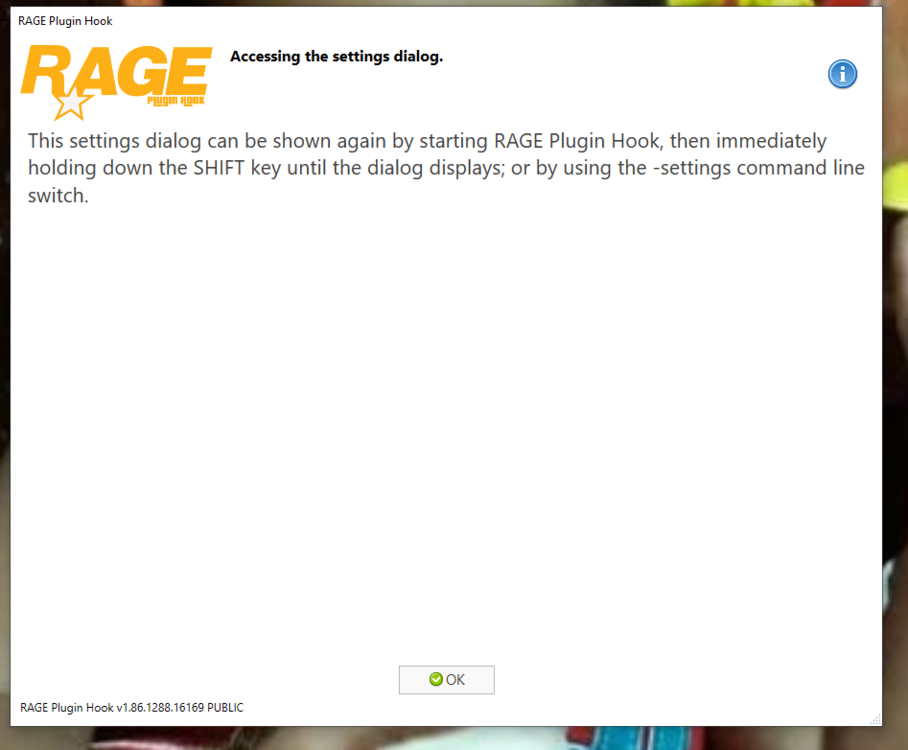
it seems I have followed the right steps..because I am a player in the game gta v lspdfr which is quite old and familiar with the placement of the folder. but when at this stage, the lspdfr crashes...please give me a hint or fix..i think it's not just me....but all must have found something like this in version 0.4.9 and my ragepluginhook is the latest one for the problem of anti virus I have turned it off



-
I'm having a problem with mod lspdfr crashing continuously...I tried turning it off and restarting but it still crashes in this latest version. even though I have installed the latest version of RPH and LSPDFR VERSION 0.4.9 .... I beg for a solution so that it can be handled faster from the developer... I'm still waiting...because this mod is the best than mods in other games. thank you