Jany the Prince
Members
-
Joined
-
Last visited
Everything posted by Jany the Prince
-
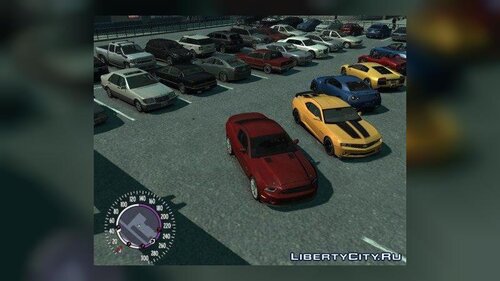 Hey there, I've been following various mods on here around for a while now, but with this Mod/Car Pack you actually convinced me to also create an account, just so I could comment 😄 I was wondering, if those traffic system files turned up somewhere and if so, if you could upload them to complete this awesome package! And on that note: I think the TBoGT Vehicles (or rather a TBoGT vehicles.imgand handling.dat) you listed above are also "missing", as far as I can tell... Not sure if you don't have them anymore after you deleted GTA IV but maybe you got a backup of your modded vehicle config somewhere, then it would be awesome if you could add that on here as well! Regards Jany