


Oddity
Members
-
Joined
-
Last visited
Everything posted by Oddity
-
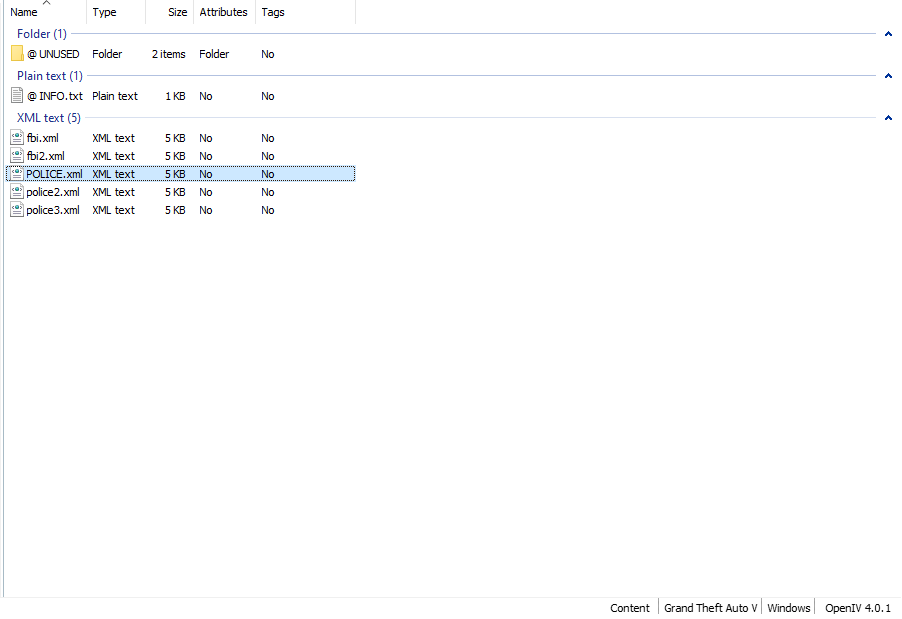
Here are the contents of the pack_default folder:
-
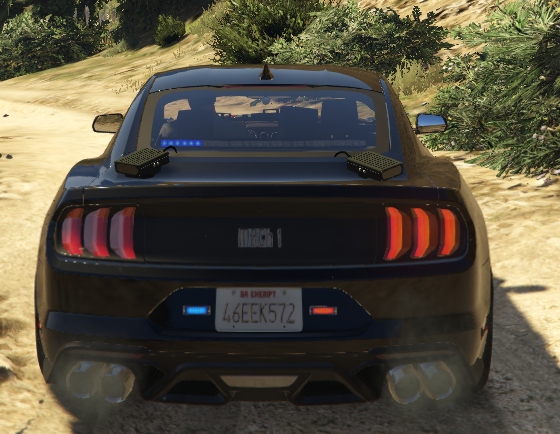
Tried following the directions for the OpenIV.ASI and loader, but it had no effect. I do hear the sirens when I turn on the lights. Here's a picture of a car with lights on: Here's a screenshot of the ELS log.

-
Hey! So I'm really new to LSPDFR and especially new to modding, and I decided to install some mods for new vehicles in LSPDFR. In each one of the vehicles I've installed (about 7), the only emergency lights that have worked are the blinking tail lights. I've seen a solution for this that involves un-installing "asi manager" and "asi loader." I've installed ELS (not sure if I've done it correctly, though), but I am not sure if I have either of these files or, if I do, where/how to find them. Would very much appreciate any help.
