


.png.b8d2ce257421996e1774f0059bd33bb7.png)

Cugli
Members
-
Joined
-
Last visited
Everything posted by Cugli
-
 Thanks for the notice, I think it could be a problem with your Open All Interiors version, but I am looking into it!
- 39 comments
- 2 reviews
-
-

- 1
-
-
-
-
-
I didn't do anything to implement it yet but I think I could add it relatively quick. So in the next couple updates
- 39 comments
- 2 reviews
-
-
- 1
-
-
I didn't specifically add support for callout interface, I think there might be other issues causing the crash, but thanks for the feedback!
- 39 comments
- 2 reviews
-
Yes, I think it should be possible to give automatic backup for the store robbery callout for some atmosphere. Great idea! And I like your callout idea as well.
- 39 comments
- 2 reviews
-
-

- 1
-
-
-
-
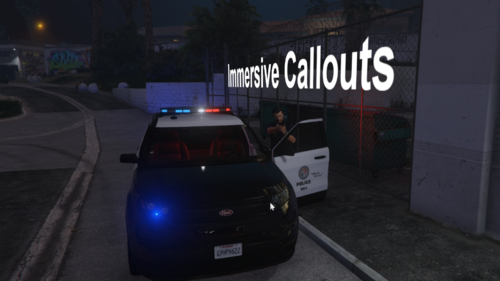
A W.I.P callout and ambient event pack aiming to provide immersive experiences. For any issues related to GTAV, LSPD:FR or my plugin go here: https://discord.gg/ulss You can also give me your suggestions there! Dependencies: Open all Interiors (required for entering buildings) Grammar Police (for working audio) Current working callouts: Stolen Vehicle Store Robbery developed into Hostage Situation Person trying to steal Car Drunk Driver Active Shooter Officer Shootout Shoplifting Wanted Suspect sighted Dispute in Store Motor Vehicle Accident Silent Alarm in Bank Planned callouts: Domestic Silent Alarm Intoxicated Individual Suspicious Parked Vehicle Drug Deal Planned ambient events: Small Drug Deal (With Icon on Map, so you can see it)
- 39 comments
- 2 reviews
-
-
- 8
-
-
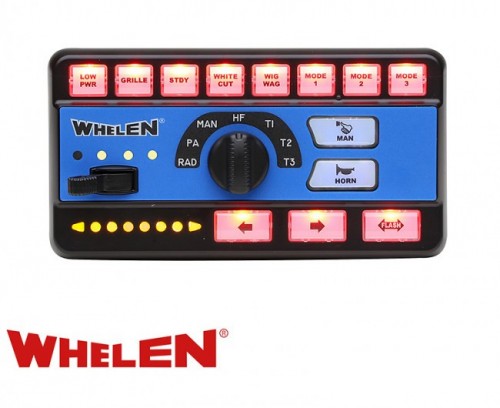 I have Problem I replaced Resident.rpf but still have the default Sirens in FiveM but in GTAV Story mode they are working
- 61 comments
- 9 reviews

