Dracea
Members
-
Joined
-
Last visited
Everything posted by Dracea
-
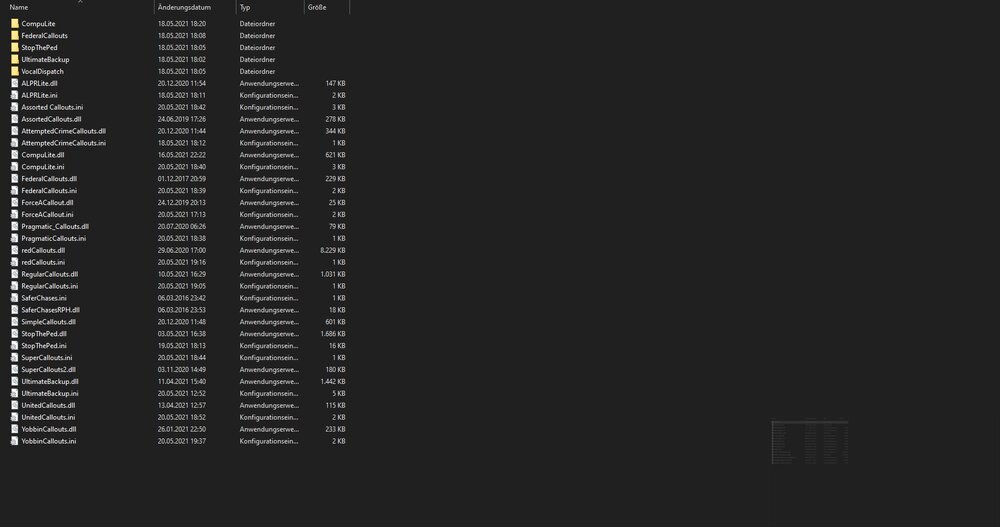
--- CASE SOLVED --- Removed 'Federal Callouts' and 'SaferChases' because they are out of date.

-
And another one ... this time while ending a call. Same log as the one before, just loaded the plugin after the last plugin crash. Btw. here some of the crash-report-files from minicrashreport if needed. Those are the files from today. Exception.txt Exception.txt Exception.txt Exception.txt
-
And another random crash, this time the coroner picked up a body .... RagePluginHook_21052021_100541.log
-
Guess I found out how this log-file-thing works by myself xD this is hopefully the correct one. RagePluginHook_20052021_180404.log
-
congrats, u gave no more info .... some screenshots and a detailed list of all your used (car)mods would be helpful.
-
Guess it would be helpfull if u would provide some more infos to the guys who shall help ya, wouldn't it? Like: What mods, how did you implement them, what mods do u have installed, etc.
-
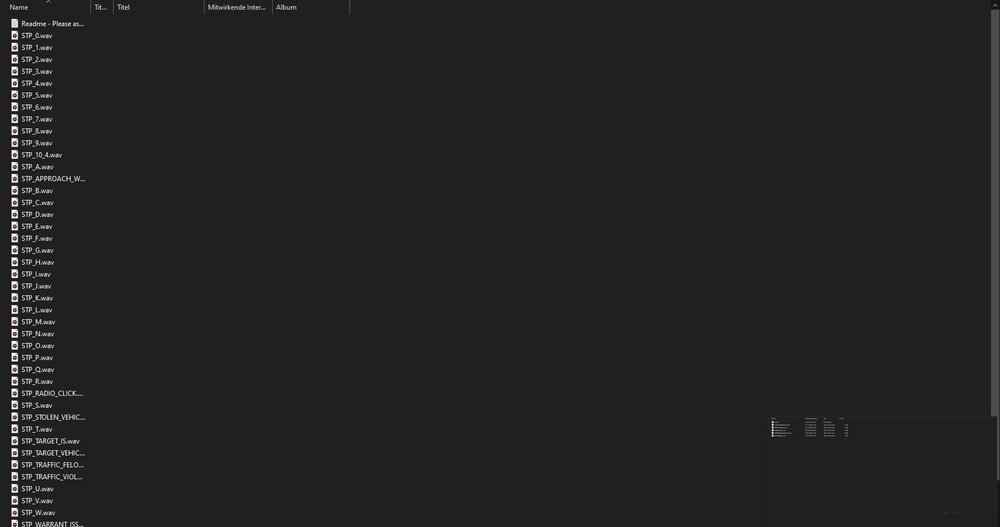
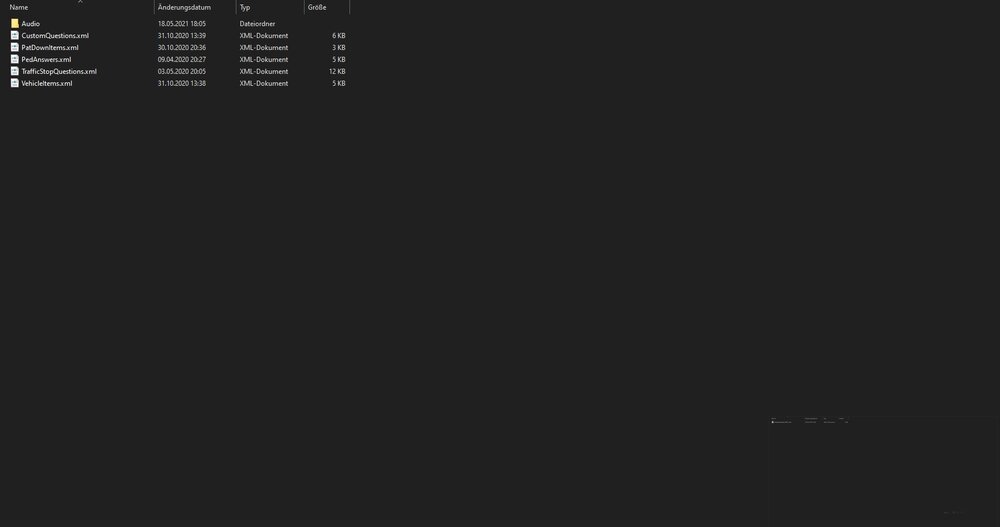
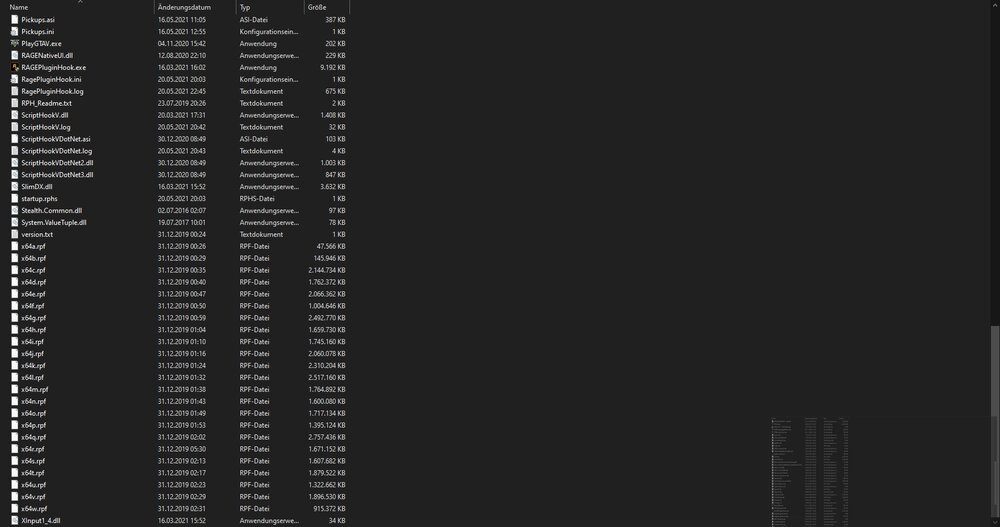
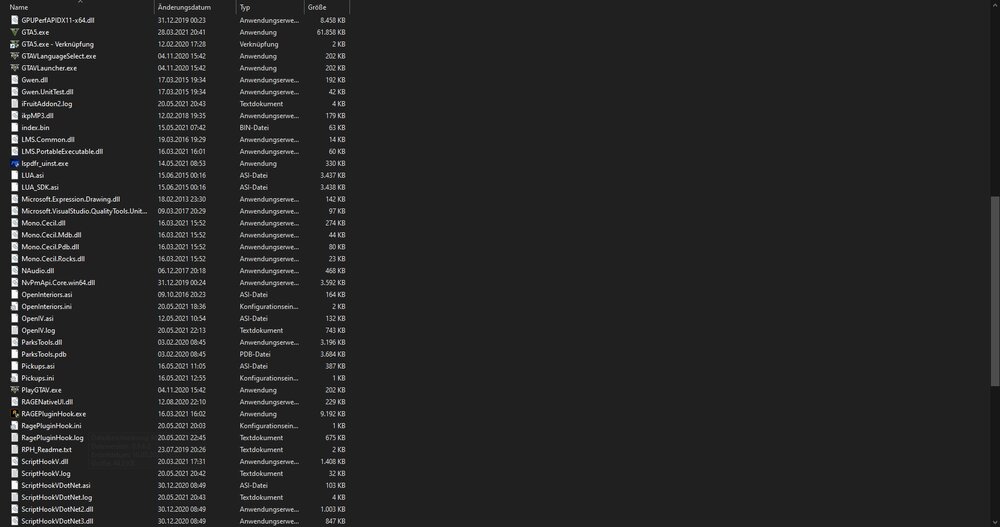
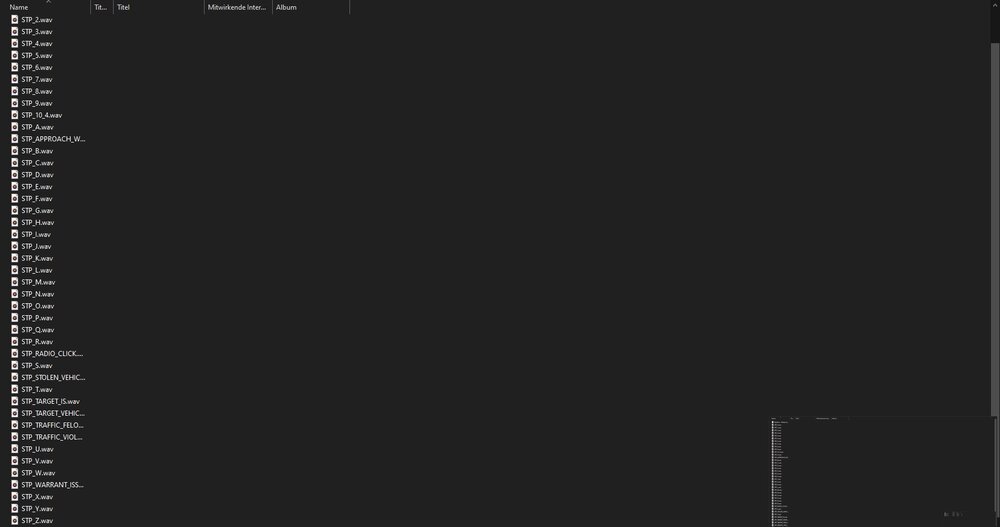
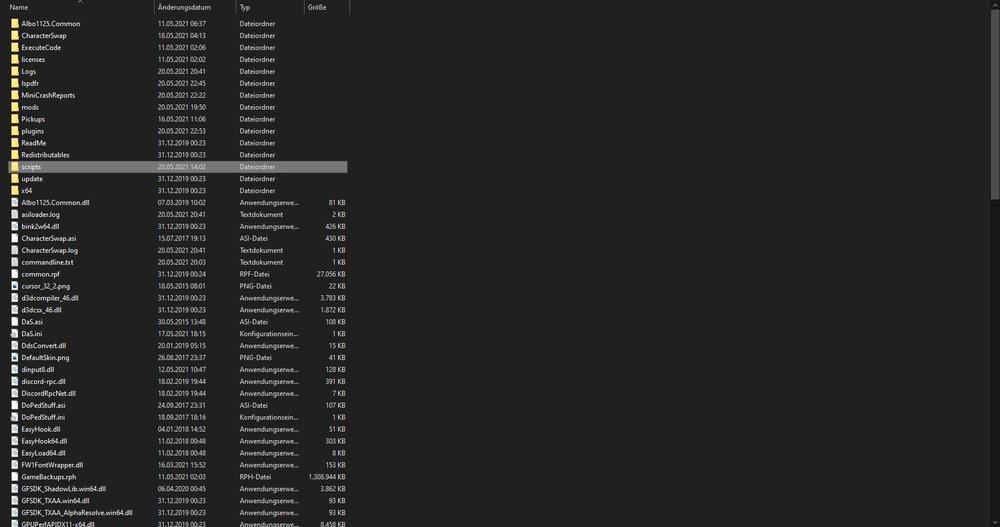
Hi there, I am new to this community and also to modding GTA V. I guess I am understanding the basics of implementing most mods, but this is a bit to much for me. Like the title my LSPDFR-plugin crashes sometimes and I really don't know why. I made some screenshots from the console when it happened and I will put screens of my plugins/scripts-folder in, too. This spefic time it crashed while I was entering my car. Copied this from the minicrashreport, don't know if this is relevant: Some help would be very kind, thx. Oh, and if someone could explain me how I create a Log like I've seen them in this forum before, it would be kind, too.