Skip to content
View in the app

A better way to browse. Learn more.

LCPDFR.com

A full-screen app on your home screen with push notifications, badges and more.

To install this app on iOS and iPadOS
  1. Tap the Share icon in Safari
  2. Scroll the menu and tap Add to Home Screen.
  3. Tap Add in the top-right corner.
To install this app on Android
  1. Tap the 3-dot menu (⋮) in the top-right corner of the browser.
  2. Tap Add to Home screen or Install app.
  3. Confirm by tapping Install.

dawwwid

Members
  • Joined

  • Last visited

Everything posted by dawwwid

  1. Usually the anti virus will not let you hook up so try turning off Real Time Scanning and see if that would work
  2. Hello, I found the problem and now it dosent crash, thanks!
  3. There is a bug that has been occurring when I am playing, whenever I press X LSPDFR just crashes, Is it also something to do with LSPDFR or the Plugin itself?
  4. Everytime I go to the police station and go on duty, LSPDFR Keeps crashing, reloaded it, crashed again, I am unsure of why It keeps happening, heres my logRagePluginHook.log
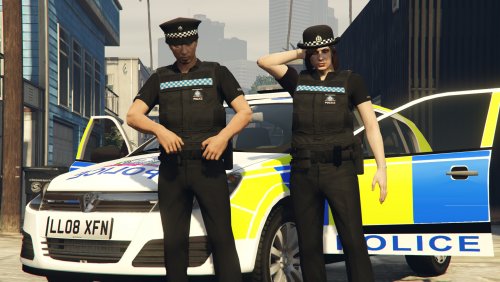
  5. it works but some of the cops still have Los Santos Police Uniform

Account

Navigation

Search

Search

Configure browser push notifications

Chrome (Android)
  1. Tap the lock icon next to the address bar.
  2. Tap Permissions → Notifications.
  3. Adjust your preference.
Chrome (Desktop)
  1. Click the padlock icon in the address bar.
  2. Select Site settings.
  3. Find Notifications and adjust your preference.