


MetaliCanuck
Members
-
Joined
-
Last visited
Everything posted by MetaliCanuck
-
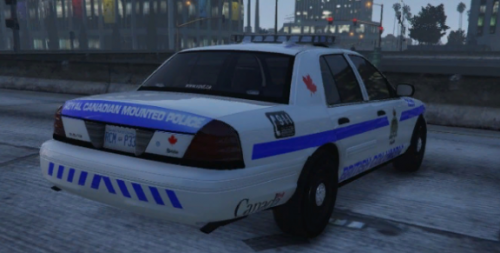 The RCMP rarely respond to traffic calls? Thats quite false. Sometimes they are the only police force for 100s-1000 kms of Juristiction. When your the only police force for 3/4s of Canadas territory you deal with traffic stops lol
- 8 comments
- 1 review
-
I get 50-60 fps on Ultra @2160p with a Ryzen 2700x and a 2070 Super Mini Zotac GPU with 64 gigs of ram. I guess what your getting is normal for 1080p? I wouldn't know i only play on ultra at 2160p. PS: Everyone posting their specs really doesn't help anyone if they don't know what Resolution your playing on. Its a big deciding factor. I dont care if your getting 200 fps on 1080p, it doesnt compare to 60 fps on 2160p. Fact.
