


.png.89f7112f30b158a414f6e7b9bd895390.png)

jacobbbb
Members
-
Joined
-
Last visited
Everything posted by jacobbbb
-
 I’ve been thinking about removing the ‘’VARIETYS’’ and just having one version. Please let me know if this is a good idea since i might remove all the version and just keep it simple and have one.
- 144 comments
- 13 reviews
-
Never gave me a notification that someone replied sorry about that! Right now I've managed to sync my characters. It worked after after a few days still have no idea what the actual cause was.
-
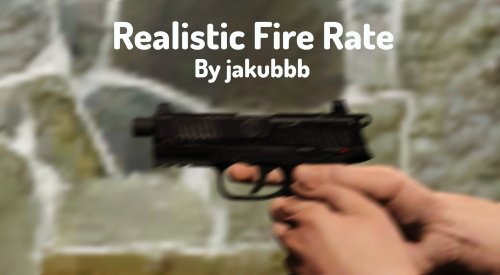 Realistic Fire Rate I've modified the fire rate of the pistol and the combat pistol. They now shoot much faster! I know that there are plenty of these out there but I feel like I've made it balanced. Not too fast Not too slow. Showcase. https://www.youtube.com/watch?v=J2ZySZMOKkw Installation. I've made it an OIV installation so it's quick and easy! The OIV replaces the weaponsanimations.meta Requirements. OpenIV Drop and drag the oiv file into OpenIV Make sure you have edit mode on. Note. As I've said before I know that there are a few of these already released but I've been using mine rate of fire and I decided to release it in case anyone is interested too!
- 14 comments
- 3 reviews
-
-

- 4
-
-
Hi! I decided I'll sync my character to lspdfr but once I pressed ''Sync Character'' in the Character Manager it just says An error occurred while syncing the character. I am indeed playing on windowed. I even logged out and logged back in to see if it has fixed and nothing. I apologize if I'm missing something very clear but I have no clue why it isn't working.
-
.thumb.png.edf1fb47decf48bbf7cde334f5fc057d.png) What is new in the ''new'' version haha
What is new in the ''new'' version haha -
-
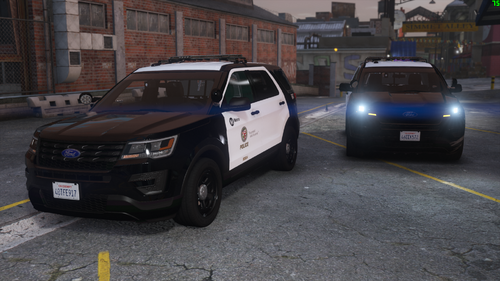 Hey man! I started up LSPDFR after a while and when I spawned ur FPIU I noticed the lights were completely off not only did the radiance completely disappear but everything as seen on the video. Now my immediate thought was that something is wrong with the carcols,carvariatons, or something like that. Yet when I reinstalled the FPIU it still was bugged out. Any clue on why is this happening? Here is a short clip.
- 68 comments
- 6 reviews
-
-
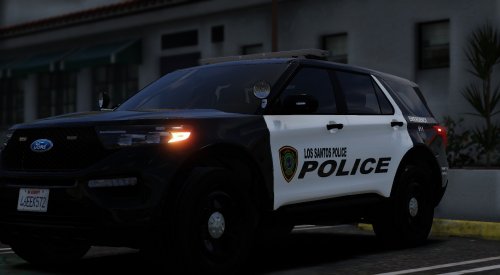 A lore friendly livery for the FPIU and the FPIS I haven't made any textures for over a year so made this while i was bored! This is based on Houston,TX Credits and the model can be found here
 -
 I have so many questions yet I love it.
 -
That is cause of the weapons.awc goes past the limit. That's why I recommend installing through OIV since it is optimized for the file, though I understand you just wanna change the carbine rifle. Recommend this.
- 144 comments
- 13 reviews
-
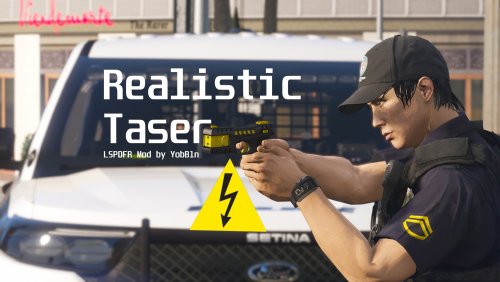 After the recent update, I can say this is one of my favorite plugins! I recommend this to everyone. Taser Success Probability was one amazing thing but Limited Reloads and the animation is such an amazing feature to have! Here is just a little few second clip to showcase the reload animation.
 -
No, not yet. I've been working on just adding sounds and I've done this nearly a month ago but this week I decided to finish it and make the oiv files. I still need t o fix V2 and also fix some issues in the new update but I'm really lacking on time but as soon as summer starts I 'l start releasing fixes. Sorry about that!
- 144 comments
- 13 reviews
-
The taser sound is vanilla. I'm working on releasing 1.0 which hopefully should include a taser sound too!
- 144 comments
- 13 reviews
-
-
- 1
-
-
That is the most complicated description I've ever seen yet I love it! Well done!
-
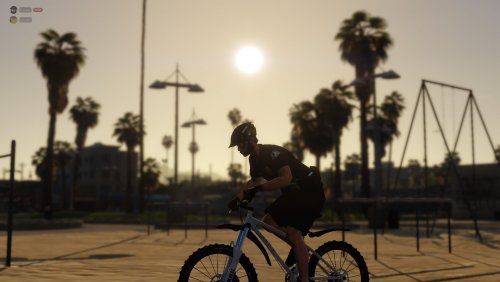 Yeah the exact reason made it too but I decided to release it if anyone wants to use it😀
 -
LAPD EUP BEACH PATROL Includes - Uniform for Bicycle. Uniform for Beach. Installation in the README FILE Make sure to make a backup. Made for EUP 9.4 though will probably work for other versions as well.
-
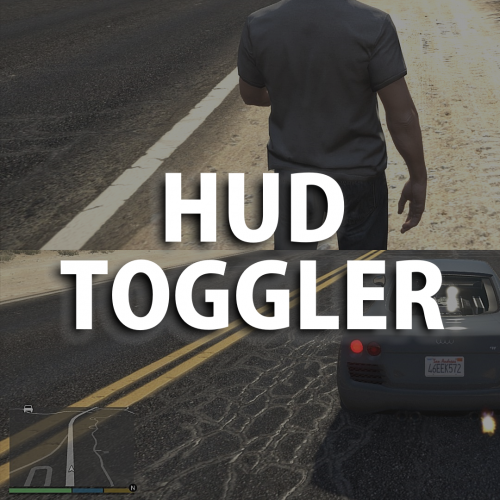 Recommend this! Adds much more fun for example during shootouts when you have to figure out where the suspect is instead of just looking at the map! Also, I know that PLD disappearing is meant to be a bug but I definitely love that it takes off basically everything off the screen😀
 -
Go to x64>audio>sfx. Not ur mods folder!! There u drop the WEAPONS_PLAYER.RPF I provided. If u run into an issue where it says modified bla bla bla then install archive fix here. If u have no idea how to use archive fix it's very simple just drag and drop the weapons_player.rpf into the exe file. If u are still having issues write me on discord. READ THE DESCRIPTION! if you don't understand add me on discord. jakubb#7773
- 144 comments
- 13 reviews
-
-
-
-
 Definitely enjoy this callout pack! Only had two issues though. These blips appear after ending a callout and they are impossible to get rid of! Just a very minor problem but just letting you know! Also during the High-Speed Chase callout, the car spawned in a parking lot and was stuck between two walls until all of the suspects left the vehicle and found a new one. But apart from that, all the callouts are working fine and pretty fun to engage with😃
 -
Hello, thanks for the feedback! Though unfortunately, I cannot do that since I accidentally included one of the RGS sounds so I removed the version. So sadly that is impossible unless you have the old versions somewhere on your computer. Though I think i have the old version so incase I can just send you the wav files of the carbine rifles through discord.
- 144 comments
- 13 reviews
-

.thumb.png.edf1fb47decf48bbf7cde334f5fc057d.png)

