


AngelChaud
Members
-
Joined
-
Last visited
Everything posted by AngelChaud
-
 Thank you, i've fixed it
 -
Yes, every other vehicle works just great but it's only 883 thats messed up
-
I put it back to default and it still has the two floating dots
-
Oh I see, well I edited the files so that i could see the ELS from far away and not look bad from far away. What would you recommend to change in the settings?
-
I added all the ELS the right way and added the pack the right way, i have two dots that are lit up and it's not on the brake lights on the tail lights This is what I see
-
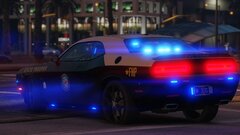
First of all amazing pack, but unit 883 the marked Charger with the integrity light bar i believe has broken brake lights there are two lights that show up like a glowing dot
-
-
-
 Well for me none of my lights flashed, there was little lights inside the car near the cage where the person that is cuffed is placed and that’s it.
 -
The ELS is not working for me
-
 How is the progress on the pack, i cant wait man
 -
 I live in Florida and this is what I hoped for a good ELS and amazing pack like this, will you make a charger pack just as amazing as this one?
- 135 comments
- 20 reviews
-
-

- 1
-
-
 Ah answered my question from a few days ago, amazing man
 -
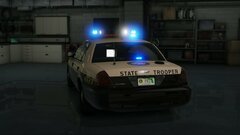 Woo man this is going to be an amazing pack once it releases, I must be blind but I did not see a slick top charger. Are you going to be releasing a slick top charger i think they have the 2016 V8 irl I could be wrong. And also will the newer charger have the valor light bar?
 -
-
-
.thumb.png.2ab768efcbe65de23a7d11999ca83cb8.png) Not to stress you out or anything, could you possibly make models for Panama City Beach Police FL, or Bay County Sheriff's Office?
Not to stress you out or anything, could you possibly make models for Panama City Beach Police FL, or Bay County Sheriff's Office?- 46 comments
- 5 reviews

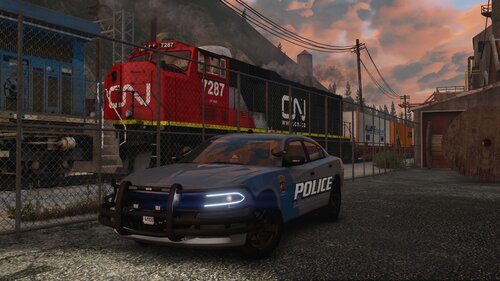



.thumb.png.2ab768efcbe65de23a7d11999ca83cb8.png)