


Poploc8
Members
-
Joined
-
Last visited
Everything posted by Poploc8
-
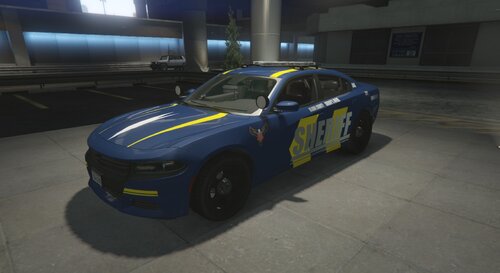 Includes 2 other textures _______________________________________________ INSTRUCTIONS Using OpenIV 1.Install LSPD Mega Pack [ELS] (LAPD Based) 2.2 by 0sc4r, Spitfire7 and Beren 2.Drag the (chargerbcso) textures into (mods)/update/x64/dlcpacks/lspdpack/dlc/x64/vehicles/police8.ytd ______________________________________________ Made while high on laughing gas
