


TheK1ngC1eer
Members
-
Joined
-
Last visited
Everything posted by TheK1ngC1eer
-
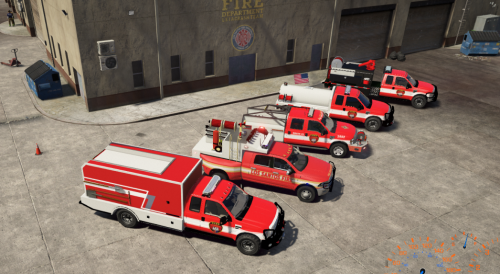 I love the pack, however when I tried to install the .xml for the ELS files, I only have a content.xml and a setup2.xml. There is unfortunately no els.vcf file within the download.
 -
 I'm having an issue with this callout pack as it negates the use of my other callout packs I typically run. is there a way I can write into the script to allow other callouts as well to be used?
- 255 comments
- 16 reviews
-
Upon internet investigation, I've found a laptop that SHOULD support it.
-
So I am trying to operate GTA V and LSPDFR off of a laptop because I'm always on the move in the military and want to take the game with me. I am trying to figure out the operating requirements on a laptop needed to run the program. Either a list or a simple link to a website that'll have the standards will work please.

