Skip to content
View in the app

A better way to browse. Learn more.

LCPDFR.com

A full-screen app on your home screen with push notifications, badges and more.

To install this app on iOS and iPadOS
  1. Tap the Share icon in Safari
  2. Scroll the menu and tap Add to Home Screen.
  3. Tap Add in the top-right corner.
To install this app on Android
  1. Tap the 3-dot menu (⋮) in the top-right corner of the browser.
  2. Tap Add to Home screen or Install app.
  3. Confirm by tapping Install.

5vensk

Members
  • Joined

  • Last visited

Everything posted by 5vensk

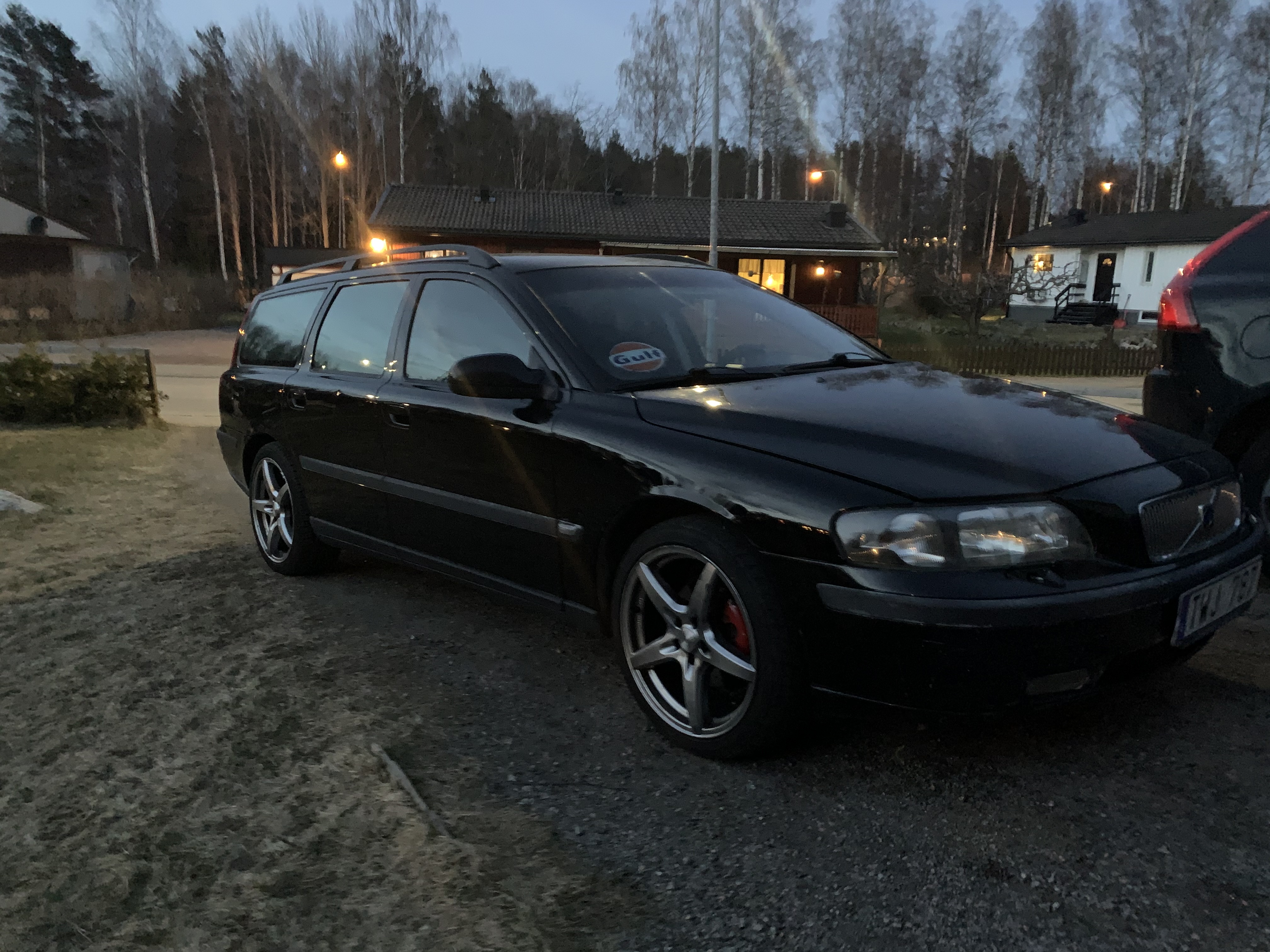
  1. Hello! For a few days ago I replaced my Fbi2 with a volvo v90 unmarked one, I dont know what I have done but when i call for SWAT for an example there is just a bunch of v90's spawning into eachother. Also if i want to drive the car now and I go into the garage i can view the car but my character is outside it and if i select that car i just get a short blackout and then the character walks around a bit and then i get kicked out. Everything used to work perfectly and I have most likely done something wrong. I would appreciate any help. / Thanks in advice
Account

Navigation

Search

Search

Configure browser push notifications

Chrome (Android)
  1. Tap the lock icon next to the address bar.
  2. Tap Permissions → Notifications.
  3. Adjust your preference.
Chrome (Desktop)
  1. Click the padlock icon in the address bar.
  2. Select Site settings.
  3. Find Notifications and adjust your preference.