


Encinoman562
Members
-
Joined
-
Last visited
Everything posted by Encinoman562
-
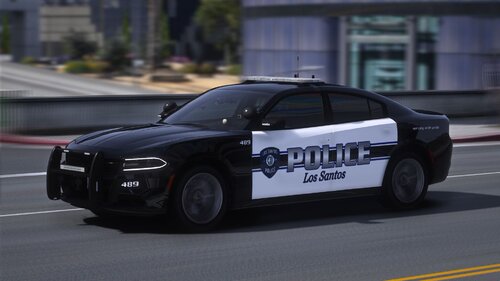 I have both Distance and Extended Distance set to Max. Could it be the original slot that I replaced? I'm using the FPUI for Police3.
- 85 comments
- 5 reviews
-
-

- 1
-
-
I'm having an issue with the 2016 FPIU. The model disappears from a short distance. I did some research and people are saying this a a LOD issue. Is this something I can fix myself because it doesn't look like anyone on this thread has ran into this yet. Thanks.
- 85 comments
- 5 reviews
