


revilcv
Members
-
Joined
-
Last visited
Everything posted by revilcv
-
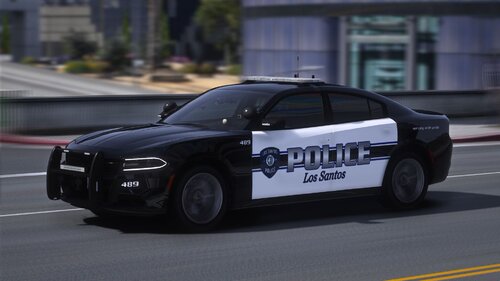 I installed this pack recently but when I run PluginHook it crashes every time since I copied Pdpackk to "...\Grand Theft Auto V\mods\update\x64\dlcpacks" this directory and ELS RED AND BLUE to "...\Grand Theft Auto V\ELS\pack_default" this directory. When first time game crashed I replaced ELS RED AND BLUE with ELS BLUE AND BLUE but again it didn't work. Anybody has any idea why it doesn't work for me? any suggestion? I followed all instructions I watched in tutorials videos on YouTube but it doesn't work for me I have no clue know why!
- 84 comments
- 5 reviews
-
-
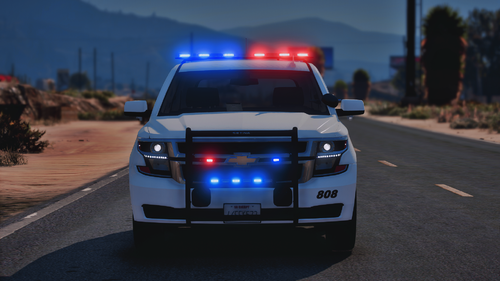 Thank you for your answer. Yeah I created ELS > pack_default folders and I placed all XML files there but when siren lights for police cars in this mod don't work
- 58 comments
- 4 reviews
-
Hi I copied all YTD and YTF files but I don't know where should I place "SHERIFF.xml" and "SHERIFF2.xml" files. Anyone knows? I'm new in GTA 5 modding please help
- 58 comments
- 4 reviews
