jackstacs
Members
-
Joined
-
Last visited
Everything posted by jackstacs
-
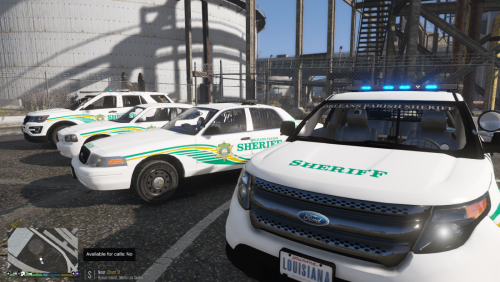 I think you may find this somewhat amusing if you don't already know - Your screenshot somehow turned up as the cover picture of an Orleans Parish Office of Inspector General follow-up report article on their passenger vehicles. https://nolaoig.gov/media/follow-up-report-orleans-parish-criminal-sheriffs-office-passenger-vehicles/
 -
I like this idea a lot. Even when the arrestee is taken under EMS or hospital care, they're still in your custody and are still wearing your handcuffs. For those players who are dying to get back on the street, perhaps an option to have an AI officer follow the ambulance in or relieve you from the Emergency Room?
-
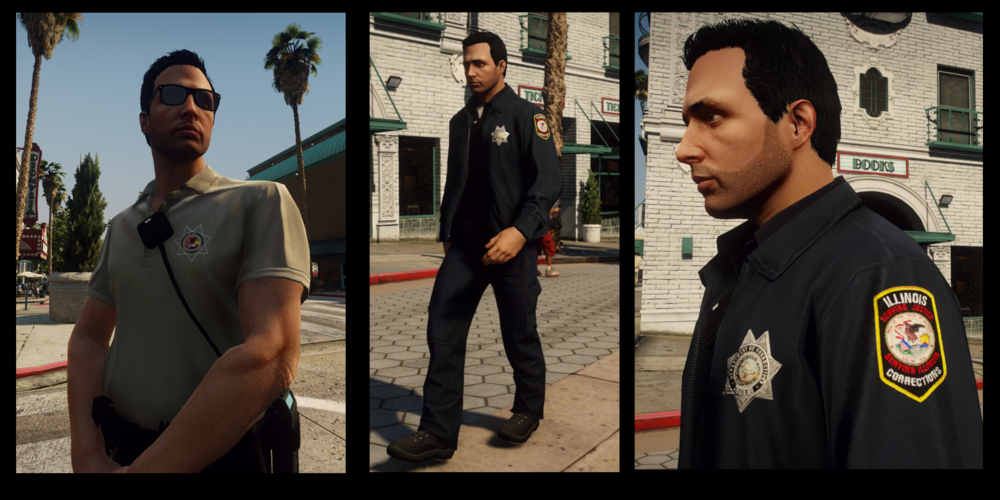
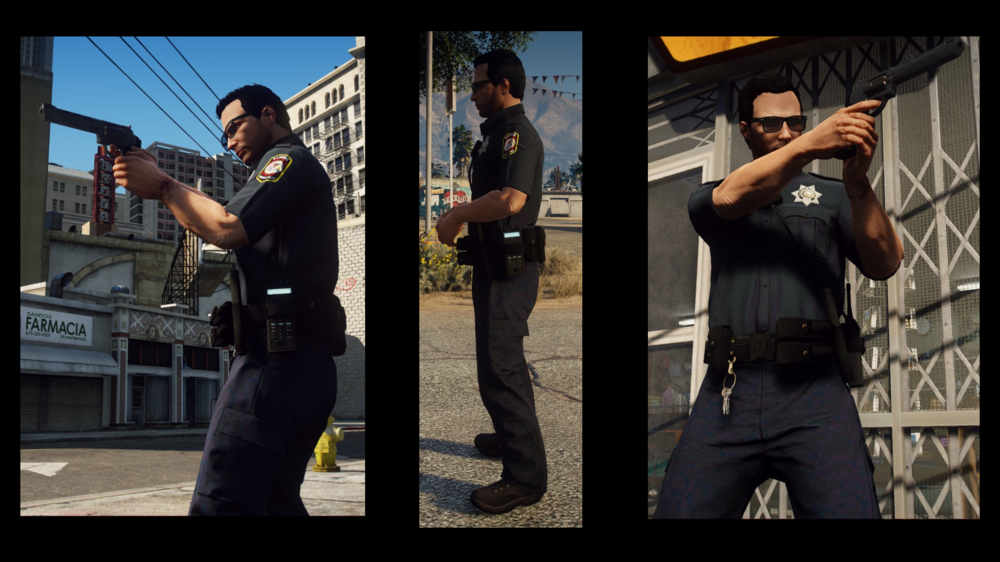
If anyone pops in here with the same issue - I figured it out. Make a new file with the same dimensions but in the Advanced Settings put it to at least 18- or 32-bit gamma integer. If you've been squinting at it and think it's light enough as is, just select the shirt part and right click > Colors > brightness/contrast and crank that brightness up to a slightly uncomfortable level. If you've been doing it like I was, there's a good chance you might be saying to yourself, "Hey...that's a bit too bright and washed out." Nevertheless, it seemed to have worked. I had already zeroed the textures back out to black and white and pretty much eyeballed the midnight navy color and got pretty lucky. Isn't a perfect match, but when these dudes throw their off-brand shirts and pants in the Maytag every night it's a super-duper bet that not everything or anything at all will be a perfect, harmonious match. And that's a fact lol. *edit: Before anyone notices, I was just testing stuff out. I know he's got a revolver with pistol magazine pouches. Need to work on that between the Glock and revolver kits.
-
Howdy! I was wondering if anyone else here has had an issue with photo editing programs like GIMP exporting Midnight Navy/LAPD Blue textures. It comes off as kindof an odd off-color blackish red, like an ink stain or something. This is my first time really messing with uniform textures so I'm sure I'm missing something simple here. Any tips appreciated! PS the rest of the pack is coming along fairly well.