
Austin3922
Members
-
Joined
-
Last visited
Everything posted by Austin3922
-
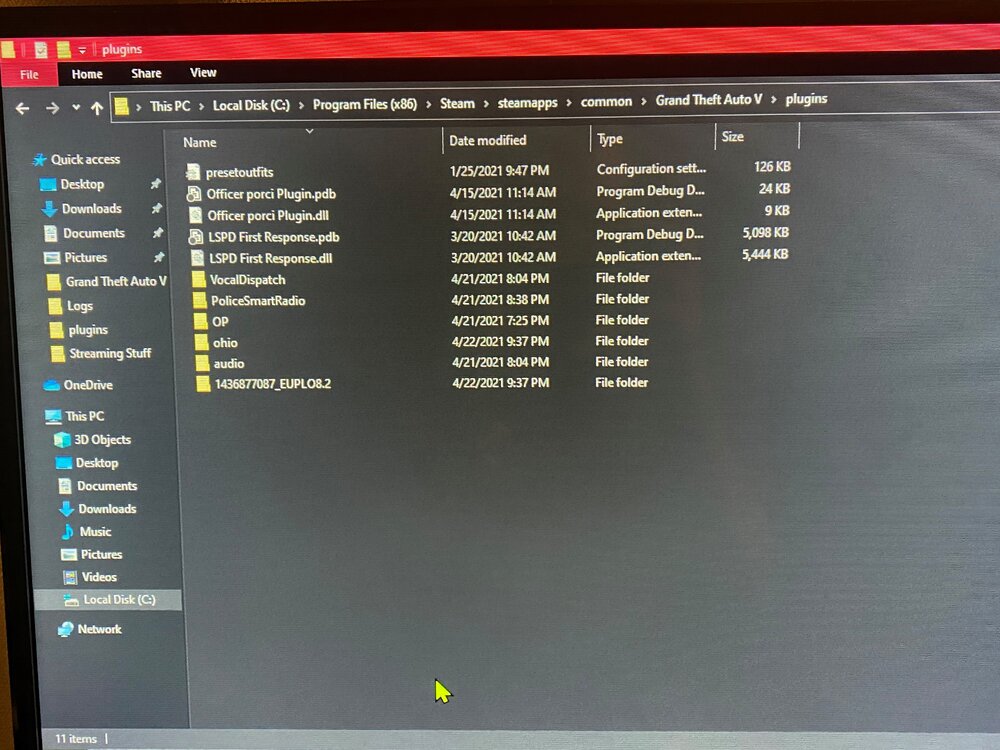
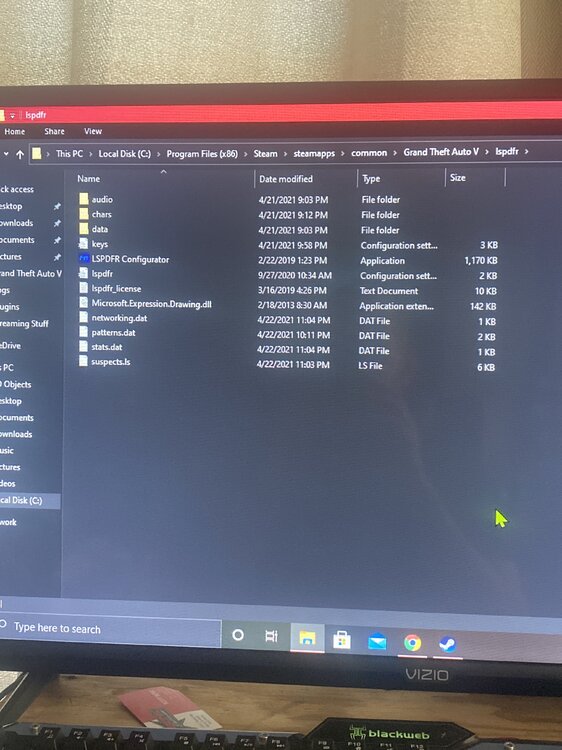
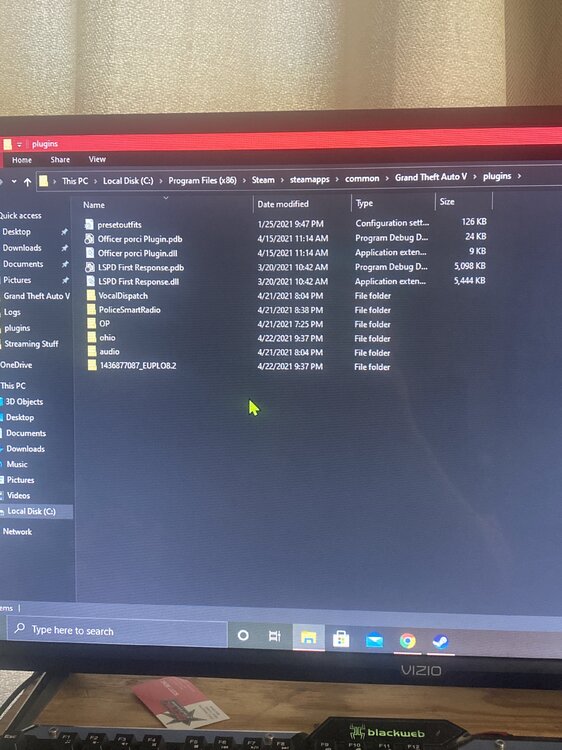
SO should i just create folder, delete all plugins and start over? all i downloaded so far was a dodge charger, officer pourci, preset outfits, just trying to figure out how things work. Ive tried to create a folder before in plugins for Lspdfr and it wouldn't load the First Response at all, when where its at now it will load, so it was throwing me off. so should it look like this? Installing that mod downloader
-
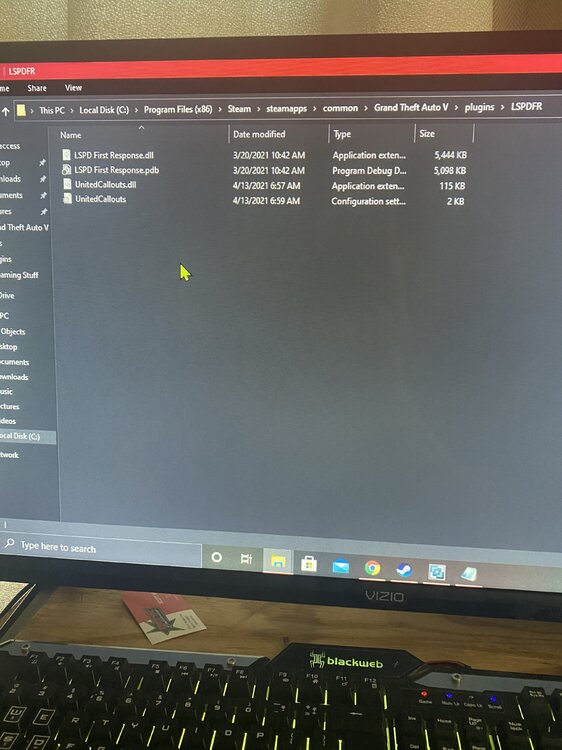
do i make that folder? it wasn’t on here previously
-
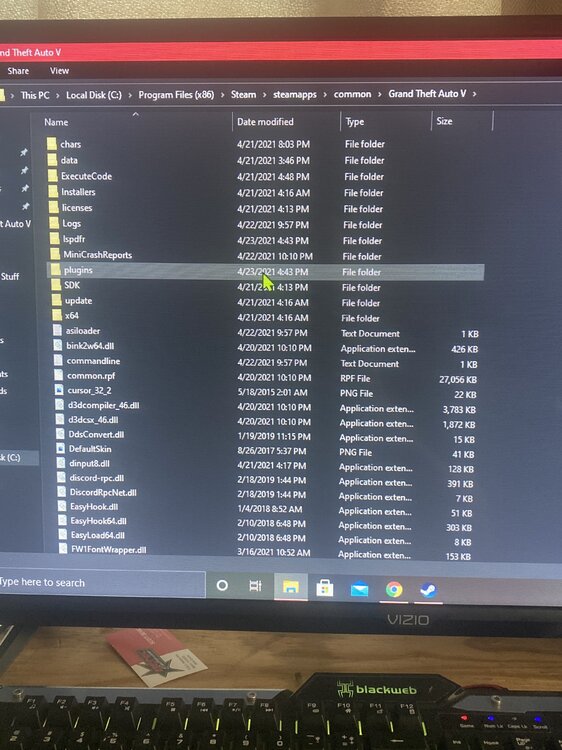
it loads first response fine, not any of the others tho. please help!
-
so i made a folder for lspdfr in the plugins folder and it’s not recognizing any of them now.. before it read LSPD FIRST RESPONSE but none that i’ve downloaded in.
-
i will try that when i get home. thank you so much!! i’ll post later of what i get.
-
Ive checked this forum on past issues of this, and ive tried everything ive seen. please help, only thing that works is LSPD First Response. New to all of this, been on console all of my life!!:)