


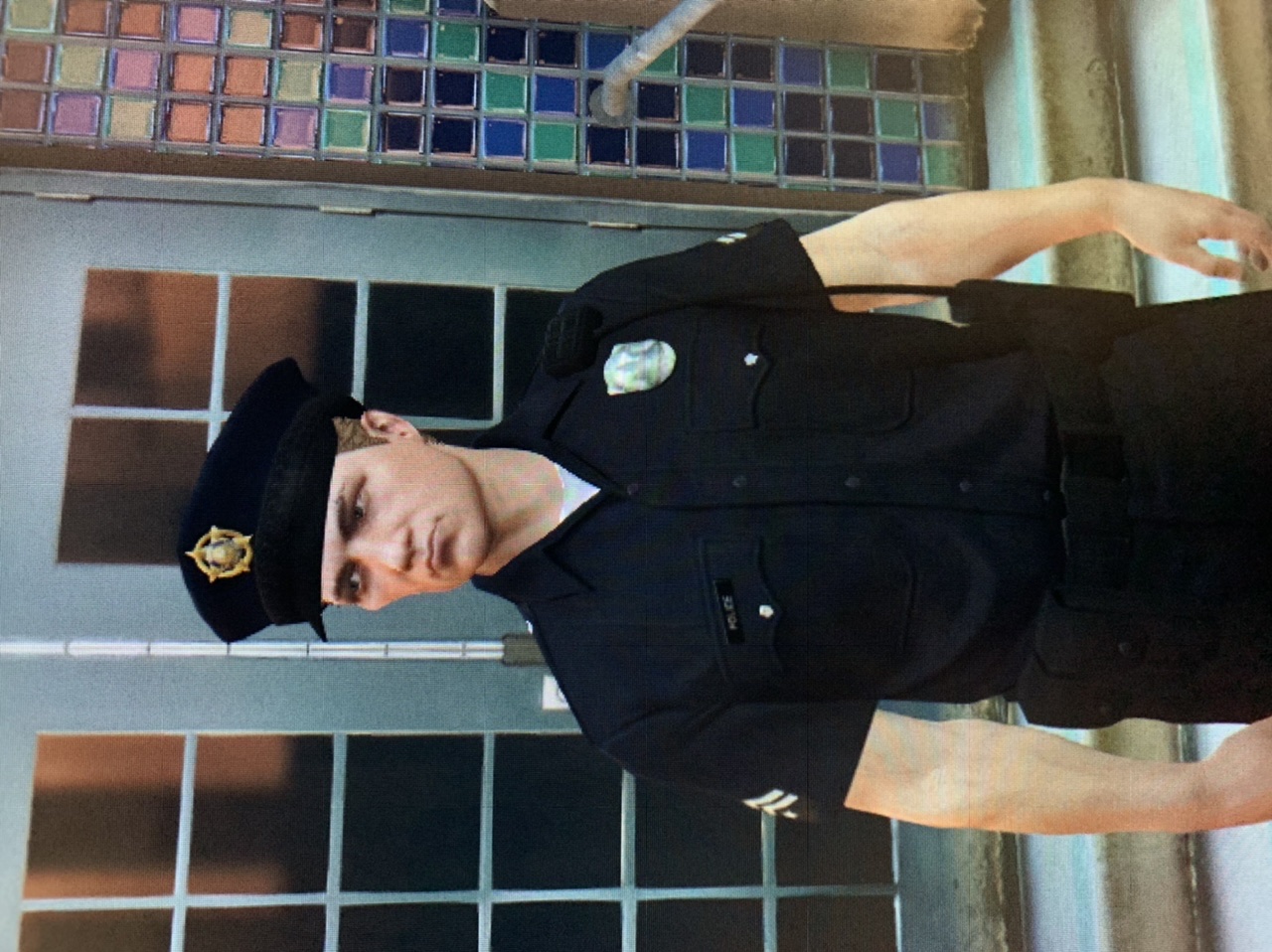

Officer Bill Bannar
Members
-
Joined
Everything posted by Officer Bill Bannar
-
My lspdfr keeps on crashing on the loading screen when the plug-ins load. It says populating world and then it loads my 3 plug-ins in which it then crashes and then it shuts down. i have updated everything since the new update that came out. I am not sure what to do. I have the log update attached below and maybe someone could help me figure this out. RagePluginHook_03052024_003513.log
-
Here is my rage plugin file. I can’t figure it out. RagePluginHook_24042024_224429 04-24-2024.txt
-
First Response crashing when going off duty. Any idea what it could be? RagePluginHook_12042023_220913.log
-
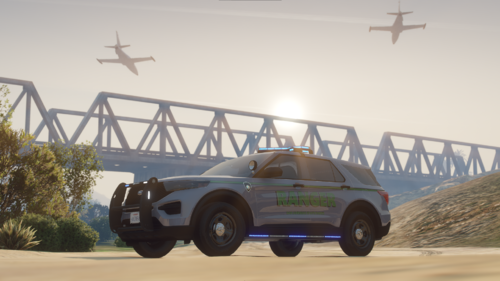 Just downloaded the park ranger pack. Great pack!!! I am enjoying it. However, the vehicles are disappearing at far distances. Maybe add a vehicle.meta to the pack for LOD? Thank you for this car pack and great work!!!
- 11 comments
- 5 reviews
-
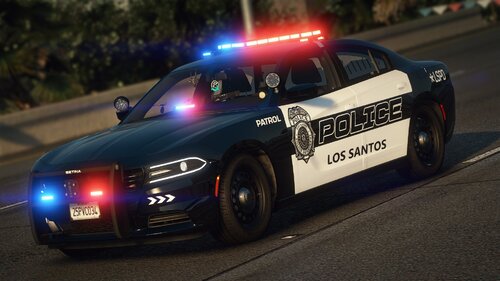 I love this vehicle pack, I have one question. How do I put all the vehicles into the LSPD slot instead of them being all scattered around into other departments?
- 76 comments
- 15 reviews
-
How do I fix the color to black to white on the default LSPD police cars?

